切换按钮
简介
切换按钮输入提供一组按钮,可从预定义选项列表中选择单个或多个值:
use Filament\Forms\Components\ToggleButtons;

ToggleButtons::make('status')
    ->options([
        'draft' => 'Draft',
        'scheduled' => 'Scheduled',
        'published' => 'Published'
    ])
TIP
除静态数组外,options() 方法也接受函数以动态计算选项。可将各种工具注入该函数作为参数。
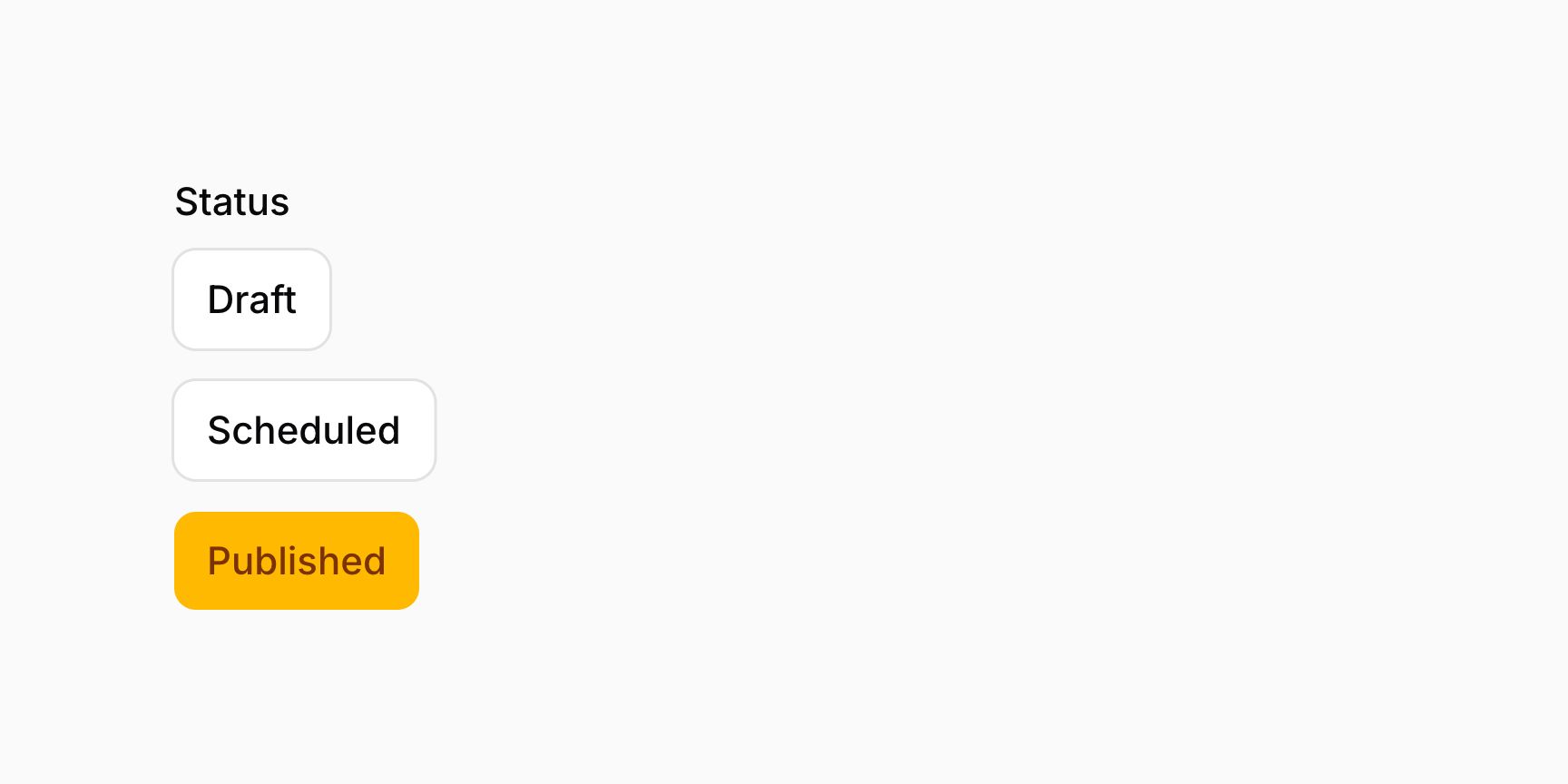
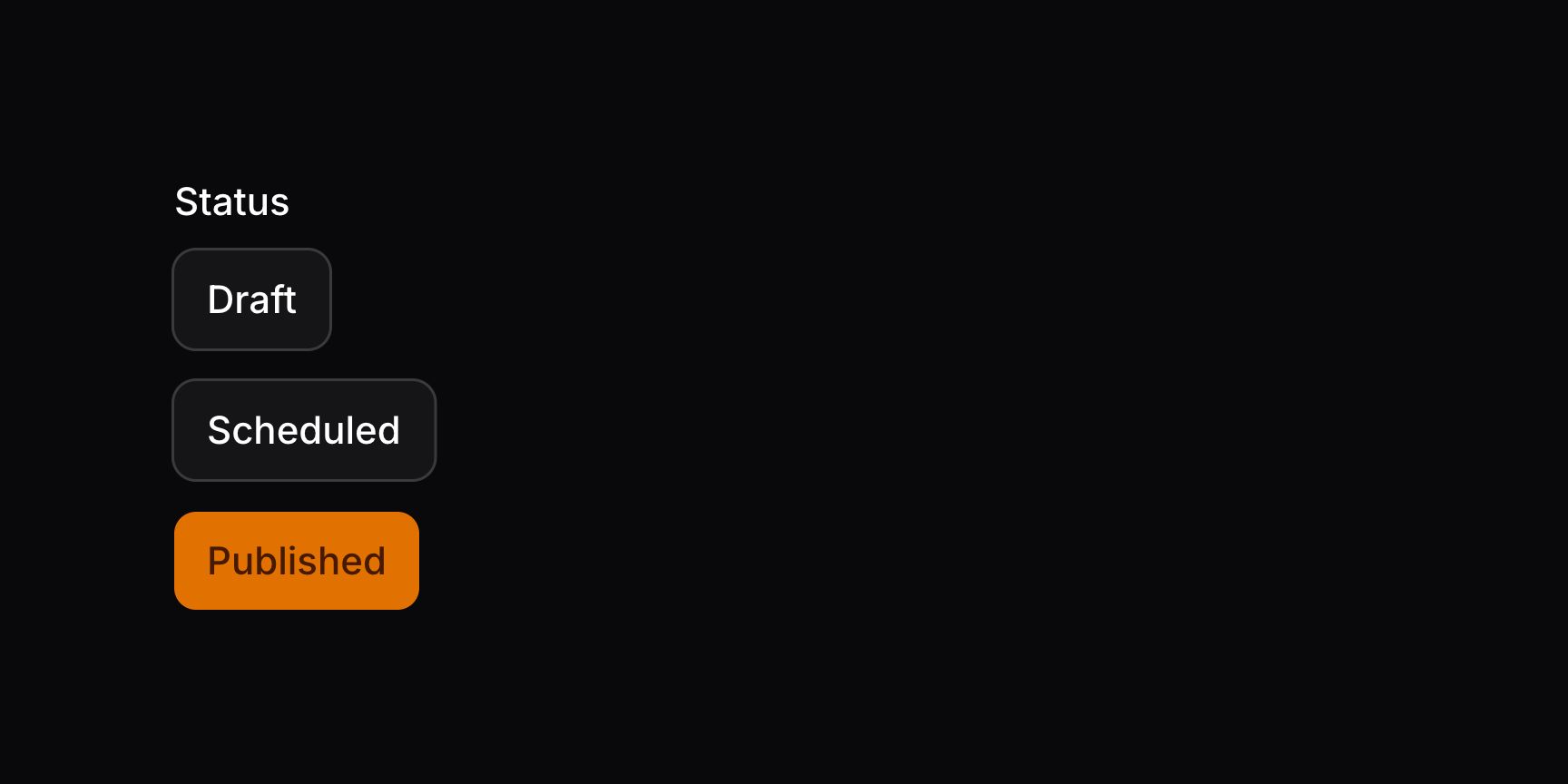
更改选项按钮的颜色
可用 colors() 方法更改选项按钮的颜色。数组中的每个键应对应一个选项值:
use Filament\Forms\Components\ToggleButtons;

ToggleButtons::make('status')
    ->options([
        'draft' => 'Draft',
        'scheduled' => 'Scheduled',
        'published' => 'Published'
    ])
    ->colors([
        'draft' => 'info',
        'scheduled' => 'warning',
        'published' => 'success',
    ])
若选项使用枚举,可用 HasColor 接口 定义颜色。
TIP
除静态数组外,colors() 方法也接受函数以动态计算颜色。可将各种工具注入该函数作为参数。


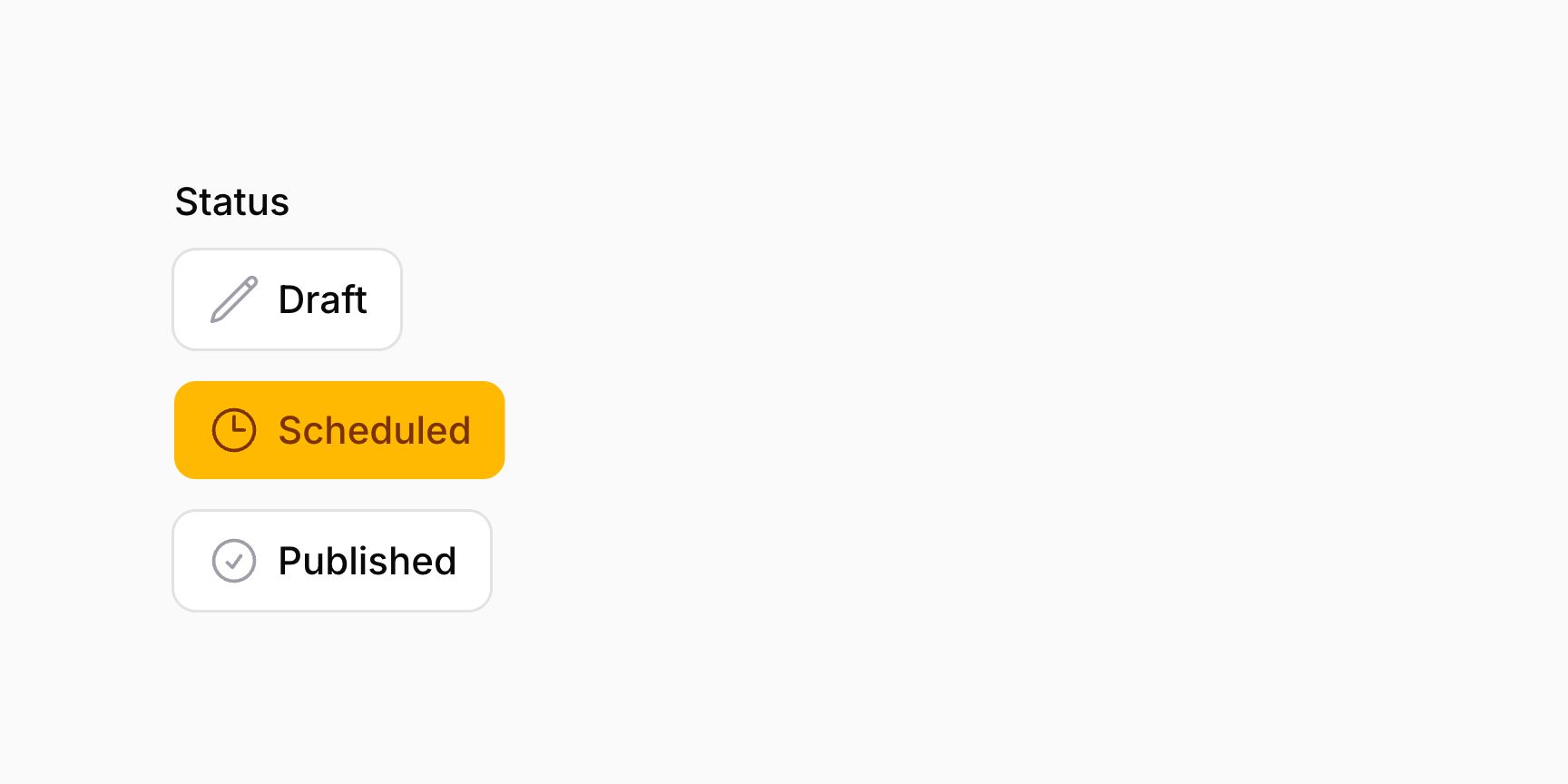
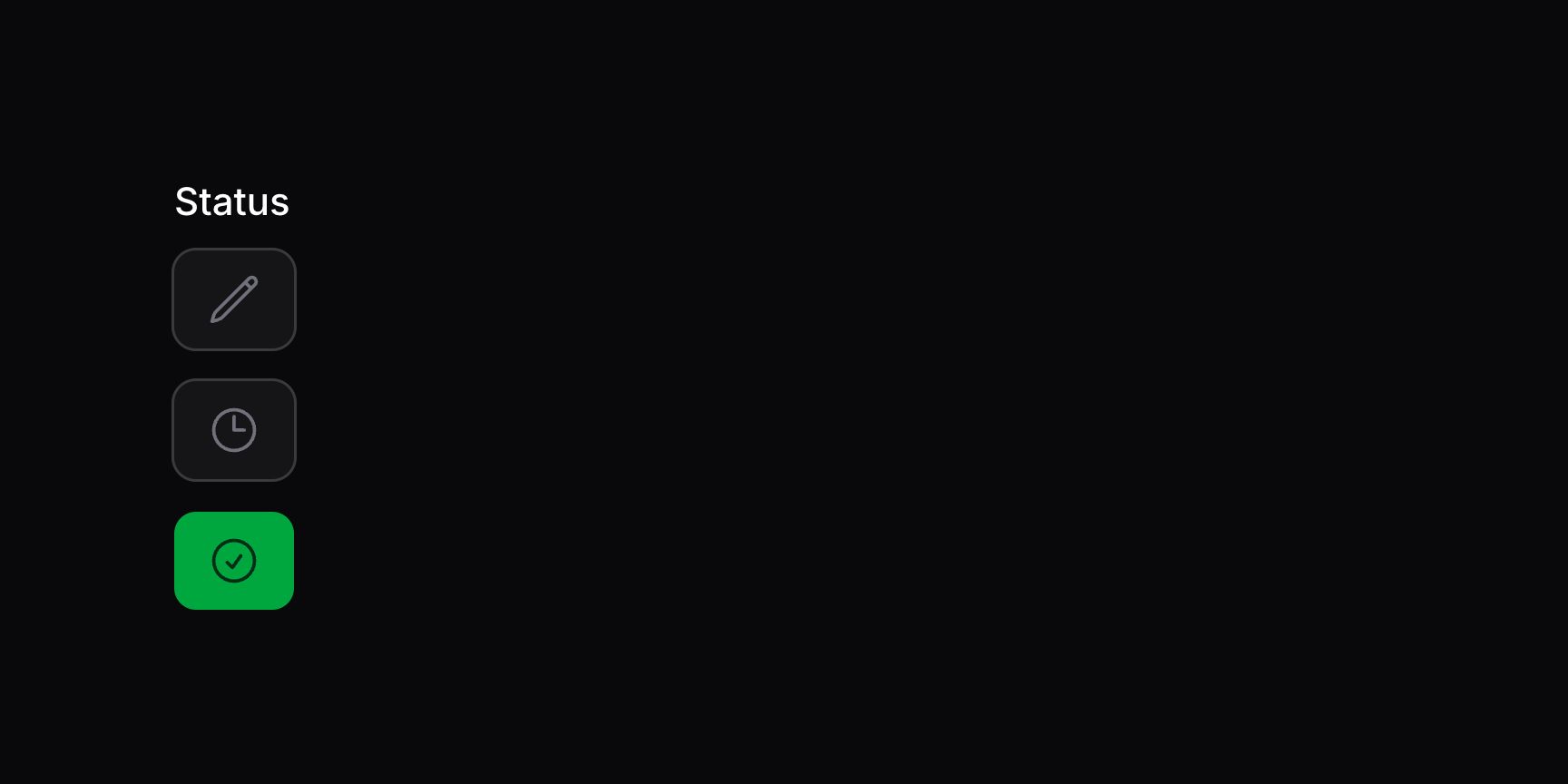
为选项按钮添加图标
use Filament\Forms\Components\ToggleButtons;
use Filament\Support\Icons\Heroicon;

ToggleButtons::make('status')
    ->options([
        'draft' => 'Draft',
        'scheduled' => 'Scheduled',
        'published' => 'Published'
    ])
    ->icons([
        'draft' => Heroicon::OutlinedPencil,
        'scheduled' => Heroicon::OutlinedClock,
        'published' => Heroicon::OutlinedCheckCircle,
    ])
TIP
除静态数组外,icons() 方法也接受函数以动态计算图标。可将各种工具注入该函数作为参数。
若选项使用枚举,可用 HasIcon 接口 定义图标。

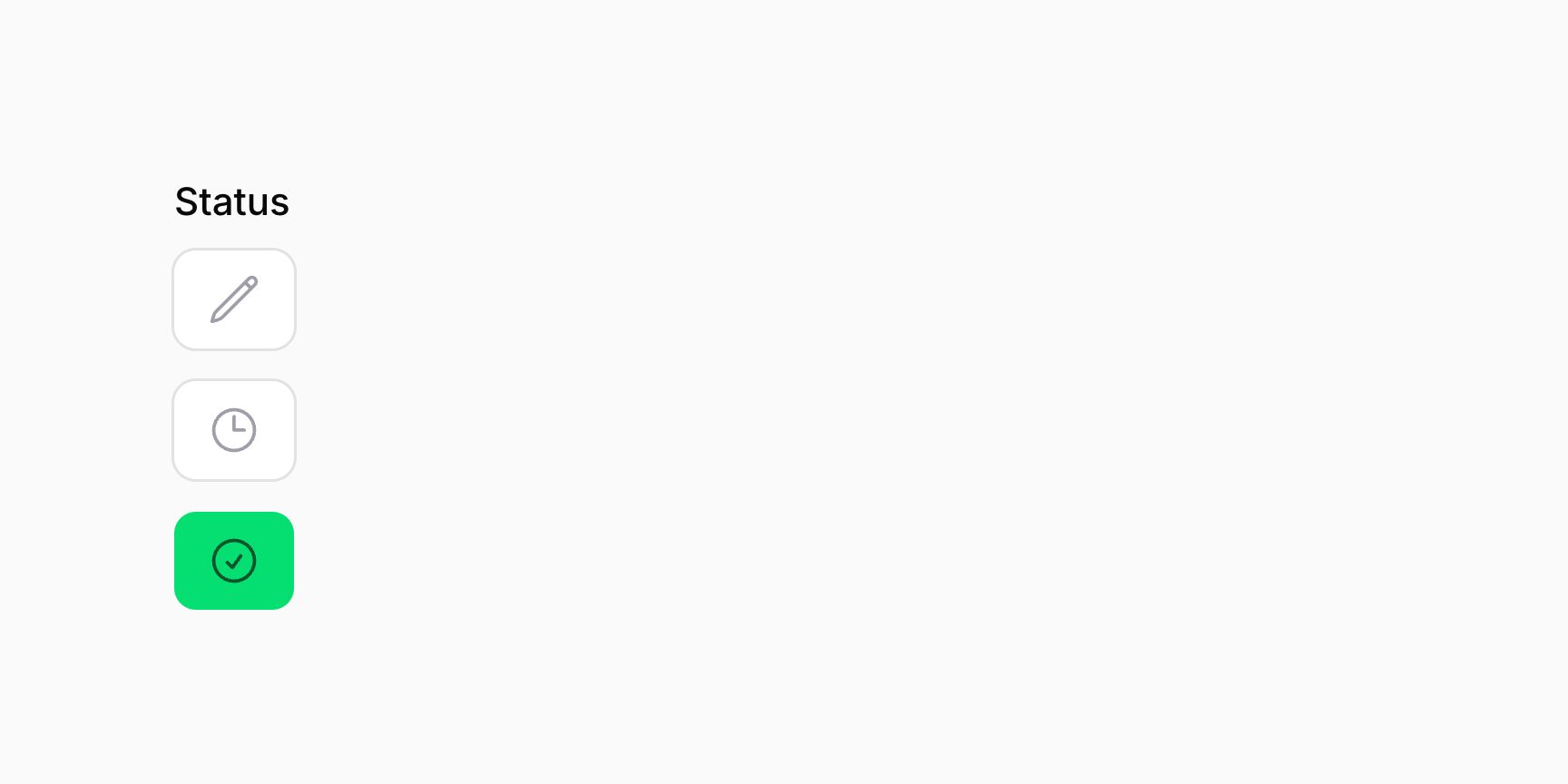
若只想显示图标,可用 hiddenButtonLabels() 隐藏选项标签。
为选项按钮添加工具提示
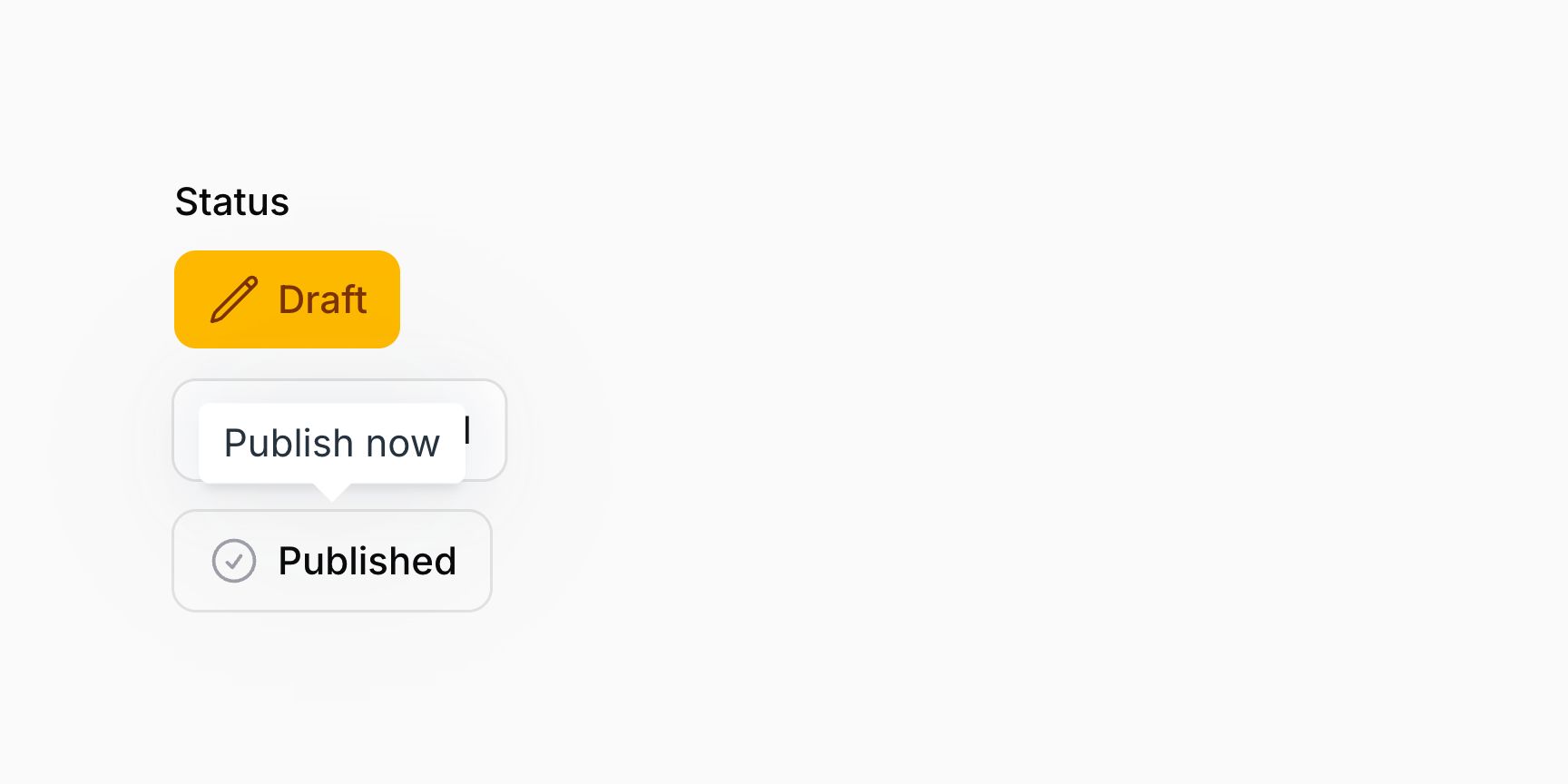
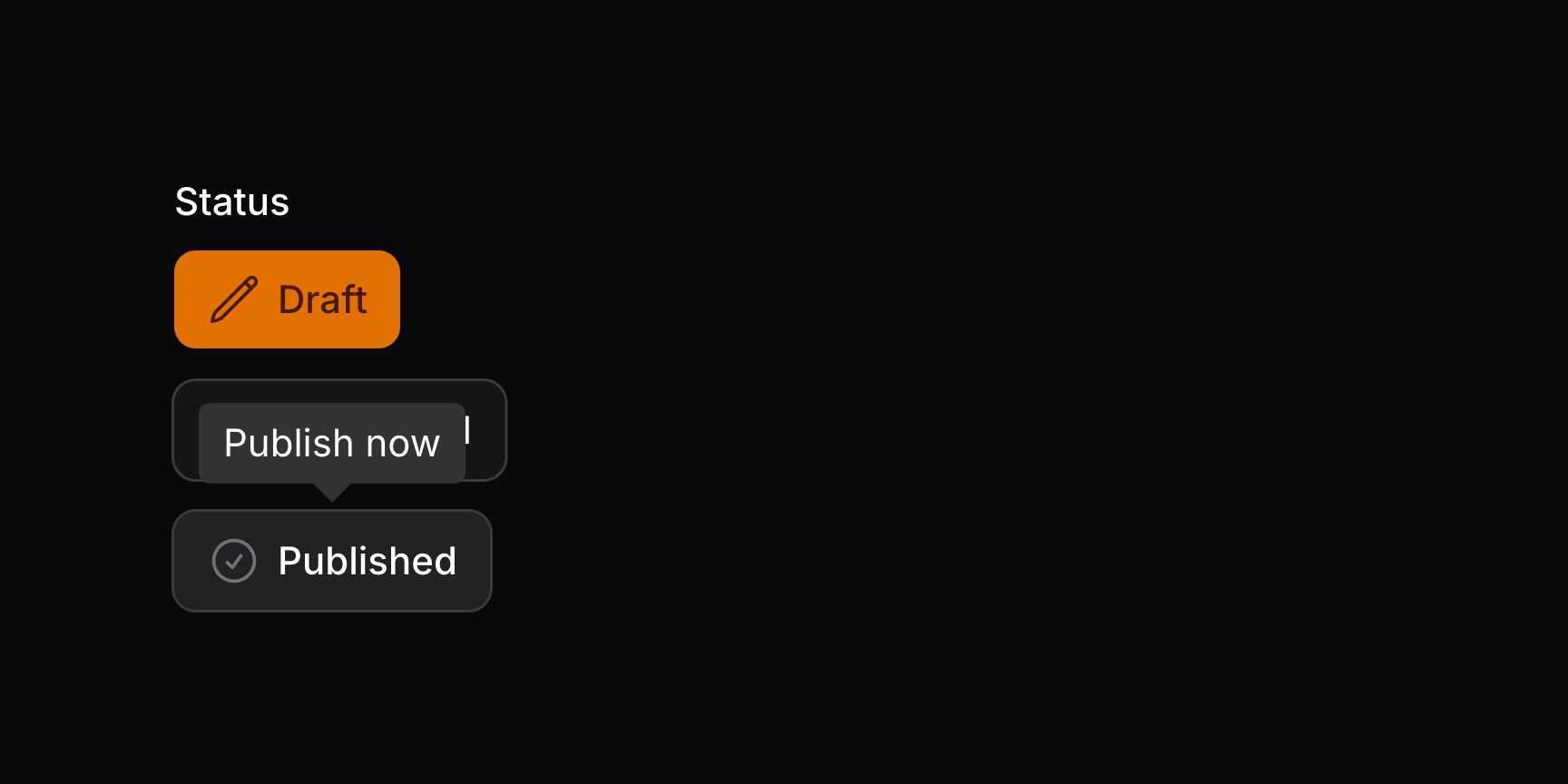
可用 tooltips() 方法为每个选项按钮添加不同的工具提示。
use Filament\Forms\Components\ToggleButtons;

ToggleButtons::make('status')
    ->options([
        'draft' => 'Draft',
        'scheduled' => 'Scheduled',
        'published' => 'Published',
    ])
    ->tooltips([
        'draft' => 'Set as a draft before publishing.',
        'scheduled' => 'Schedule publishing on a specific date.',
        'published' => 'Publish now',
    ])
TIP
除静态数组外,tooltips() 方法也接受函数以动态计算工具提示。可将各种工具注入该函数作为参数。
布尔选项
若需要带「是」和「否」选项的简单布尔切换按钮组,可使用 boolean() 方法:
use Filament\Forms\Components\ToggleButtons;

ToggleButtons::make('feedback')
    ->label('Like this post?')
    ->boolean()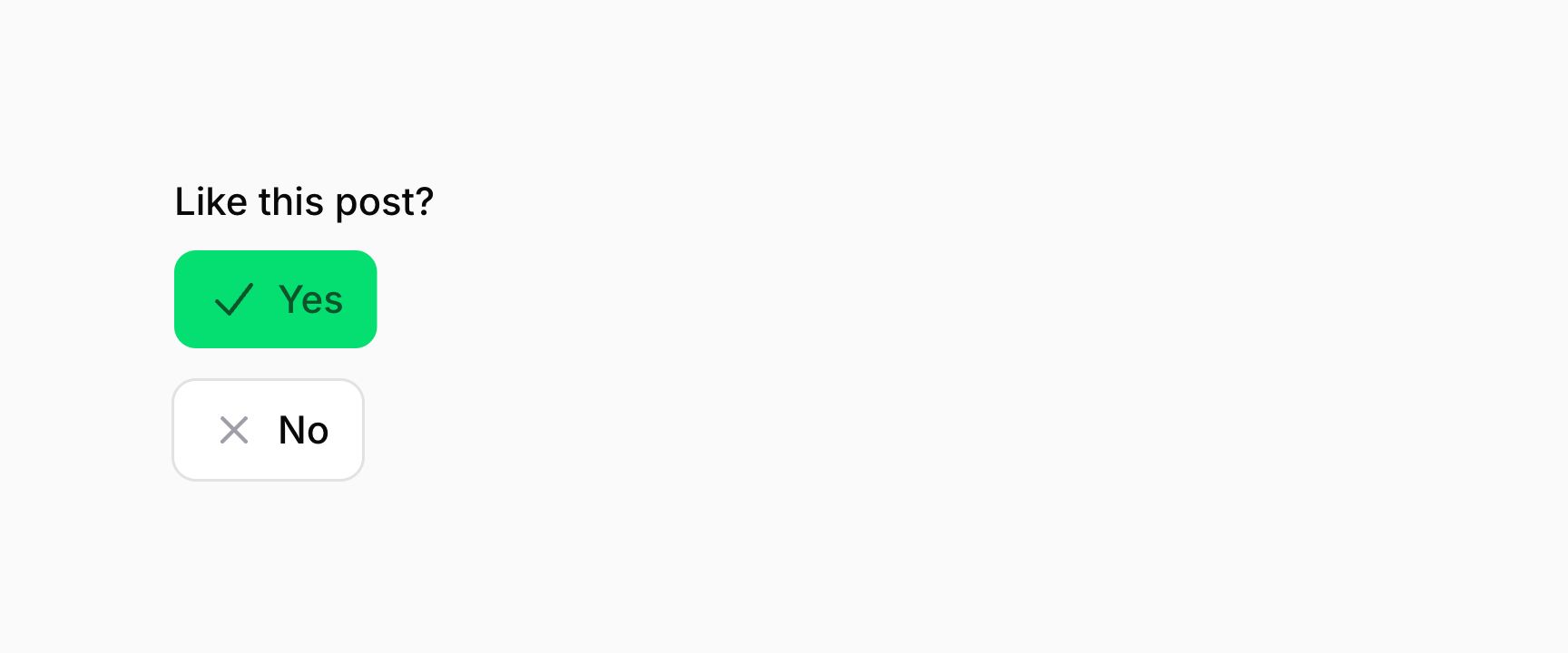

要自定义「是」标签,可在 boolean() 方法上使用 trueLabel 参数:
use Filament\Forms\Components\ToggleButtons;

ToggleButtons::make('feedback')
    ->label('Like this post?')
    ->boolean(trueLabel: 'Absolutely!')
要自定义「否」标签,可在 boolean() 方法上使用 falseLabel 参数:
use Filament\Forms\Components\ToggleButtons;

ToggleButtons::make('feedback')
    ->label('Like this post?')
    ->boolean(falseLabel: 'Not at all!')
将选项并排显示
若希望按钮彼此并排显示,可使用 inline():
use Filament\Forms\Components\ToggleButtons;

ToggleButtons::make('feedback')
    ->label('Like this post?')
    ->boolean()
    ->inline()

也可传入布尔值,控制按钮是否并排:
use Filament\Forms\Components\ToggleButtons;

ToggleButtons::make('feedback')
    ->label('Like this post?')
    ->boolean()
    ->inline(FeatureFlag::active())
TIP
除静态值外,inline() 方法也接受函数以动态计算。可将各种工具注入该函数作为参数。
分组选项按钮
可用 grouped() 方法将选项按钮分组,使其更紧凑,同时也会水平并排显示:
use Filament\Forms\Components\ToggleButtons;

ToggleButtons::make('feedback')
    ->label('Like this post?')
    ->boolean()
    ->grouped()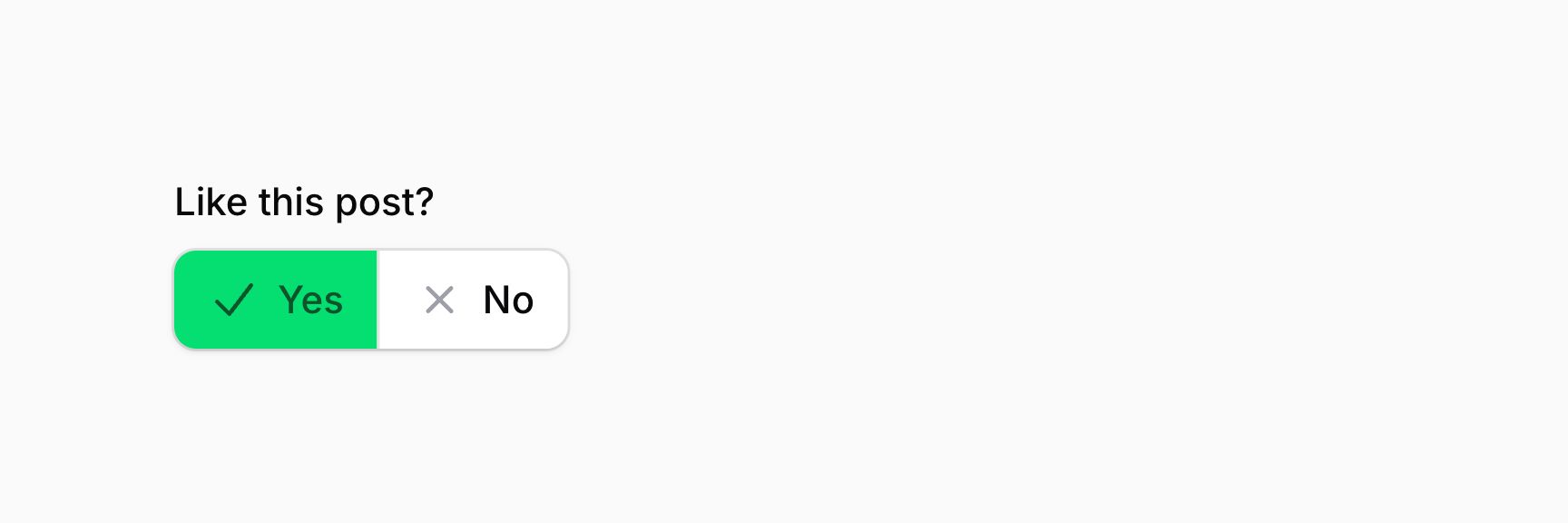

也可传入布尔值,控制按钮是否分组:
use Filament\Forms\Components\ToggleButtons;

ToggleButtons::make('feedback')
    ->label('Like this post?')
    ->boolean()
    ->grouped(FeatureFlag::active())
TIP
除静态值外,grouped() 方法也接受函数以动态计算。可将各种工具注入该函数作为参数。
选择多个按钮
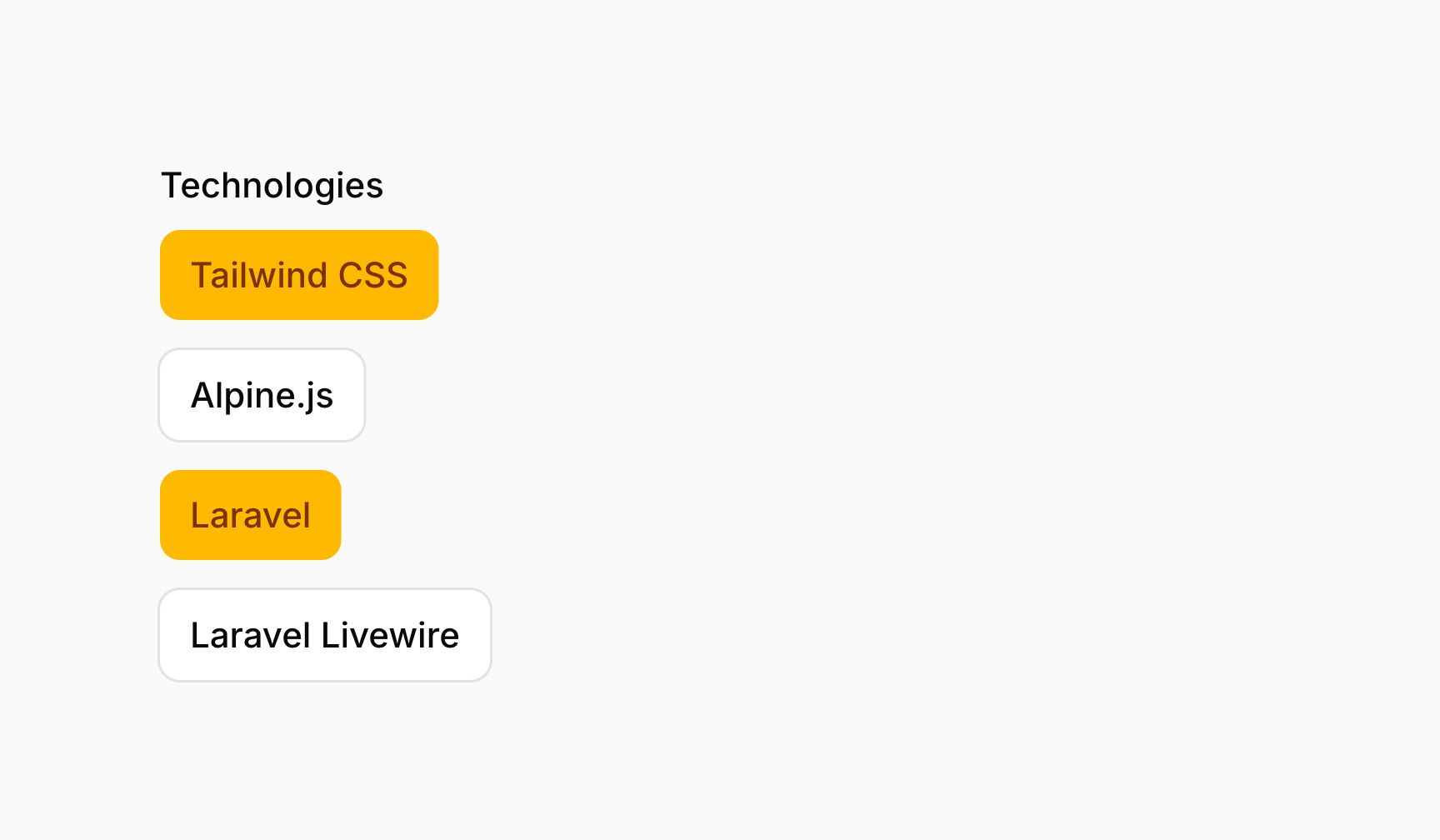
ToggleButtons 组件的 multiple() 方法允许从选项列表中选择多个值:
use Filament\Forms\Components\ToggleButtons;

ToggleButtons::make('technologies')
    ->multiple()
    ->options([
        'tailwind' => 'Tailwind CSS',
        'alpine' => 'Alpine.js',
        'laravel' => 'Laravel',
        'livewire' => 'Laravel Livewire',
    ])
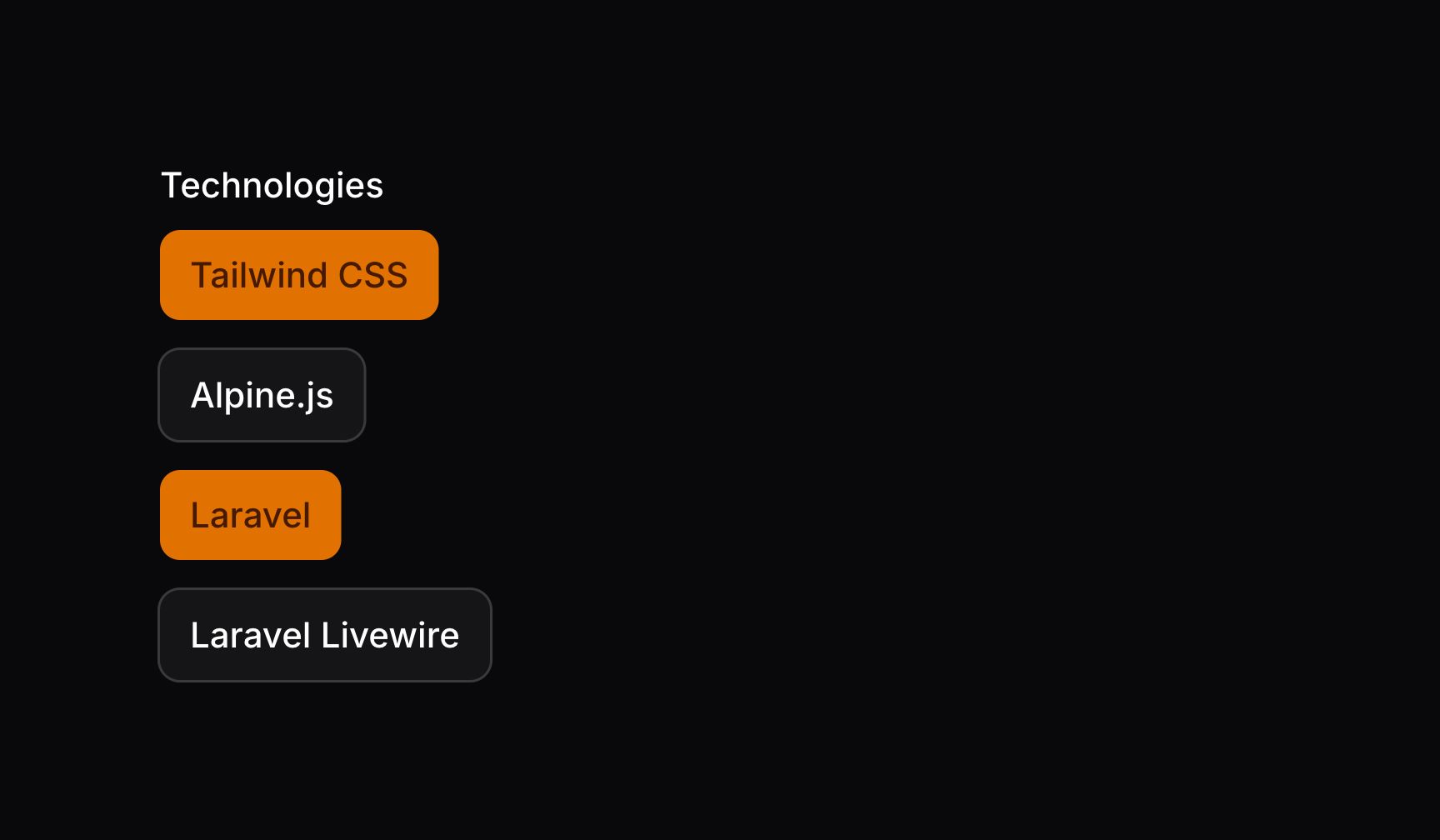
这些选项以 JSON 格式返回。若用 Eloquent 保存,请务必在模型属性上添加 array 转换(cast):
use Illuminate\Database\Eloquent\Model;

class App extends Model
{
    /**
     * @return array<string, string>
     */
    protected function casts(): array
    {
        return [
            'technologies' => 'array',
        ];
    }

    // ...
}
也可传入布尔值,控制是否允许多选:
use Filament\Forms\Components\ToggleButtons;

ToggleButtons::make('technologies')
    ->multiple(FeatureFlag::active())
    ->options([
        'tailwind' => 'Tailwind CSS',
        'alpine' => 'Alpine.js',
        'laravel' => 'Laravel',
        'livewire' => 'Laravel Livewire',
    ])
TIP
除静态值外,multiple() 方法也接受函数以动态计算。可将各种工具注入该函数作为参数。
将选项拆分为多列
可用 columns() 方法将选项拆分为多列:
use Filament\Forms\Components\ToggleButtons;

ToggleButtons::make('technologies')
    ->options([
        // ...
    ])
    ->columns(2)
TIP
除静态值外,columns() 方法也接受函数以动态计算。可将各种工具注入该函数作为参数。
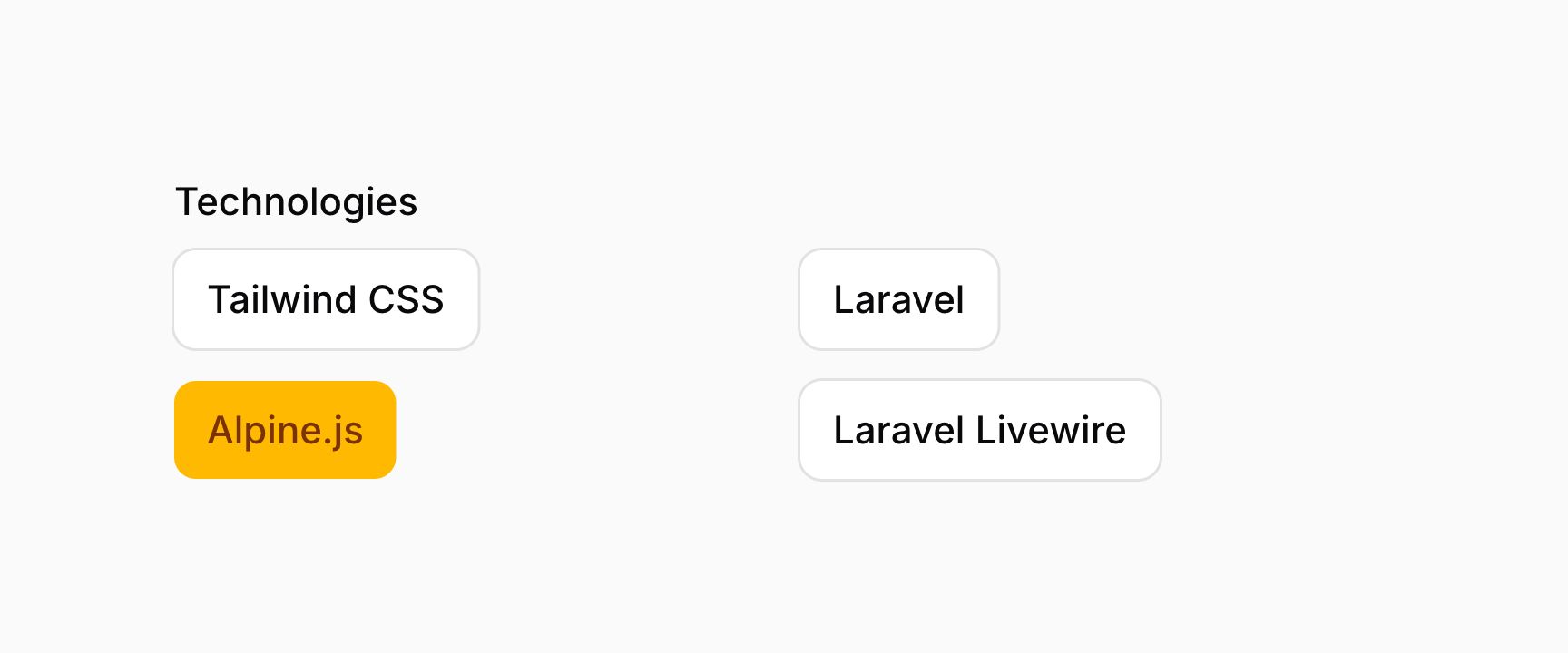
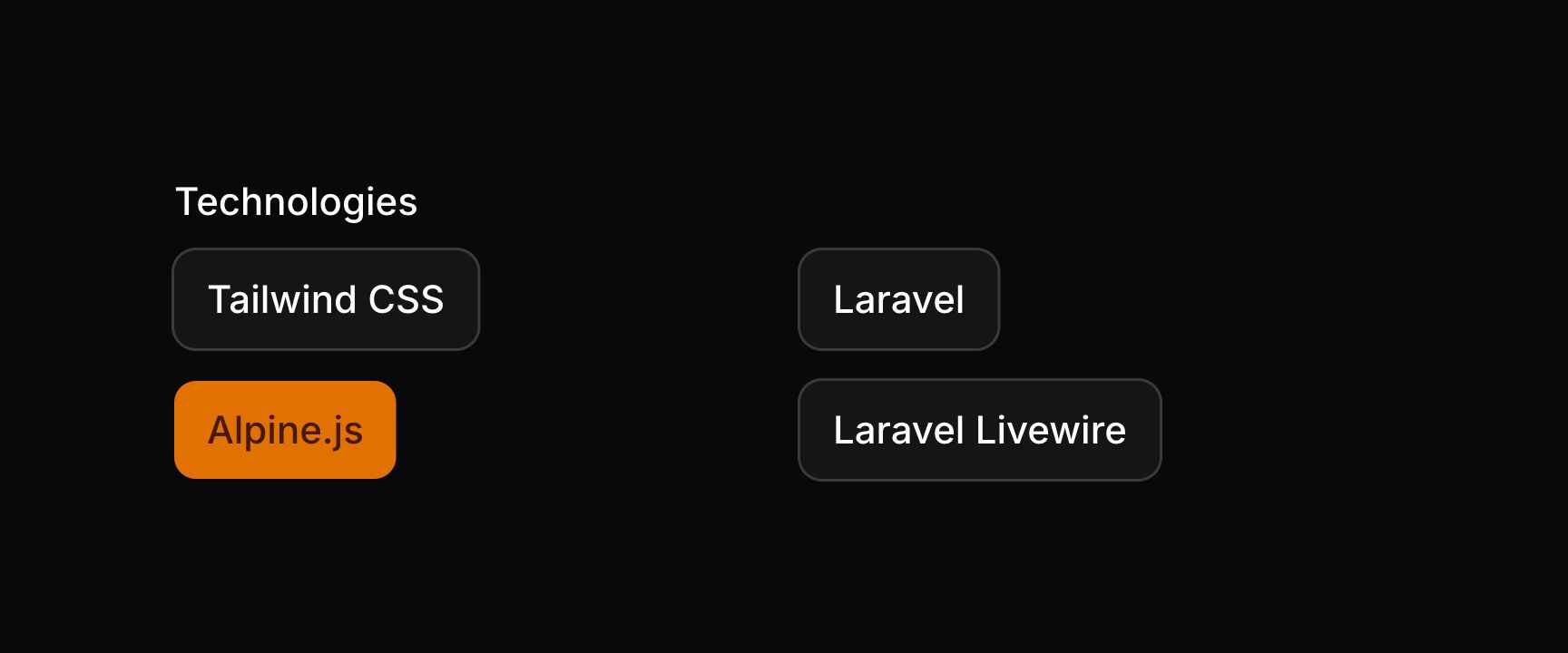
该方法接受与 网格 的 columns() 方法相同的选项,从而可在各断点响应式自定义列数。
设置网格方向
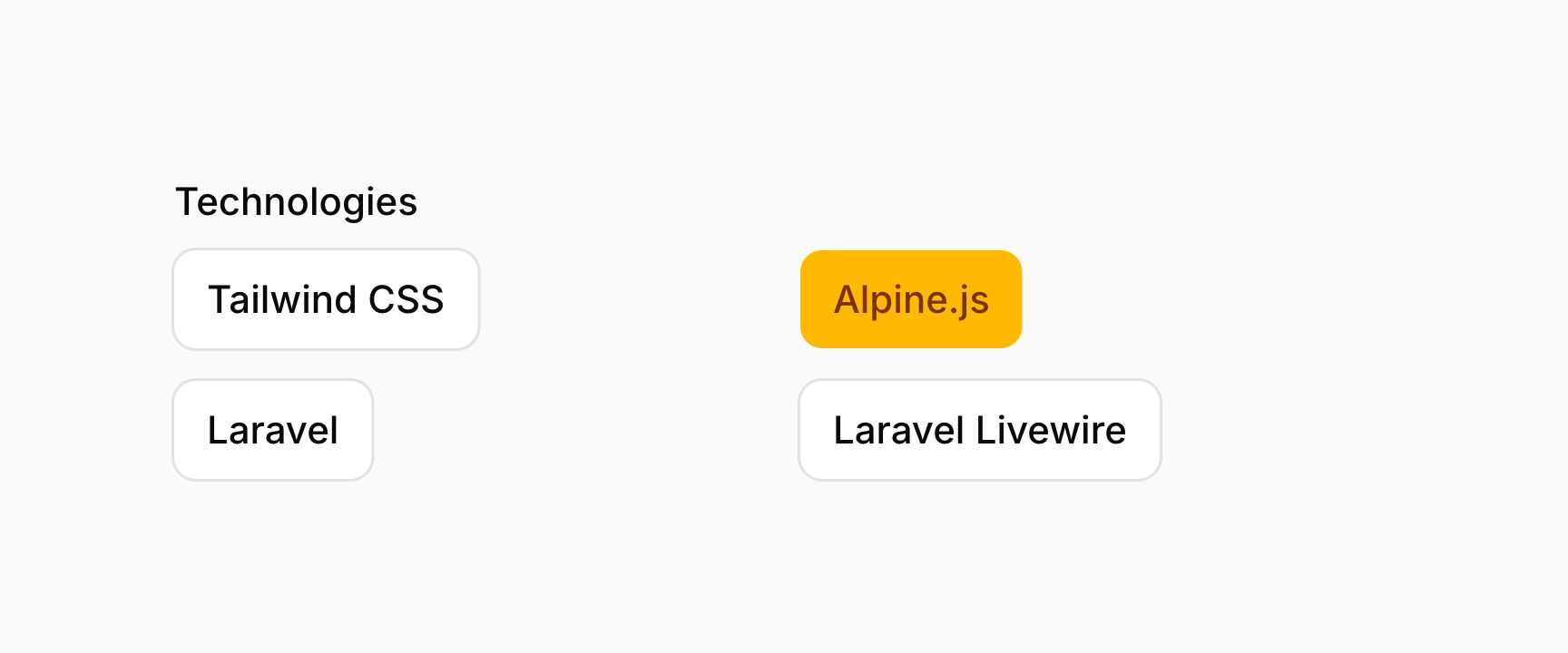
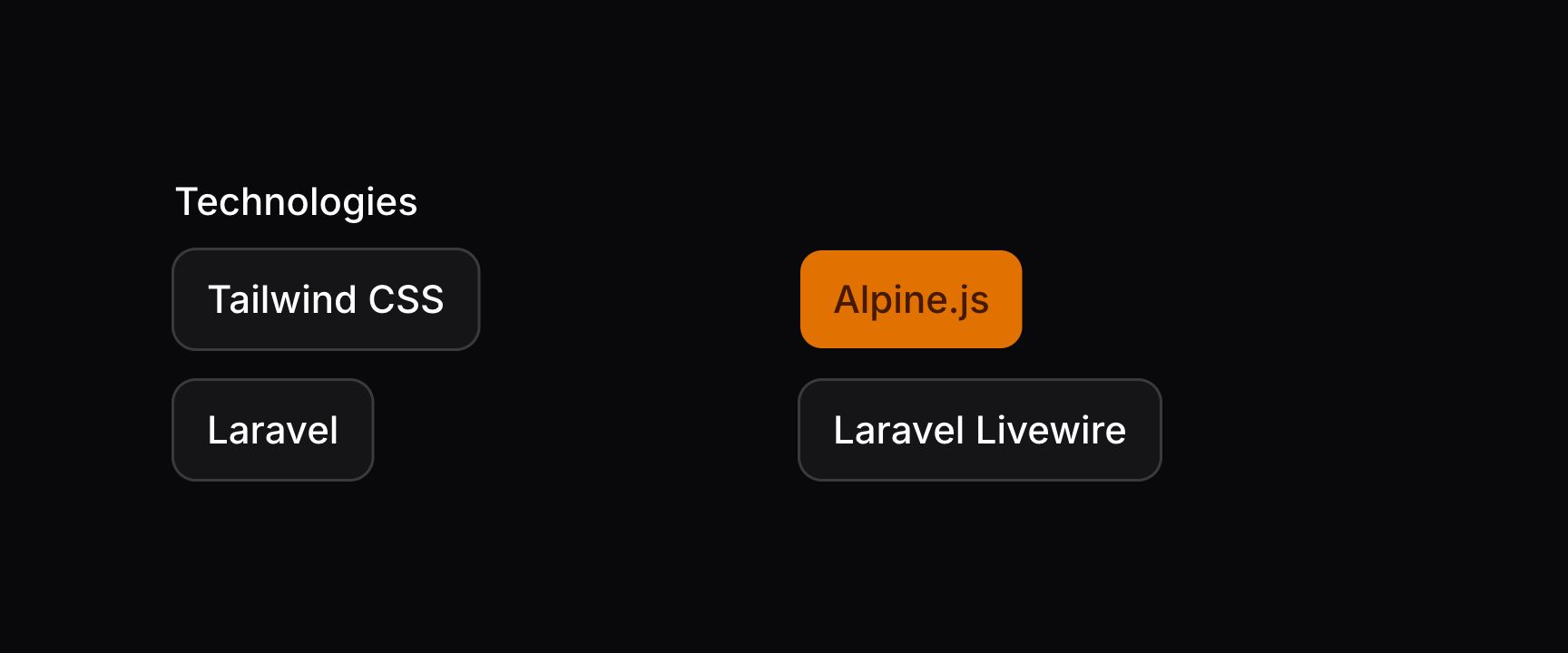
默认情况下,将按钮排成多列时会按垂直顺序排列。若希望水平排列,可使用 gridDirection(GridDirection::Row) 方法:
use Filament\Forms\Components\ToggleButtons;
use Filament\Support\Enums\GridDirection;

ToggleButtons::make('technologies')
    ->options([
        // ...
    ])
    ->columns(2)
    ->gridDirection(GridDirection::Row)
TIP
除静态值外,gridDirection() 方法也接受函数以动态计算。可将各种工具注入该函数作为参数。
禁用特定选项
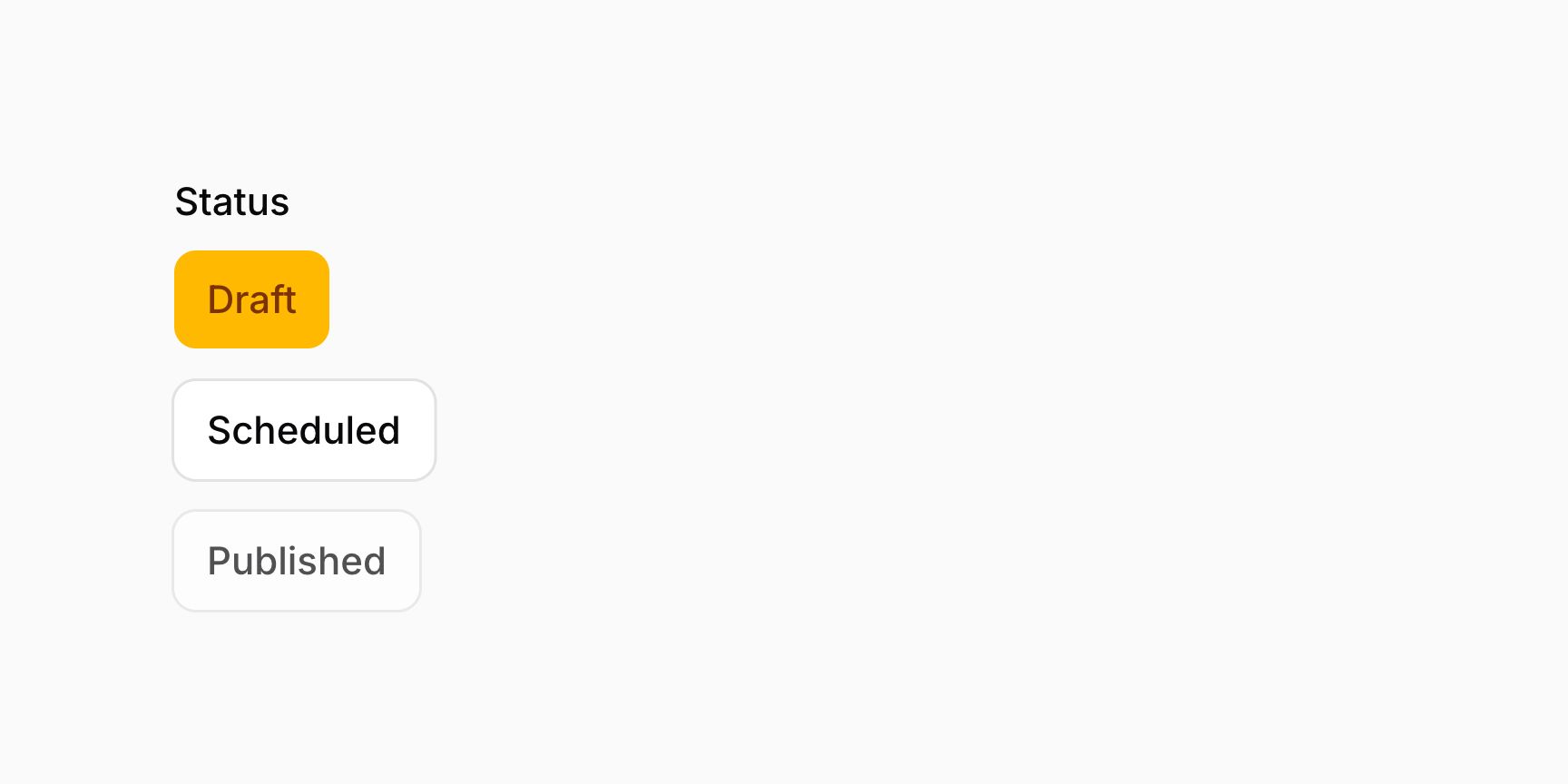
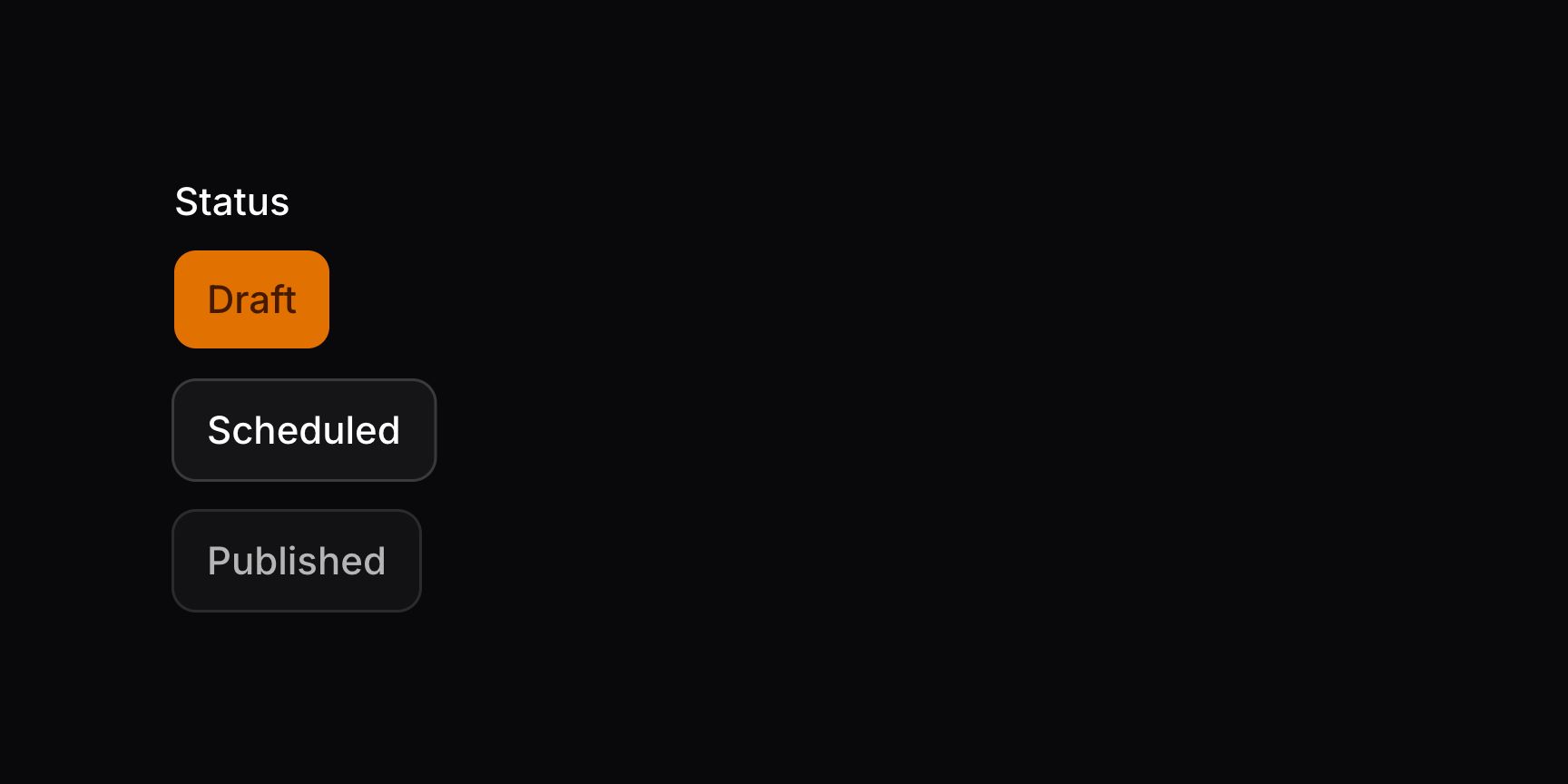
可用 disableOptionWhen() 方法禁用特定选项。它接受一个闭包,可在其中判断具有特定 $value 的选项是否应禁用:
use Filament\Forms\Components\ToggleButtons;

ToggleButtons::make('status')
    ->options([
        'draft' => 'Draft',
        'scheduled' => 'Scheduled',
        'published' => 'Published',
    ])
    ->disableOptionWhen(fn (string $value): bool => $value === 'published')
TIP
可将各种工具注入该函数作为参数。
若要获取未被禁用的选项(例如用于校验),可使用 getEnabledOptions():
use Filament\Forms\Components\ToggleButtons;

ToggleButtons::make('status')
    ->options([
        'draft' => 'Draft',
        'scheduled' => 'Scheduled',
        'published' => 'Published',
    ])
    ->disableOptionWhen(fn (string $value): bool => $value === 'published')
    ->in(fn (ToggleButtons $component): array => array_keys($component->getEnabledOptions()))
关于 in() 函数的更多信息,请参阅校验文档。