概述
简介
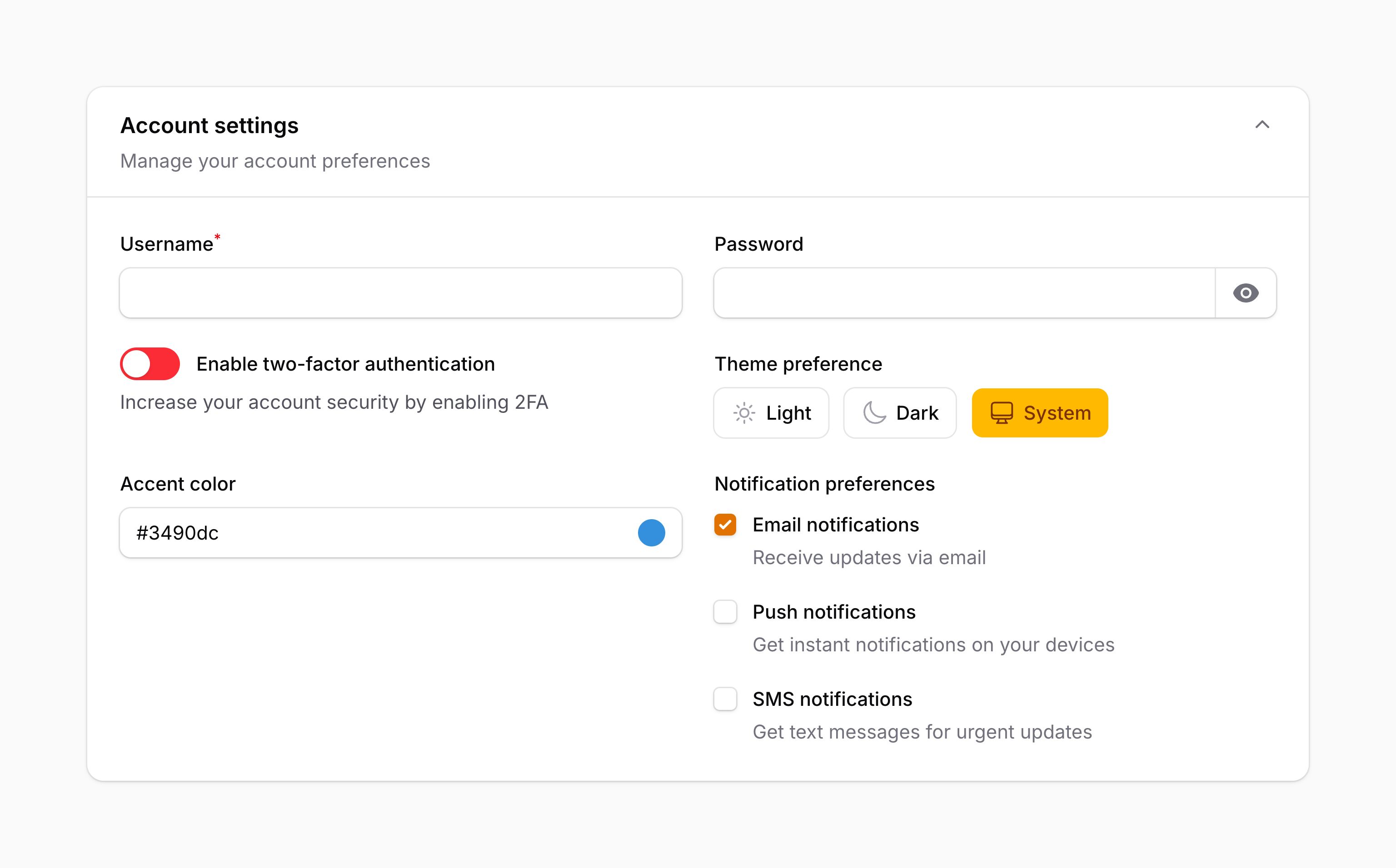
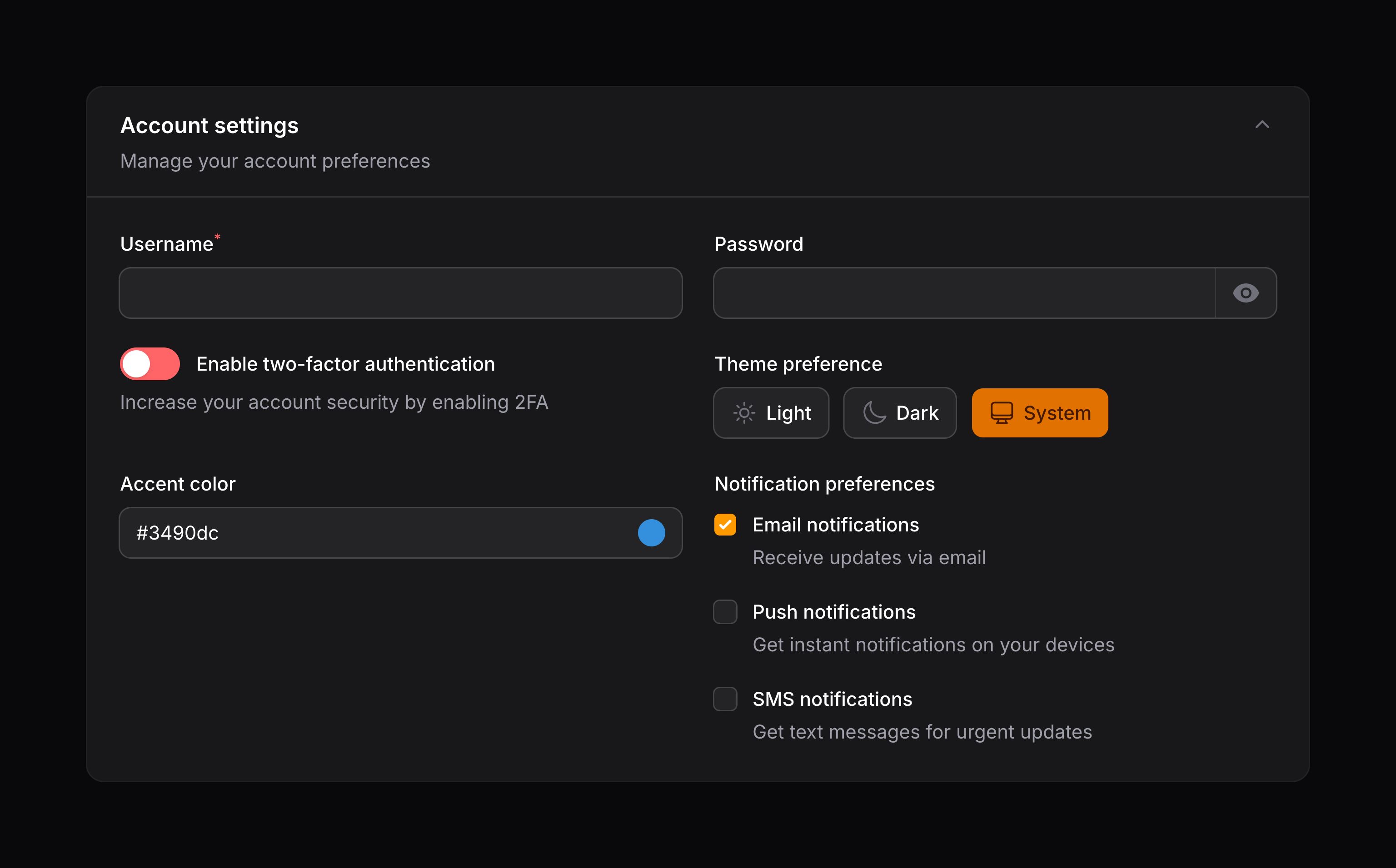
Filament 的 forms 包可让你轻松在应用中构建动态表单。它也被其他 Filament 包用于在 面板资源、操作模态框、表格筛选器 等场景中渲染表单。学习如何构建表单,是学习使用这些 Filament 包的基础。
本指南将介绍使用 Filament form 包构建表单的基础知识。若计划把新表单加到自己的 Livewire 组件中,应先完成那一步再回来。若是把表单加到 面板资源 或其他 Filament 包中,可以直接开始!
表单字段
表单字段类位于 Filament\Form\Components 命名空间中,放在组件的 schema 数组里。Filament 内置多种字段类型,适用于编辑不同类型的数据:
- Text input
- Select
- Checkbox
- Toggle
- Checkbox list
- Radio
- Date-time picker
- File upload
- Rich editor
- Markdown editor
- Repeater
- Builder
- Tags input
- Textarea
- Key-value
- Color picker
- Toggle buttons
- Slider
- Code editor
- Hidden
你也可以创建自定义字段,按任意方式编辑数据。
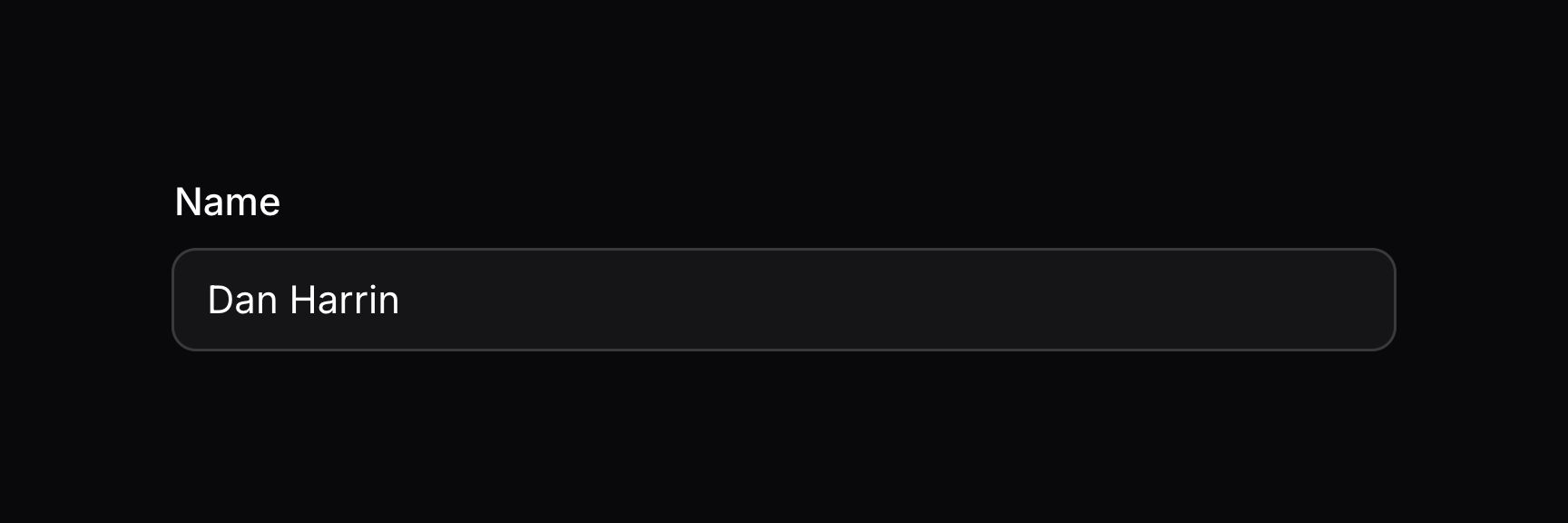
可使用静态方法 make() 创建字段,并传入其唯一名称。通常,字段名对应 Eloquent 模型上的属性名:
use Filament\Forms\Components\TextInput;

TextInput::make('name')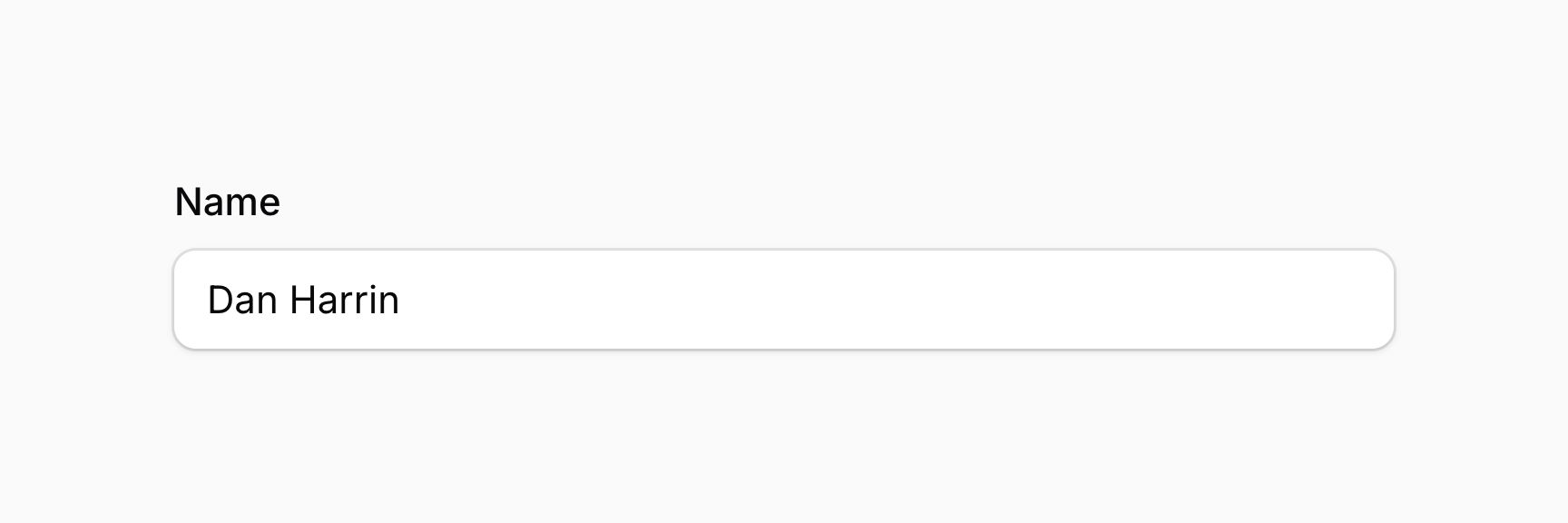
你可以使用「点语法(dot notation)」将字段绑定到数组中的键:
use Filament\Forms\Components\TextInput;

TextInput::make('socials.github_url')
校验字段
在 Laravel 中,校验规则通常写在数组中,如 ['required', 'max:255'],或写成组合字符串如 required|max:255。若你只在后端用简单的 form request,这样没问题。但 Filament 还能提供前端校验,让用户在发起任何后端请求之前就能修正错误。
在 Filament 中,可通过 required()、maxLength() 等方法为字段添加校验规则。相比 Laravel 的校验语法,这样做还有一个好处:IDE 可以自动补全这些方法:
use Filament\Forms\Components\DateTimePicker;
use Filament\Forms\Components\RichEditor;
use Filament\Forms\Components\Select;
use Filament\Forms\Components\TextInput;
use Filament\Schemas\Components\Section;

TextInput::make('name')
    ->required()
    ->maxLength(255)
本例中,字段使用了 required(),并设置了 maxLength()。我们对 Laravel 大多数校验规则都提供了对应方法,你甚至可以添加自己的 自定义规则。
设置字段标签
默认情况下,字段标签会根据其名称自动确定。若要覆盖字段标签,可使用 label() 方法:
use Filament\Forms\Components\TextInput;

TextInput::make('name')
    ->label('Full name')
TIP
除了允许静态值外,label() 方法也接受函数以动态计算。你可以将各种工具作为参数注入到该函数中。
以这种方式自定义标签很有用,尤其是当你希望使用 用于本地化的翻译字符串 时:
use Filament\Forms\Components\TextInput;

TextInput::make('name')
    ->label(__('fields.name'))
TIP
你也可以使用 JavaScript 表达式 来决定标签内容,该表达式可以读取表单中字段的当前值。
隐藏字段标签
或许会想把标签设为空字符串来隐藏它,但不推荐这样做。即使视觉上用途很明确,空字符串标签也无法向屏幕阅读器传达字段用途。应改用 hiddenLabel() 方法,使其在视觉上隐藏,但对屏幕阅读器仍然可访问:
use Filament\Forms\Components\TextInput;

TextInput::make('name')
    ->hiddenLabel()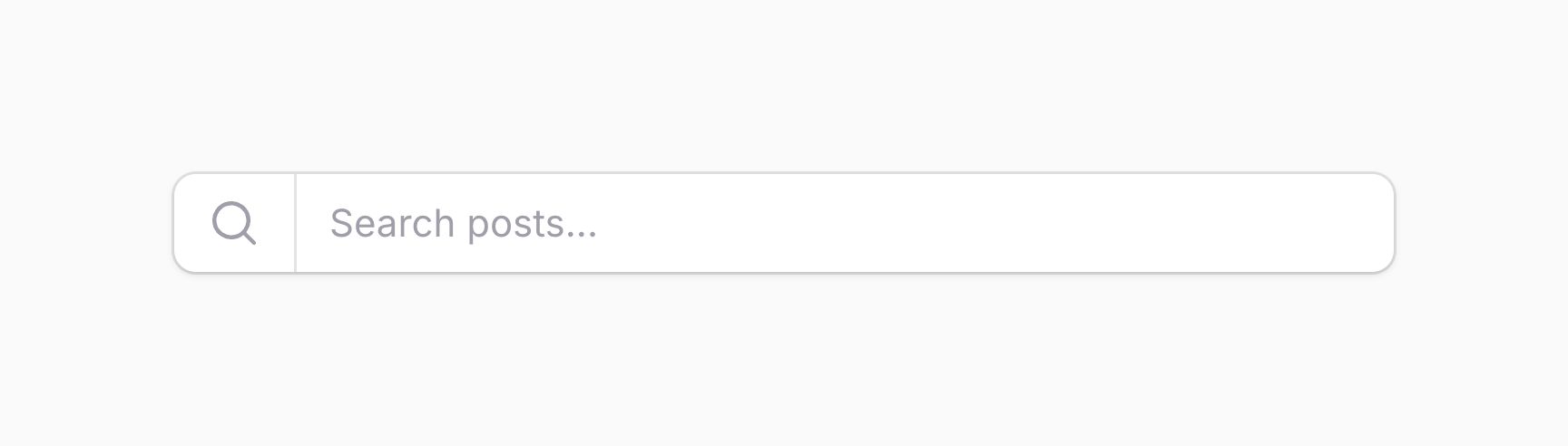

可选地,你可以传入布尔值来控制是否隐藏标签:
use Filament\Forms\Components\TextInput;

TextInput::make('name')
    ->hiddenLabel(FeatureFlag::active())
TIP
除了允许静态值外,hiddenLabel() 方法也接受函数以动态计算。你可以将各种工具作为参数注入到该函数中。
设置字段的默认值
字段可以有默认值。默认值仅在 schema 在无数据的情况下加载时使用。在标准的 面板资源 中,默认值用于创建页,而非编辑页。要定义默认值,请使用 default() 方法:
use Filament\Forms\Components\TextInput;

TextInput::make('name')
    ->default('John')
TIP
除了允许静态值外,default() 方法也接受函数以动态计算。你可以将各种工具作为参数注入到该函数中。
禁用字段
你可以禁用字段,以阻止用户编辑:
use Filament\Forms\Components\TextInput;

TextInput::make('name')
    ->disabled()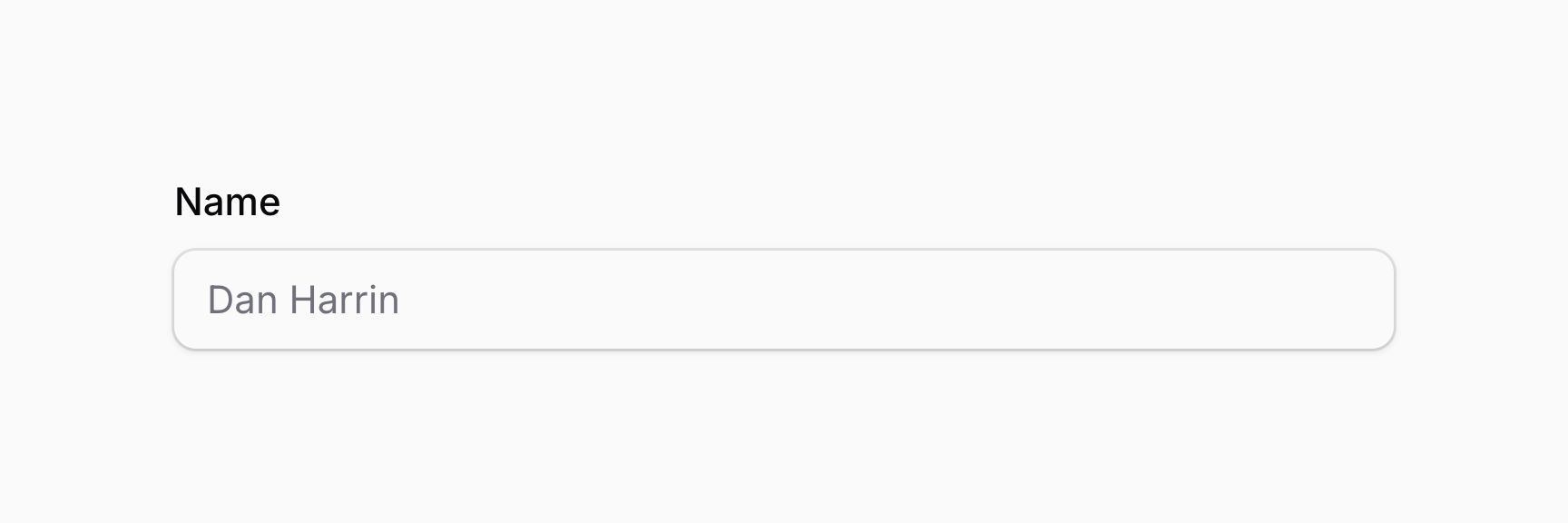

可选地,你可以传入布尔值来控制是否禁用字段:
use Filament\Forms\Components\Toggle;

Toggle::make('is_admin')
    ->disabled(! FeatureFlag::active())
TIP
除了允许静态值外,disabled() 方法也接受函数以动态计算。你可以将各种工具作为参数注入到该函数中。
禁用字段会阻止其被保存。若希望仍保存但不可编辑,请使用 saved() 方法:
use Filament\Forms\Components\Toggle;

Toggle::make('is_admin')
    ->disabled()
    ->saved()
DANGER
若选择在禁用时仍保存该字段,熟练用户仍可能通过操纵 Livewire 的 JavaScript 来修改字段值。
可选地,你可以传入布尔值来控制是否保存该字段:
use Filament\Forms\Components\Toggle;

Toggle::make('is_admin')
    ->disabled()
    ->saved(FeatureFlag::active())
TIP
除了允许静态值外,saved() 方法也接受函数以动态计算。你可以将各种工具作为参数注入到该函数中。
根据当前操作禁用字段
schema 的「操作(operation)」是当前对其执行的动作。若使用 面板资源,通常是 create、edit 或 view。
你可以通过向 disabledOn() 方法传入操作,根据当前操作禁用字段:
use Filament\Forms\Components\Toggle;

Toggle::make('is_admin')
    ->disabledOn('edit')

// is the same as

Toggle::make('is_admin')
    ->disabled(fn (string $operation): bool => $operation === 'edit')
你也可以向 disabledOn() 方法传入操作数组;若当前操作属于该数组中的任一操作,字段将被禁用:
use Filament\Forms\Components\Toggle;

Toggle::make('is_admin')
    ->disabledOn(['edit', 'view'])

// is the same as

Toggle::make('is_admin')
    ->disabled(fn (string $operation): bool => in_array($operation, ['edit', 'view']))
WARNING
disabledOn() 方法会覆盖此前对 disabled() 方法的任何调用,反之亦然。
隐藏字段
你可以隐藏字段:
use Filament\Forms\Components\TextInput;

TextInput::make('name')
    ->hidden()
可选地,你可以传入布尔值来控制是否隐藏字段:
use Filament\Forms\Components\TextInput;

TextInput::make('name')
    ->hidden(! FeatureFlag::active())
TIP
除了允许静态值外,hidden() 方法也接受函数以动态计算。你可以将各种工具作为参数注入到该函数中。
或者,你可以使用 visible() 方法来控制字段是否隐藏。在某些情况下,这可能让代码更易读:
use Filament\Forms\Components\TextInput;

TextInput::make('name')
    ->visible(FeatureFlag::active())
TIP
除了允许静态值外,visible() 方法也接受函数以动态计算。你可以将各种工具作为参数注入到该函数中。
INFO
若同时使用了 hidden() 和 visible(),两者都必须表明字段应可见,字段才会显示。
使用 JavaScript 隐藏字段
若需要根据用户交互隐藏字段,可使用 hidden() 或 visible() 方法,并传入一个利用注入工具来判断是否应隐藏字段的函数:
use Filament\Forms\Components\Select;
use Filament\Forms\Components\Toggle;

Select::make('role')
    ->options([
        'user' => 'User',
        'staff' => 'Staff',
    ])
    ->live()

Toggle::make('is_admin')
->hidden(fn (Get $get): bool => $get('role') !== 'staff')本例中,role 字段设置了 live(),这意味着每次更改 role 字段时 schema 都会重新加载。这会使传给 hidden() 的函数重新求值;若 role 未设为 staff,则会隐藏 is_admin 字段。
然而,每次字段变化都重新加载 schema 会发起网络请求,因为无法在客户端重新运行 PHP 函数。这对性能并不理想。
或者,你可以编写 JavaScript,根据另一字段的值来隐藏字段。做法是向 hiddenJs() 方法传入 JavaScript 表达式:
use Filament\Forms\Components\Select;
use Filament\Forms\Components\Toggle;

Select::make('role')
    ->options([
        'user' => 'User',
        'staff' => 'Staff',
    ])

Toggle::make('is_admin')
    ->hiddenJs(<<<'JS'
        $get('role') !== 'staff'
        JS)
虽然传给 hiddenJs() 的代码看起来很像 PHP,但它实际是 JavaScript。Filament 为 JavaScript 提供了 $get() 工具函数,行为与 PHP 版本非常相似,但不要求所依赖的字段为 live()。
DANGER
传给 hiddenJs() 的任何 JavaScript 字符串都会在浏览器中执行,因此切勿将用户输入直接拼进该字符串,否则可能导致跨站脚本(XSS)漏洞。来自 $state 或 $get() 的用户输入绝不应被当作 JavaScript 代码求值,但可作为字符串值安全使用,如上例所示。
也提供了 visibleJs() 方法,工作方式与 hiddenJs() 相同,但用于控制字段是否可见:
use Filament\Forms\Components\Select;
use Filament\Forms\Components\Toggle;

Select::make('role')
    ->options([
        'user' => 'User',
        'staff' => 'Staff',
    ])

Toggle::make('is_admin')
    ->visibleJs(<<<'JS'
        $get('role') === 'staff'
        JS)
DANGER
传给 visibleJs() 的任何 JavaScript 字符串都会在浏览器中执行,因此切勿将用户输入直接拼进该字符串,否则可能导致跨站脚本(XSS)漏洞。来自 $state 或 $get() 的用户输入绝不应被当作 JavaScript 代码求值,但可作为字符串值安全使用,如上例所示。
INFO
若同时使用了 hiddenJs() 和 visibleJs(),两者都必须表明字段应可见,字段才会显示。
根据当前操作隐藏字段
schema 的「操作(operation)」是当前对其执行的动作。若使用 面板资源,通常是 create、edit 或 view。
你可以通过向 hiddenOn() 方法传入操作,根据当前操作隐藏字段:
use Filament\Forms\Components\Toggle;

Toggle::make('is_admin')
    ->hiddenOn('edit')

// is the same as

Toggle::make('is_admin')
    ->hidden(fn (string $operation): bool => $operation === 'edit')
你也可以向 hiddenOn() 方法传入操作数组;若当前操作属于该数组中的任一操作,字段将被隐藏:
use Filament\Forms\Components\Toggle;

Toggle::make('is_admin')
    ->hiddenOn(['edit', 'view'])

// is the same as

Toggle::make('is_admin')
    ->hidden(fn (string $operation): bool => in_array($operation, ['edit', 'view']))
WARNING
hiddenOn() 方法会覆盖此前对 hidden() 方法的任何调用,反之亦然。
或者,你可以使用 visibleOn() 方法来控制字段是否隐藏。在某些情况下,这可能让代码更易读:
use Filament\Forms\Components\Toggle;

Toggle::make('is_admin')
    ->visibleOn('create')

Toggle::make('is_admin')
    ->visibleOn(['create', 'edit'])
INFO
visibleOn() 方法会覆盖此前对 visible() 方法的任何调用,反之亦然。
行内标签
字段标签可以与字段同行显示,而不是显示在上方。这对字段很多、纵向空间紧张的表单很有用。要让字段标签行内显示,请使用 inlineLabel() 方法:
use Filament\Forms\Components\TextInput;

TextInput::make('name')
    ->inlineLabel()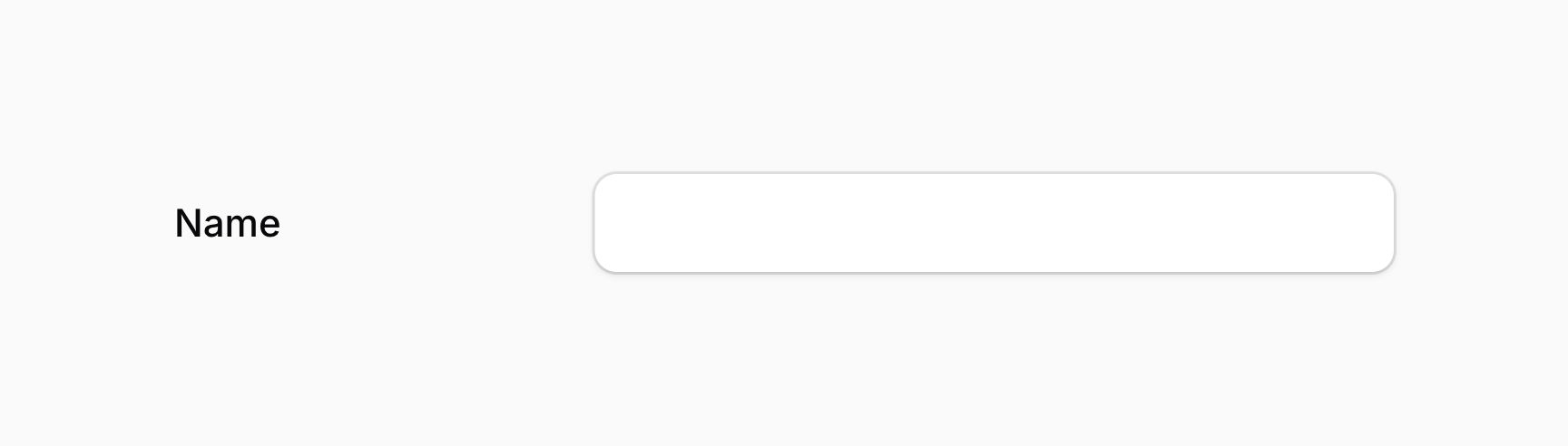

可选地,你可以传入布尔值来控制标签是否行内显示:
use Filament\Forms\Components\TextInput;

TextInput::make('name')
    ->inlineLabel(FeatureFlag::active())
TIP
除了允许静态值外,inlineLabel() 方法也接受函数以动态计算。你可以将各种工具作为参数注入到该函数中。
一次在多处使用行内标签
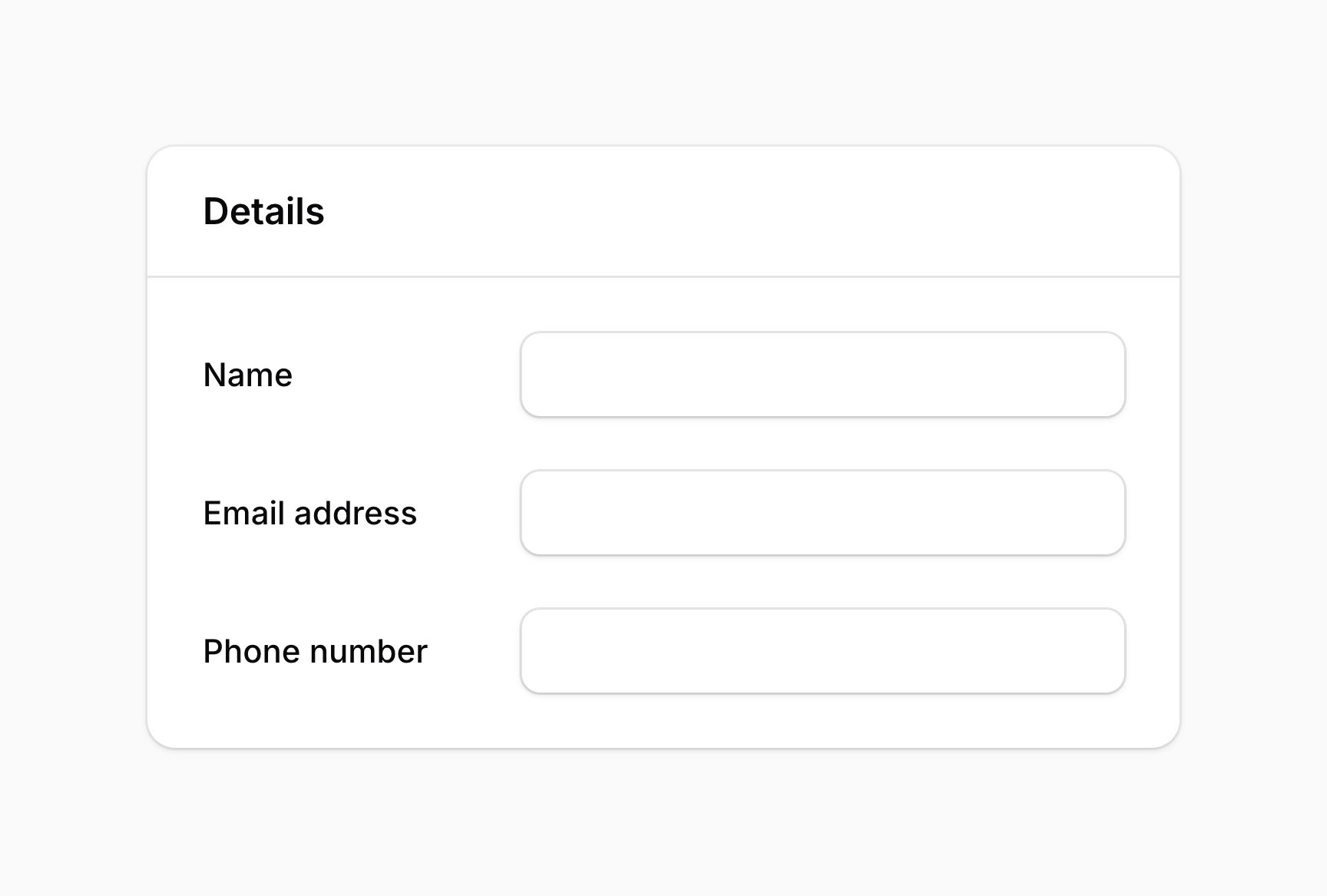
若希望在 布局组件(如 分区(section) 或 标签页(tab))中让所有标签都行内显示,可在该组件本身上使用 inlineLabel(),其内所有字段的标签都会行内显示:
use Filament\Forms\Components\TextInput;
use Filament\Schemas\Components\Section;

Section::make('Details')
    ->inlineLabel()
    ->schema([
        TextInput::make('name'),
        TextInput::make('email')
            ->label('Email address'),
        TextInput::make('phone')
            ->label('Phone number'),
    ])
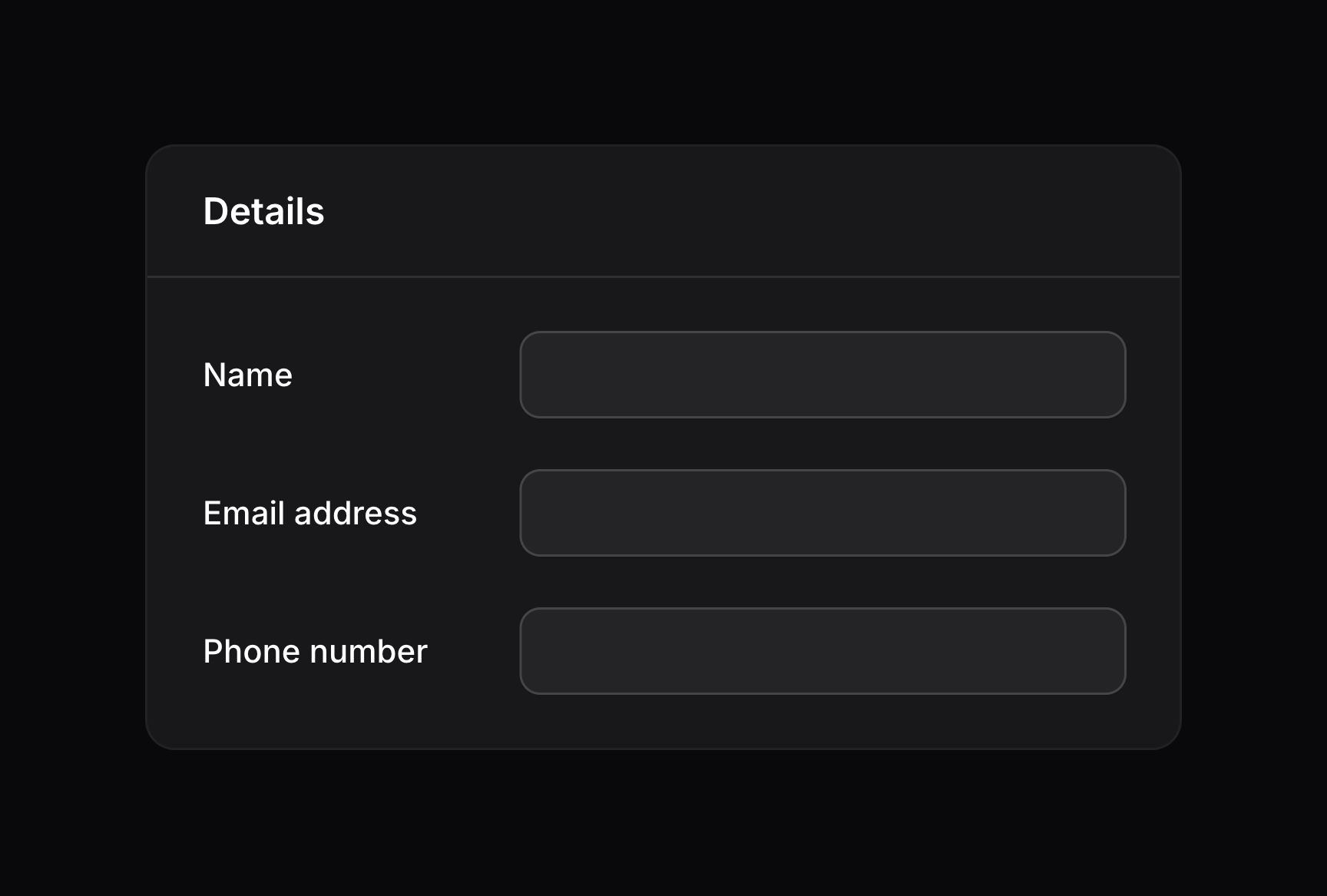
你也可以在整个 schema 上使用 inlineLabel(),让所有标签都行内显示:
use Filament\Schemas\Schema;

public function form(Schema $schema): Schema
{
    return $schema
        ->inlineLabel()
        ->components([
            // ...
        ]);
}
在布局组件或 schema 上使用 inlineLabel() 时,仍可通过在单个字段上使用 inlineLabel(false) 退出行内标签:
use Filament\Forms\Components\TextInput;
use Filament\Schemas\Components\Section;

Section::make('Details')
    ->inlineLabel()
    ->schema([
        TextInput::make('name'),
        TextInput::make('email')
            ->label('Email address'),
        TextInput::make('phone')
            ->label('Phone number')
            ->inlineLabel(false),
    ])
在 schema 加载时自动聚焦字段
大多数字段支持自动聚焦。通常,为获得最佳用户体验,应让 schema 中第一个重要字段自动聚焦。可使用 autofocus() 方法指定要自动聚焦的字段:
use Filament\Forms\Components\TextInput;

TextInput::make('name')
    ->autofocus()
可选地,你可以传入布尔值来控制字段是否自动聚焦:
use Filament\Forms\Components\TextInput;

TextInput::make('name')
    ->autofocus(FeatureFlag::active())
TIP
除了允许静态值外,autofocus() 方法也接受函数以动态计算。你可以将各种工具作为参数注入到该函数中。
设置字段的占位符
许多字段在无值时可显示占位符。它会显示在 UI 中,但提交表单时不会保存。你可以使用 placeholder() 方法自定义该占位符:
use Filament\Forms\Components\TextInput;

TextInput::make('name')
    ->placeholder('John Doe')
TIP
除了允许静态值外,placeholder() 方法也接受函数以动态计算。你可以将各种工具作为参数注入到该函数中。


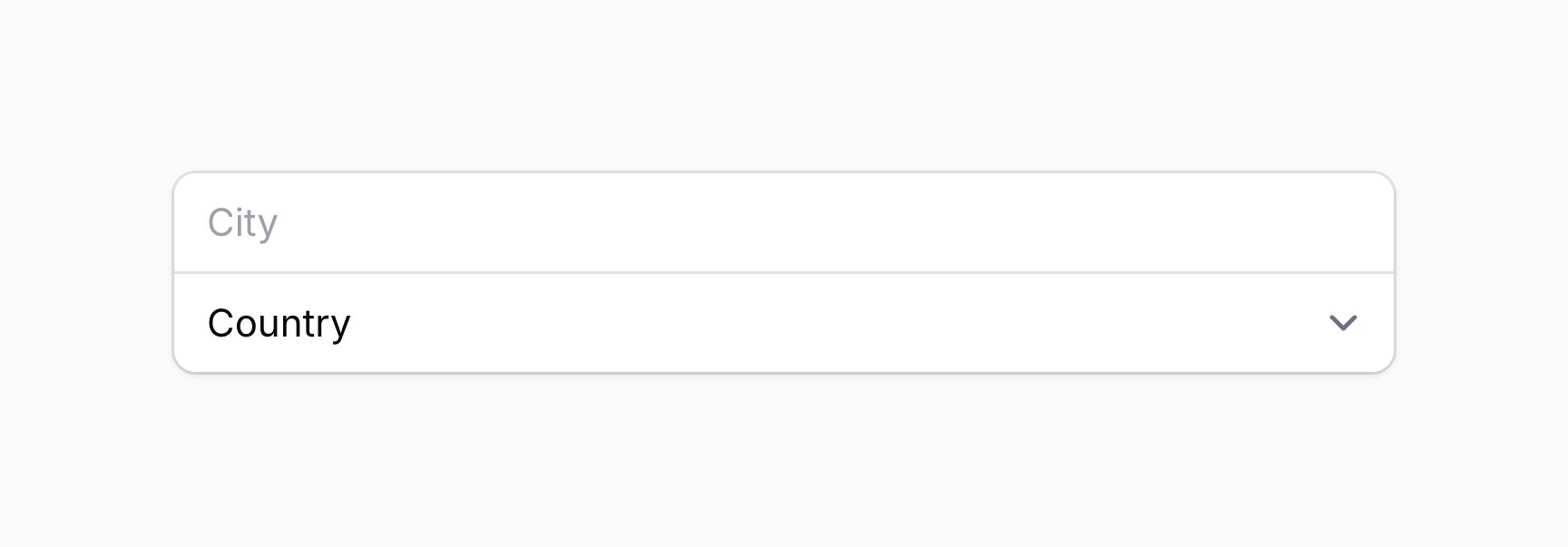
将字段融合为一组
FusedGroup 组件可用于将多个字段「融合」在一起。以下字段融合效果最佳:
要融合的字段会传给 FusedGroup 组件的 make() 方法:
use Filament\Forms\Components\Select;
use Filament\Forms\Components\TextInput;
use Filament\Schemas\Components\FusedGroup;

FusedGroup::make([
    TextInput::make('city')
        ->placeholder('City'),
    Select::make('country')
        ->placeholder('Country')
        ->options([
            // ...
        ]),
])

你可以使用 label() 方法在字段组上方添加标签:
use Filament\Schemas\Components\FusedGroup;

FusedGroup::make([
    // ...
])
    ->label('Location')

默认情况下,每个字段独占一行。在移动设备上,这通常是最合适的体验;但在桌面上,你可以使用与 布局组件 相同的 columns() 方法,让字段横向排列:
use Filament\Schemas\Components\FusedGroup;

FusedGroup::make([
    // ...
])
    ->label('Location')
    ->columns(2)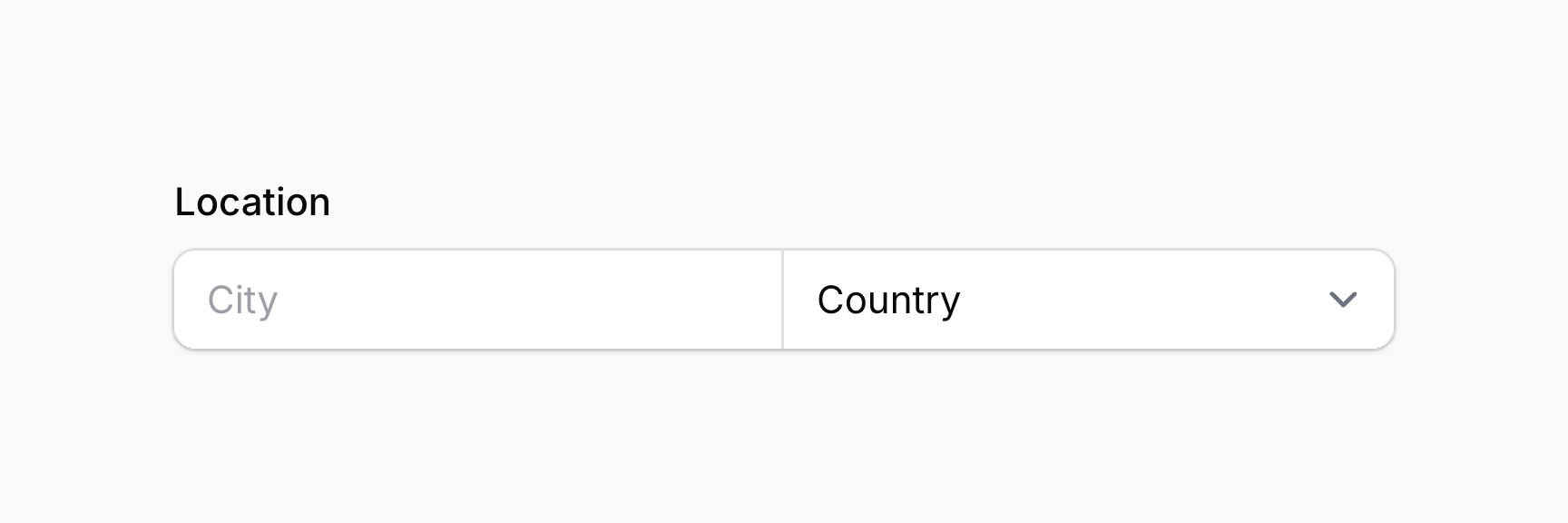

你可以通过向每个字段传入 columnSpan() 来调整网格中字段的宽度:
use Filament\Forms\Components\Select;
use Filament\Forms\Components\TextInput;
use Filament\Schemas\Components\FusedGroup;

FusedGroup::make([
    TextInput::make('city')
        ->placeholder('City')
        ->columnSpan(2),
    Select::make('country')
        ->placeholder('Country')
        ->options([
            // ...
        ]),
])
    ->label('Location')
    ->columns(3)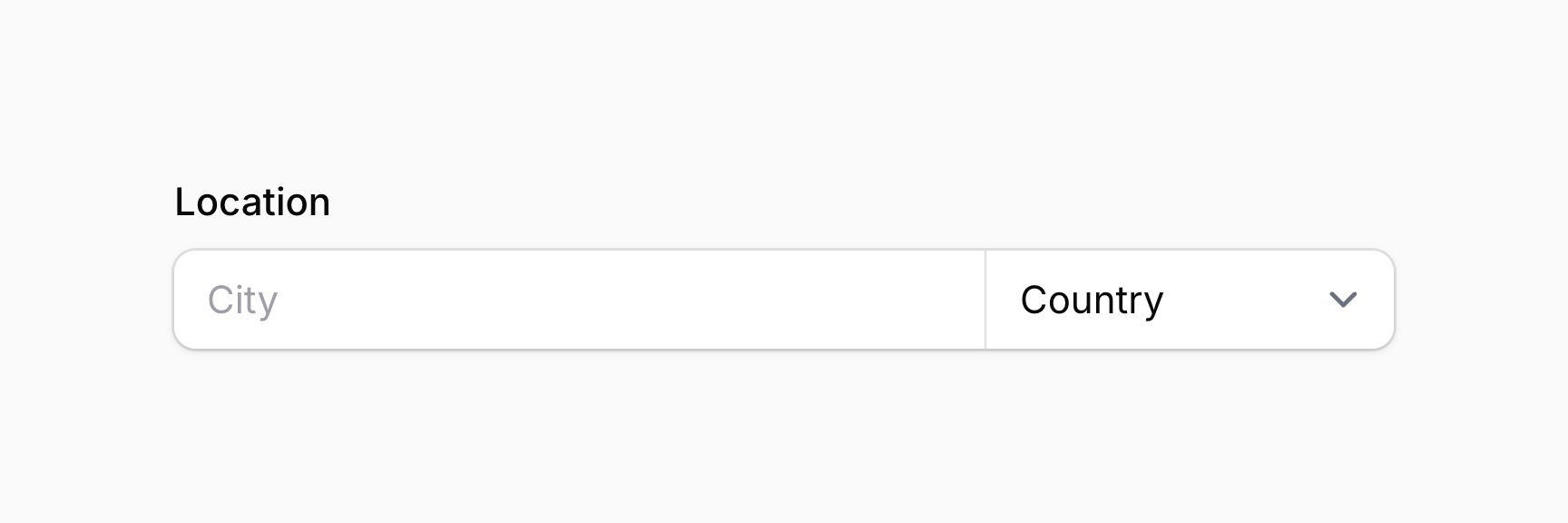

向字段添加额外内容
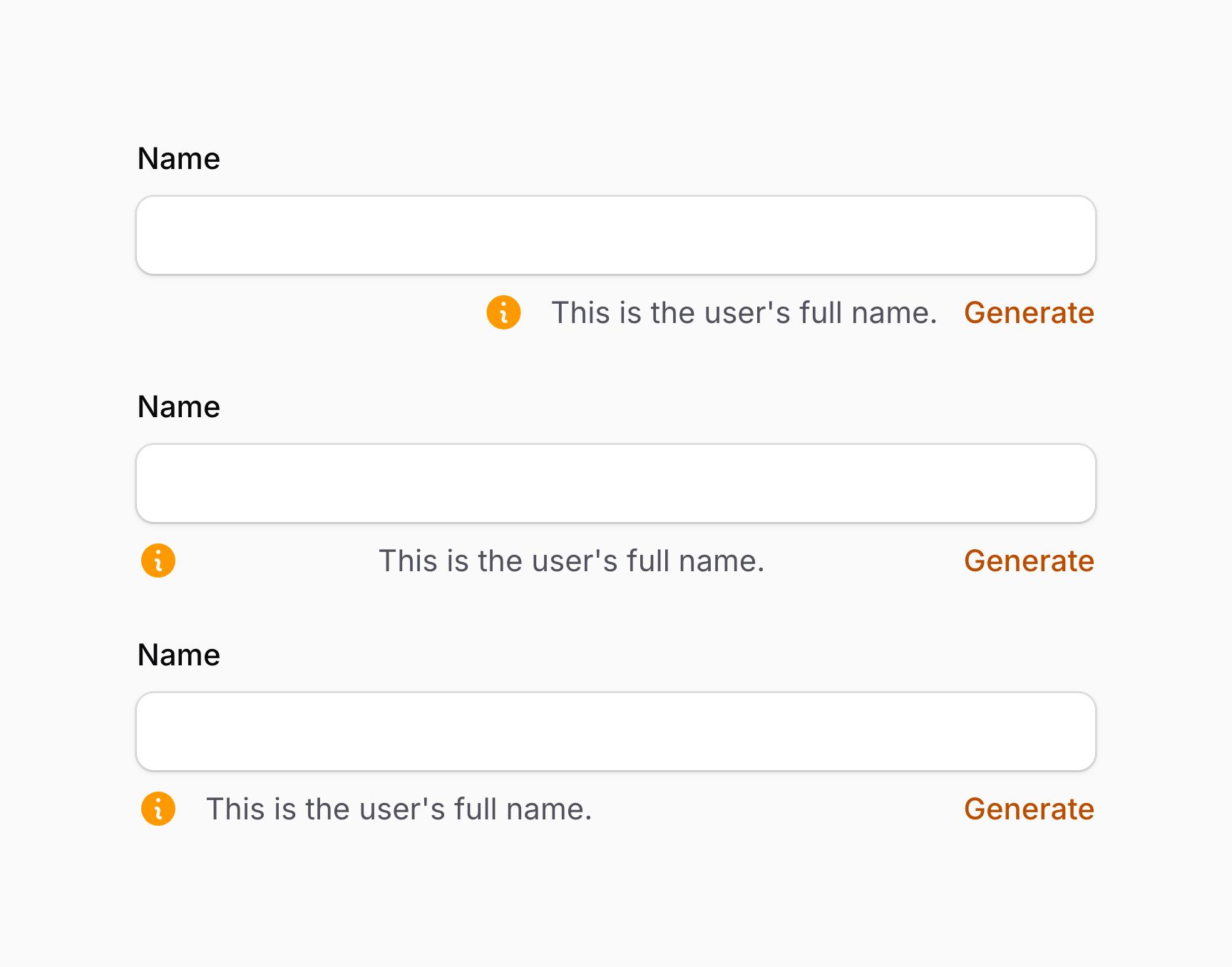
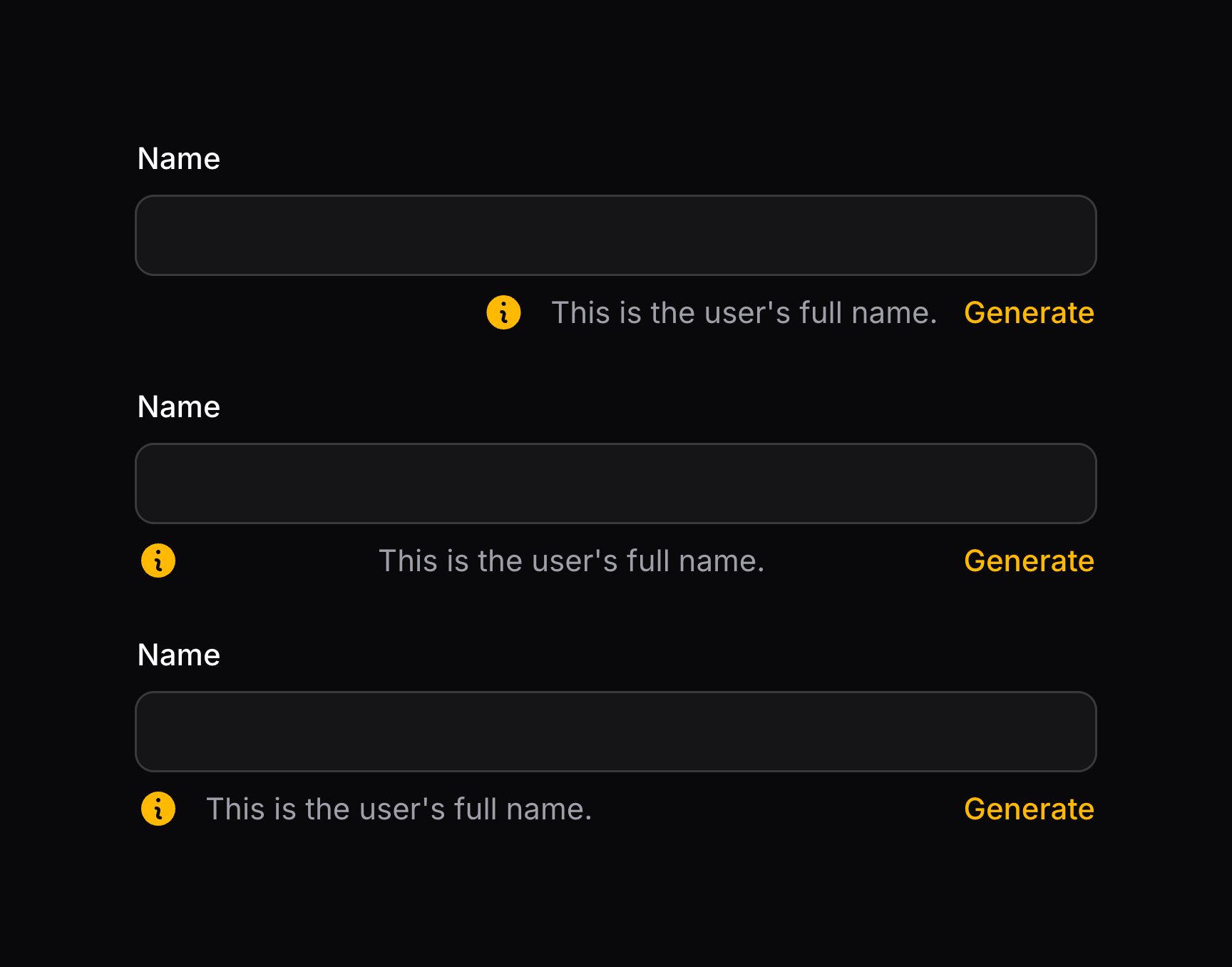
字段包含许多「插槽(slots)」,可在子 schema 中插入内容。插槽可接受文本、任意 schema 组件、操作(actions) 和 操作组。通常用 prime 组件 来放内容。
所有字段都可用以下插槽:
aboveLabel()beforeLabel()afterLabel()belowLabel()aboveContent()beforeContent()afterContent()belowContent()aboveErrorMessage()belowErrorMessage()
TIP
除了允许静态值外,插槽方法也接受函数以动态计算。你可以将各种工具作为参数注入到这些函数中。
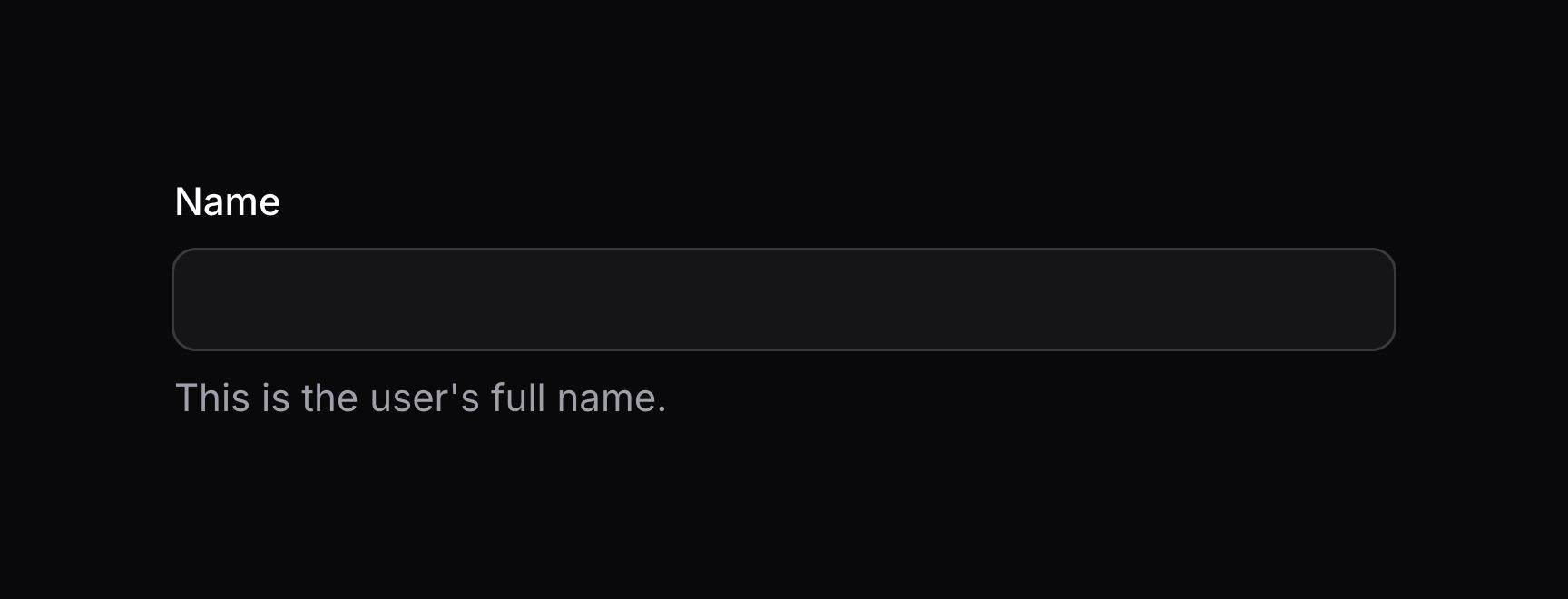
要插入纯文本,可以向这些方法传入字符串:
use Filament\Forms\Components\TextInput;

TextInput::make('name')
    ->belowContent('This is the user\'s full name.')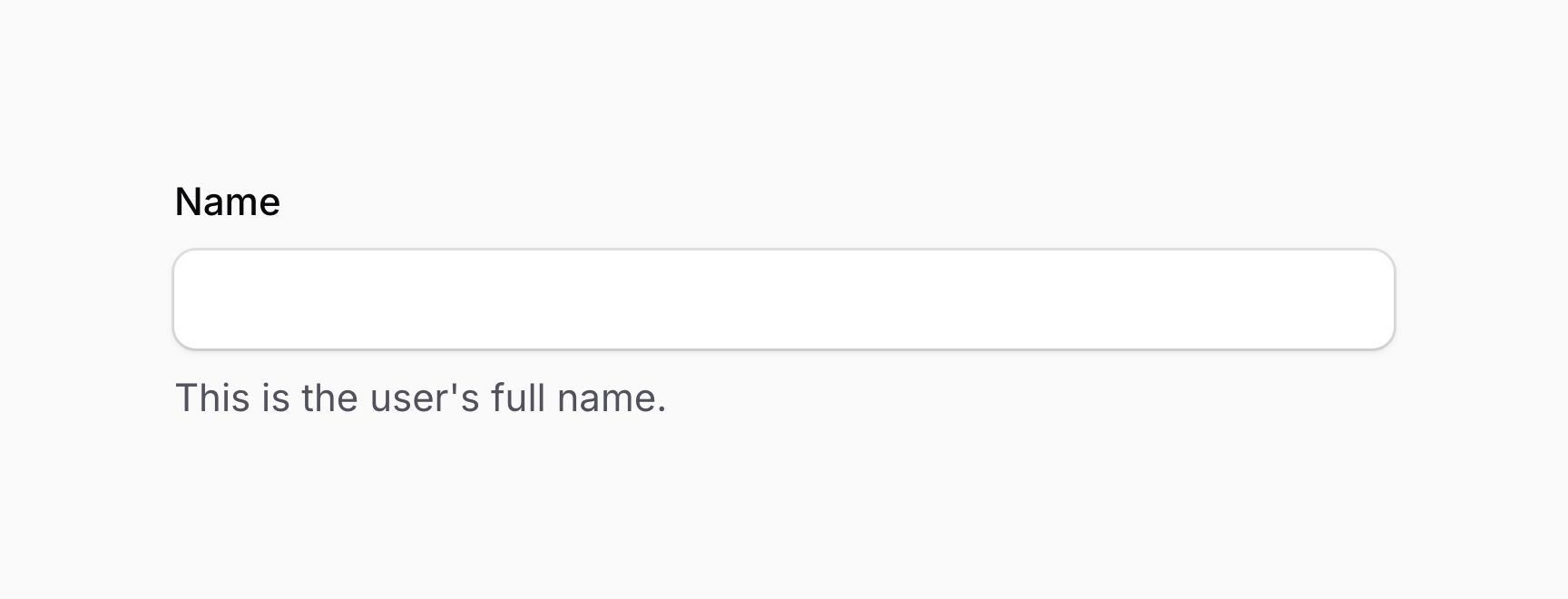
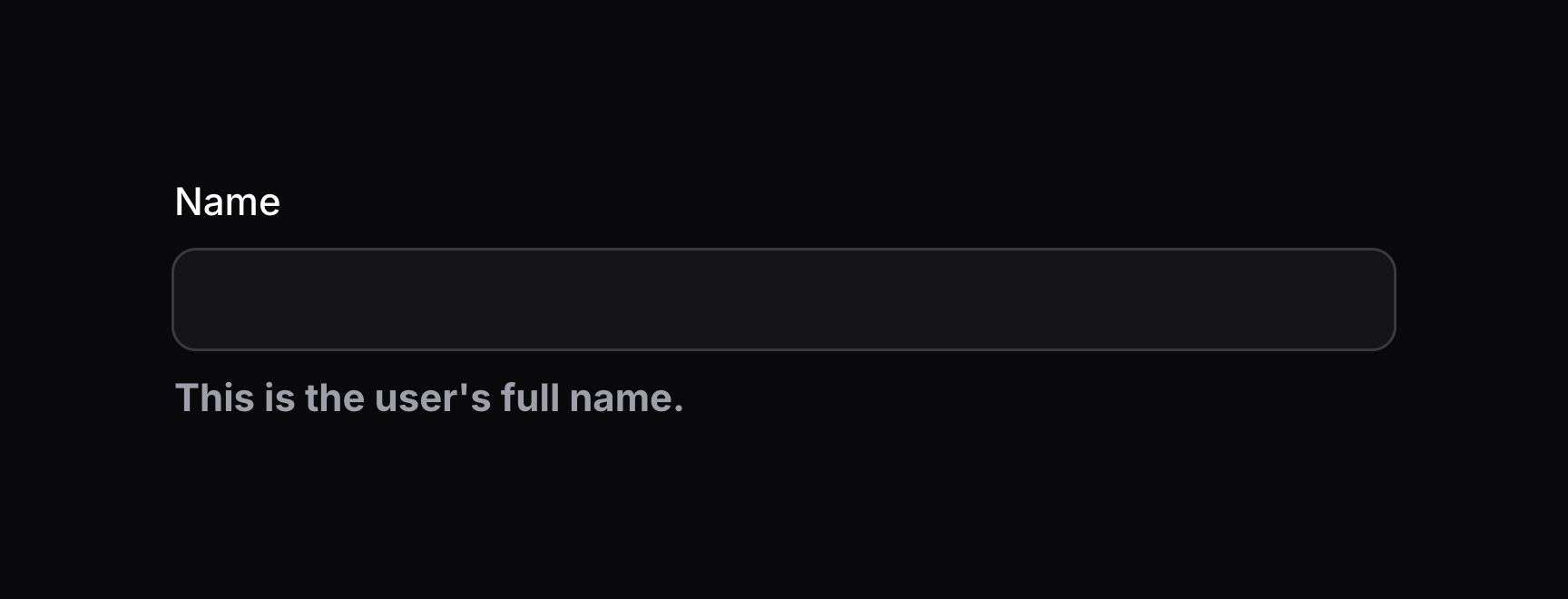
要插入 schema 组件(通常是 prime 组件),可将该组件传给方法:
use Filament\Forms\Components\TextInput;
use Filament\Schemas\Components\Text;
use Filament\Support\Enums\FontWeight;

TextInput::make('name')
    ->belowContent(Text::make('This is the user\'s full name.')->weight(FontWeight::Bold))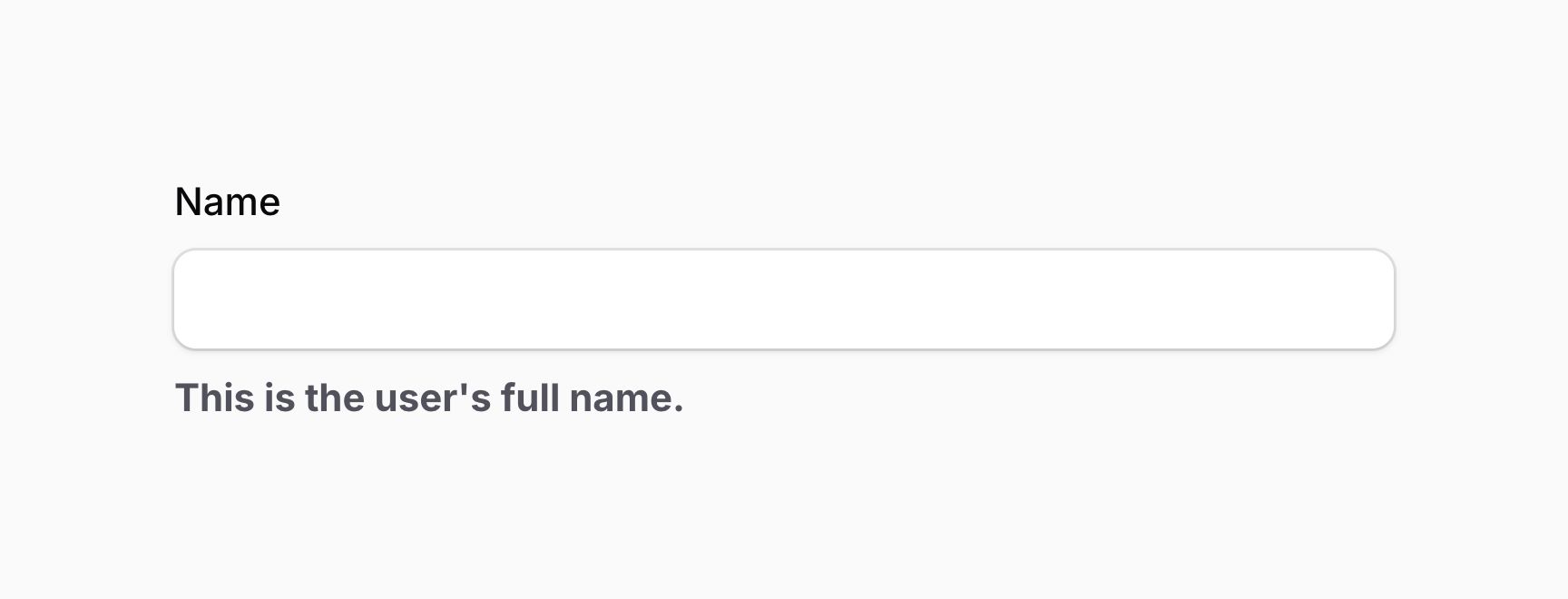
use Filament\Actions\Action;
use Filament\Forms\Components\TextInput;

TextInput::make('name')
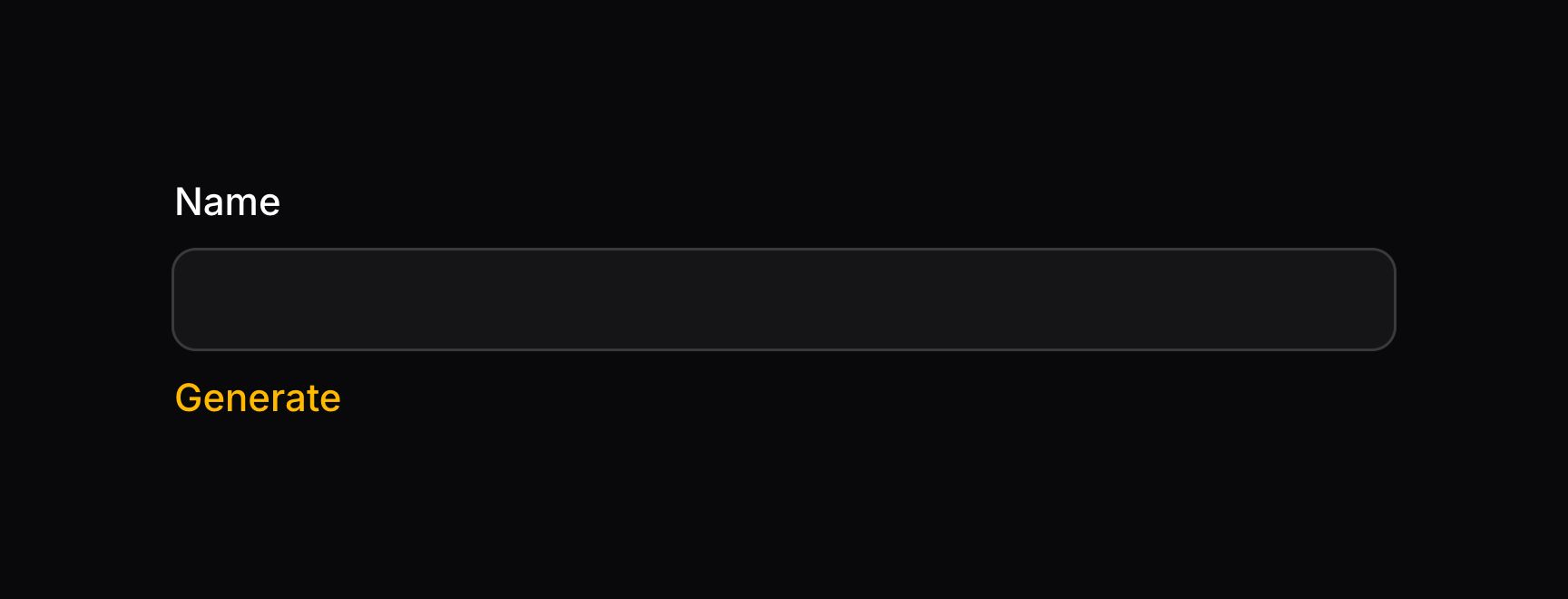
    ->belowContent(Action::make('generate'))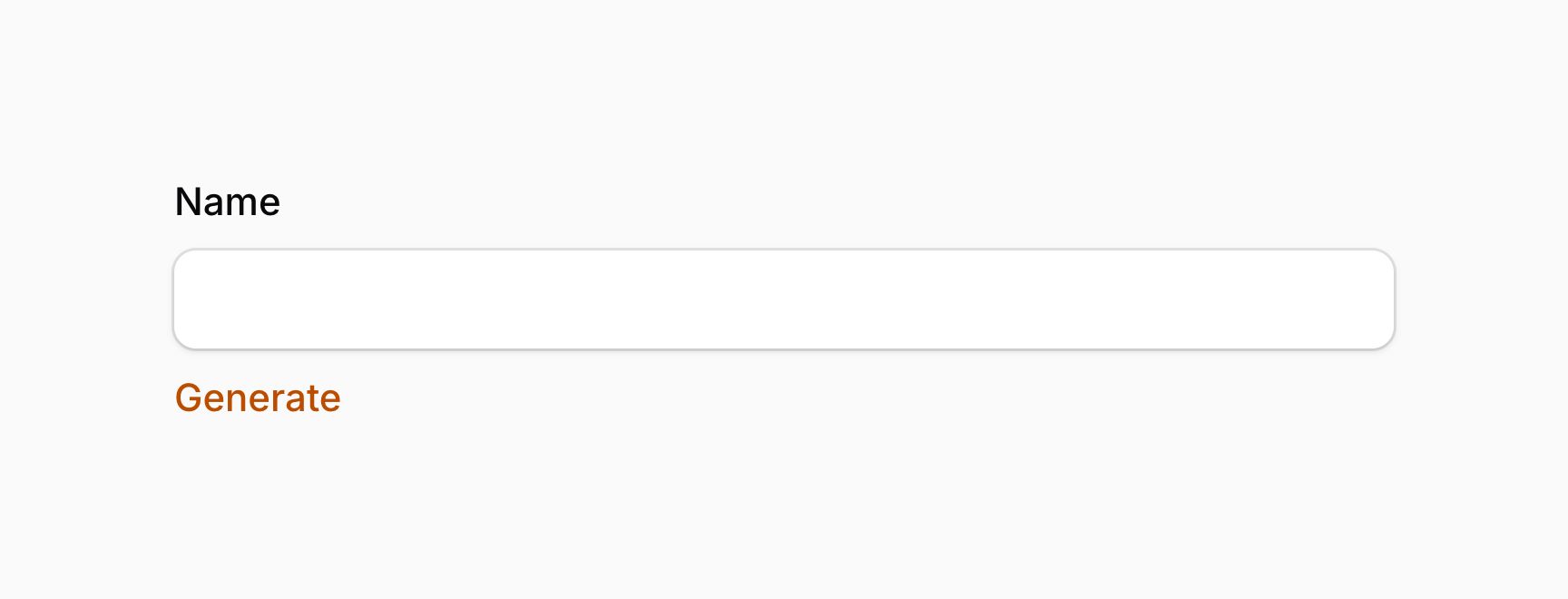
TIP
若需要不发起网络请求、仅运行 JavaScript 的简单操作,可使用 actionJs() 方法。这对用 $get() 和 $set() 更新表单字段值等简单交互很有用。使用 actionJs() 的操作无法打开模态框。
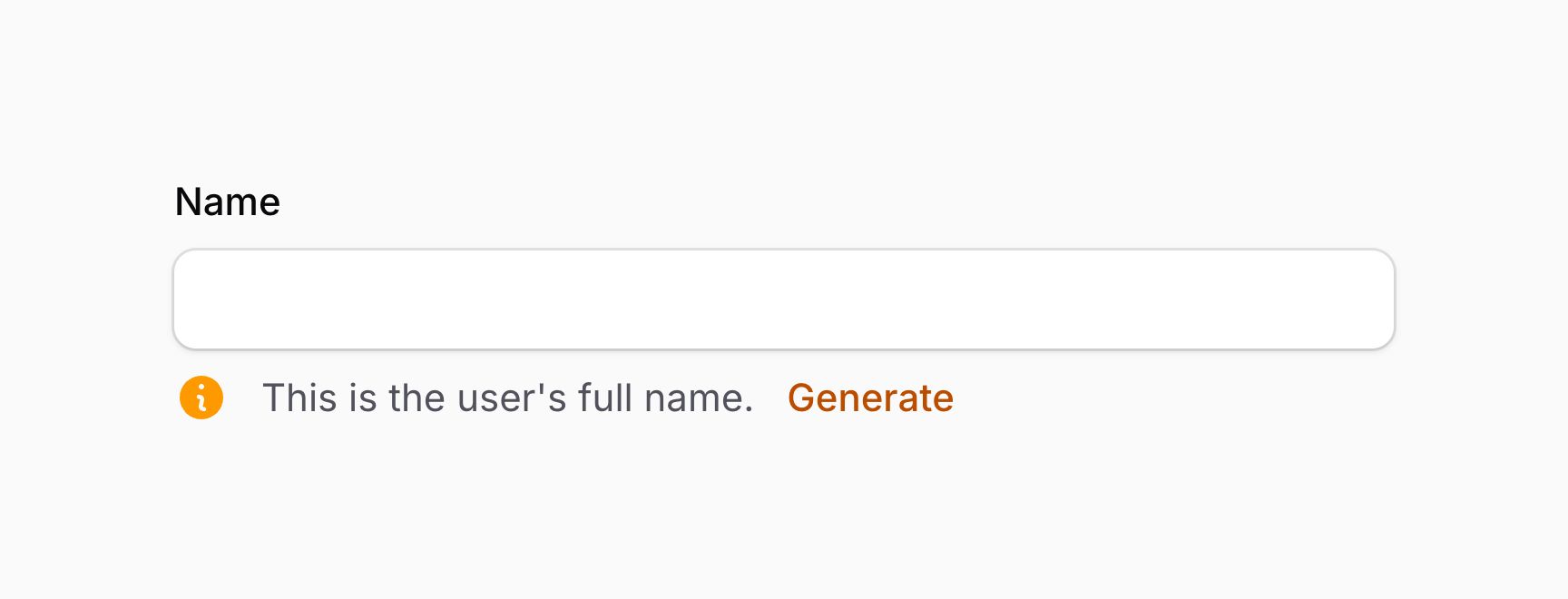
你可以通过向方法传入内容数组,将任意内容组合插入插槽:
use Filament\Actions\Action;
use Filament\Forms\Components\TextInput;
use Filament\Schemas\Components\Icon;
use Filament\Support\Icons\Heroicon;

TextInput::make('name')
    ->belowContent([
        Icon::make(Heroicon::InformationCircle),
        'This is the user\'s full name.',
        Action::make('generate'),
    ])
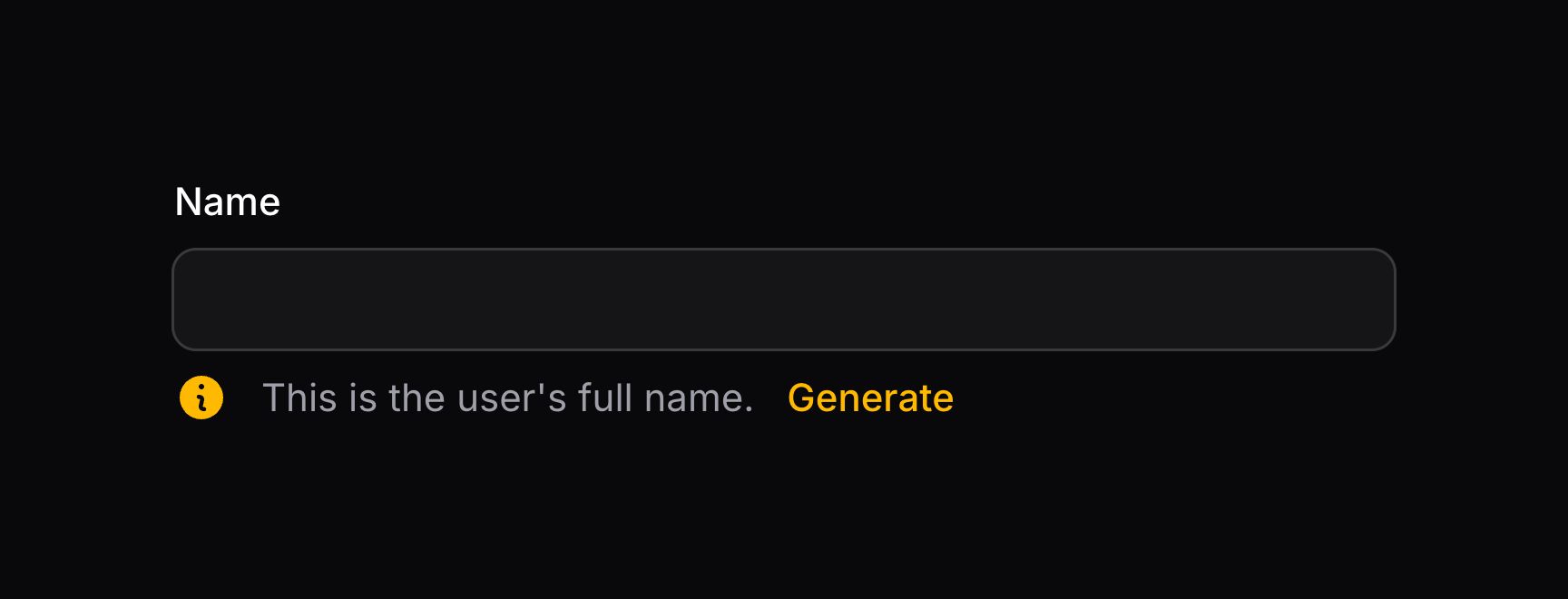
你也可以通过将内容数组传给 Schema::start()(默认)、Schema::end() 或 Schema::between() 来对齐插槽中的内容:
use Filament\Actions\Action;
use Filament\Forms\Components\TextInput;
use Filament\Schemas\Components\Flex;
use Filament\Schemas\Components\Icon;
use Filament\Schemas\Schema;
use Filament\Support\Icons\Heroicon;

TextInput::make('name')
    ->belowContent(Schema::end([
        Icon::make(Heroicon::InformationCircle),
        'This is the user\'s full name.',
        Action::make('generate'),
    ]))

TextInput::make('name')
    ->belowContent(Schema::between([
        Icon::make(Heroicon::InformationCircle),
        'This is the user\'s full name.',
        Action::make('generate'),
    ]))

TextInput::make('name')
    ->belowContent(Schema::between([
        Flex::make([
            Icon::make(Heroicon::InformationCircle)
                ->grow(false),
            'This is the user\'s full name.',
        ]),
        Action::make('generate'),
    ]))
TIP
如上例 Schema::between() 所示,使用 Flex 组件 将图标与文本组合在一起,使它们之间没有空隙。图标使用 grow(false) 以避免占据一半横向空间,从而让文本占用剩余空间。
在字段标签上方添加额外内容
你可以使用 aboveLabel() 方法在字段标签上方插入额外内容。可以向该方法传入任意内容,如文本、schema 组件、操作或操作组:
use Filament\Forms\Components\TextInput;
use Filament\Schemas\Components\Icon;
use Filament\Support\Icons\Heroicon;

TextInput::make('name')
    ->aboveLabel([
        Icon::make(Heroicon::Star),
        'This is the content above the field\'s label'
    ])
TIP
除了允许静态值外,aboveLabel() 方法也接受函数以动态计算。你可以将各种工具作为参数注入到该函数中。


在字段标签之前添加额外内容
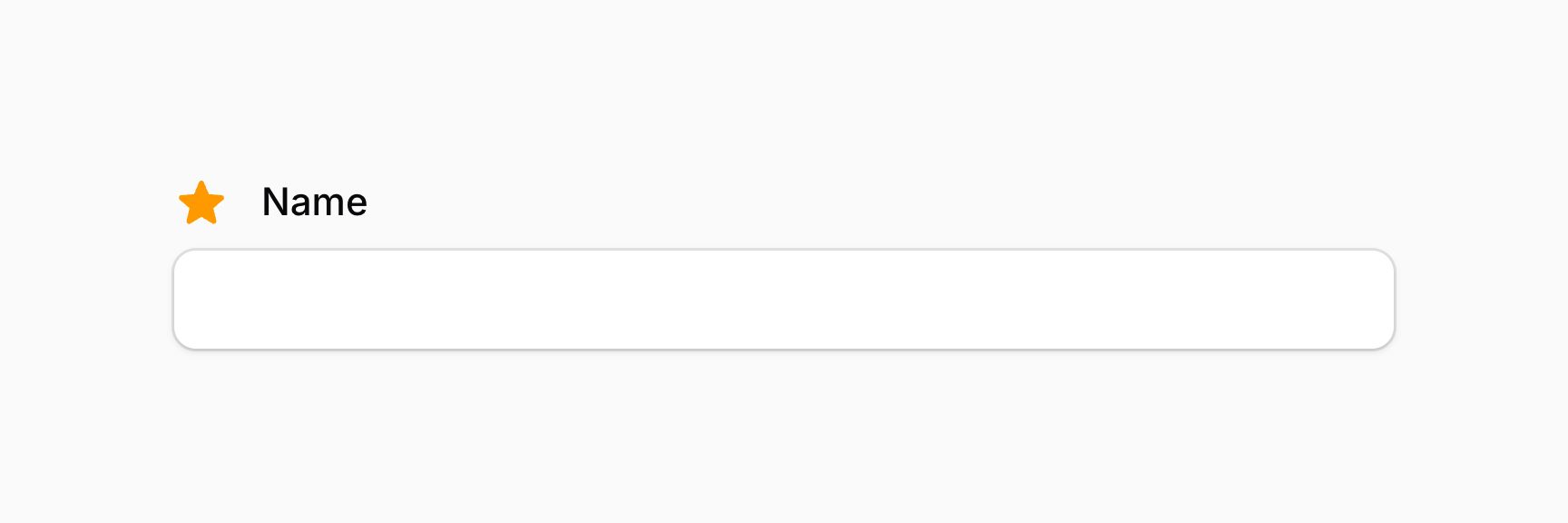
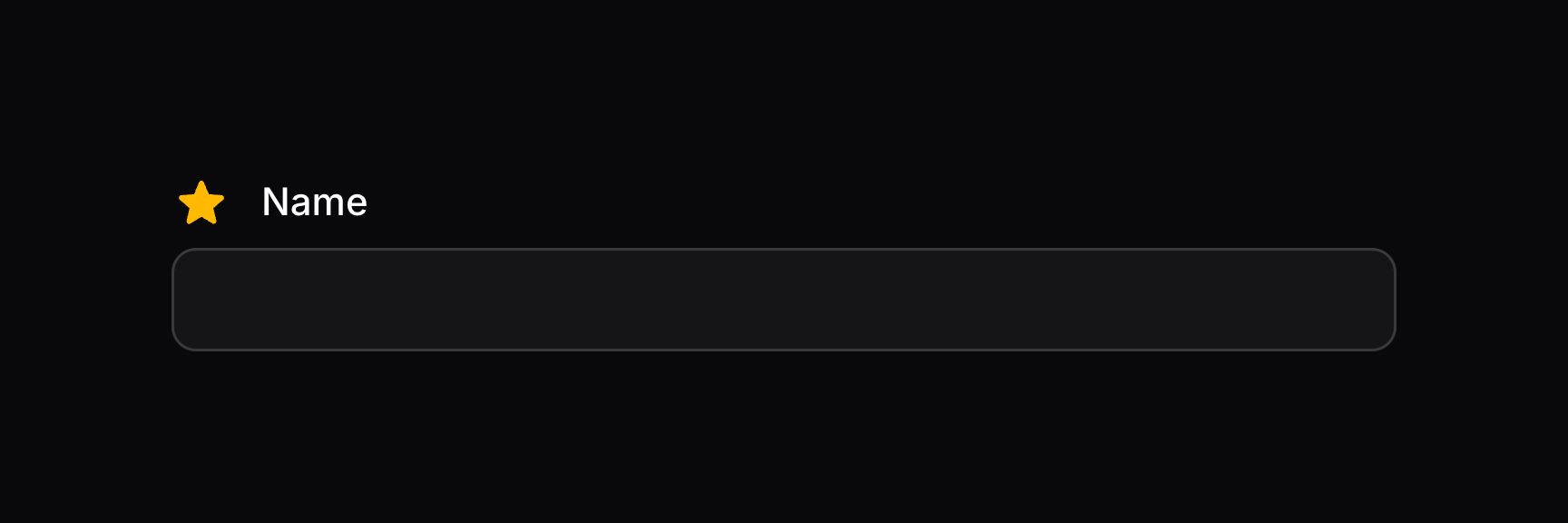
你可以使用 beforeLabel() 方法在字段标签之前插入额外内容。可以向该方法传入任意内容,如文本、schema 组件、操作或操作组:
use Filament\Forms\Components\TextInput;
use Filament\Schemas\Components\Icon;
use Filament\Support\Icons\Heroicon;

TextInput::make('name')
    ->beforeLabel(Icon::make(Heroicon::Star))
TIP
除了允许静态值外,beforeLabel() 方法也接受函数以动态计算。你可以将各种工具作为参数注入到该函数中。
在字段标签之后添加额外内容
你可以使用 afterLabel() 方法在字段标签之后插入额外内容。可以向该方法传入任意内容,如文本、schema 组件、操作或操作组:
use Filament\Forms\Components\TextInput;
use Filament\Schemas\Components\Icon;
use Filament\Support\Icons\Heroicon;

TextInput::make('name')
    ->afterLabel([
        Icon::make(Heroicon::Star),
        'This is the content after the field\'s label'
    ])
TIP
除了允许静态值外,afterLabel() 方法也接受函数以动态计算。你可以将各种工具作为参数注入到该函数中。
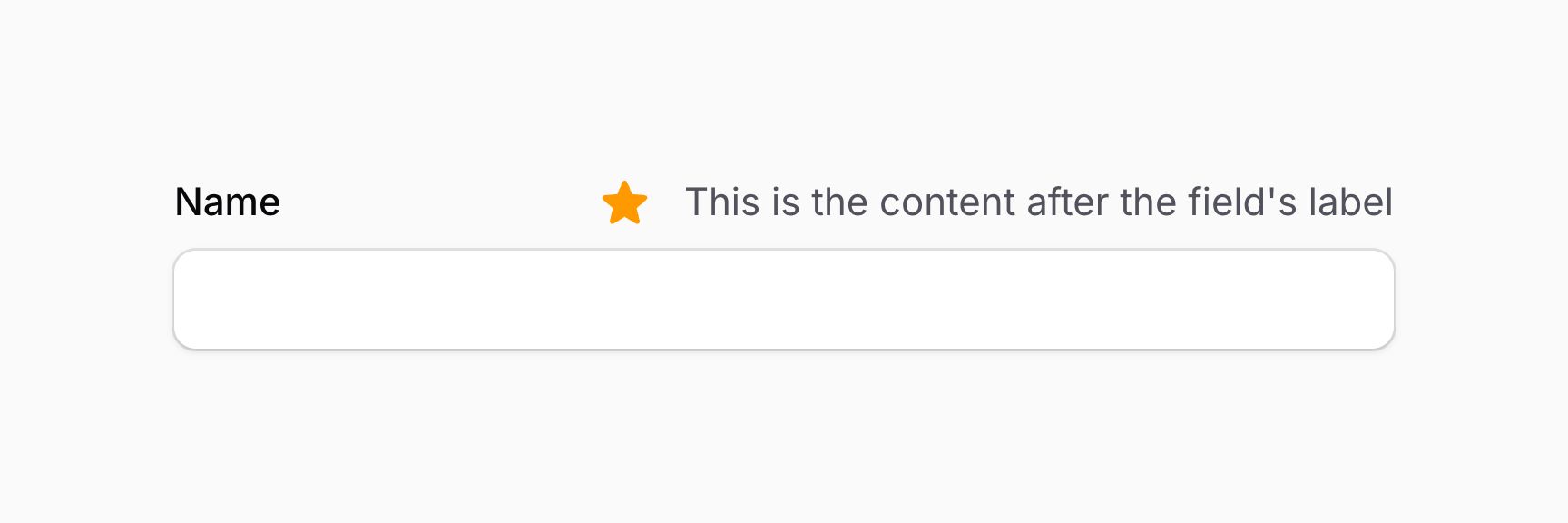
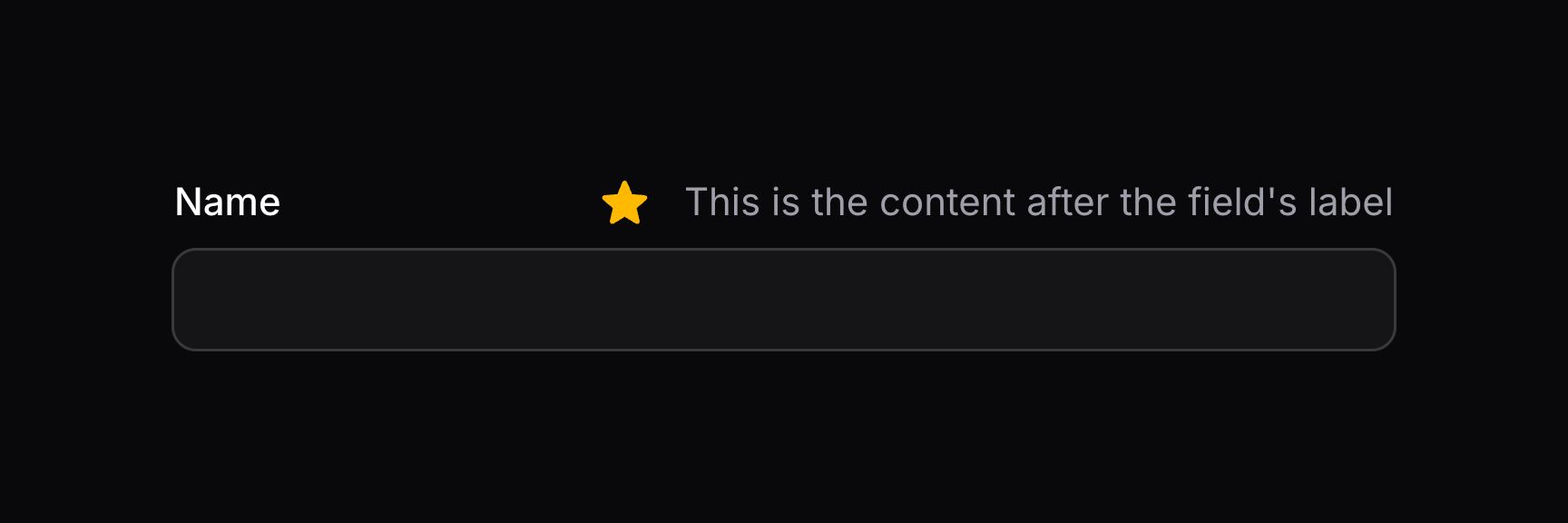
默认情况下,afterLabel() schema 中的内容会对齐到容器末端。若希望对齐到容器起始端,应传入包含内容的 Schema::start() 对象:
use Filament\Forms\Components\TextInput;
use Filament\Schemas\Components\Icon;
use Filament\Schemas\Schema;
use Filament\Support\Icons\Heroicon;

TextInput::make('name')
    ->afterLabel(Schema::start([
        Icon::make(Heroicon::Star),
        'This is the content after the field\'s label'
    ]))
TIP
除了允许静态值外,afterLabel() 方法也接受函数以动态计算。你可以将各种工具作为参数注入到该函数中。


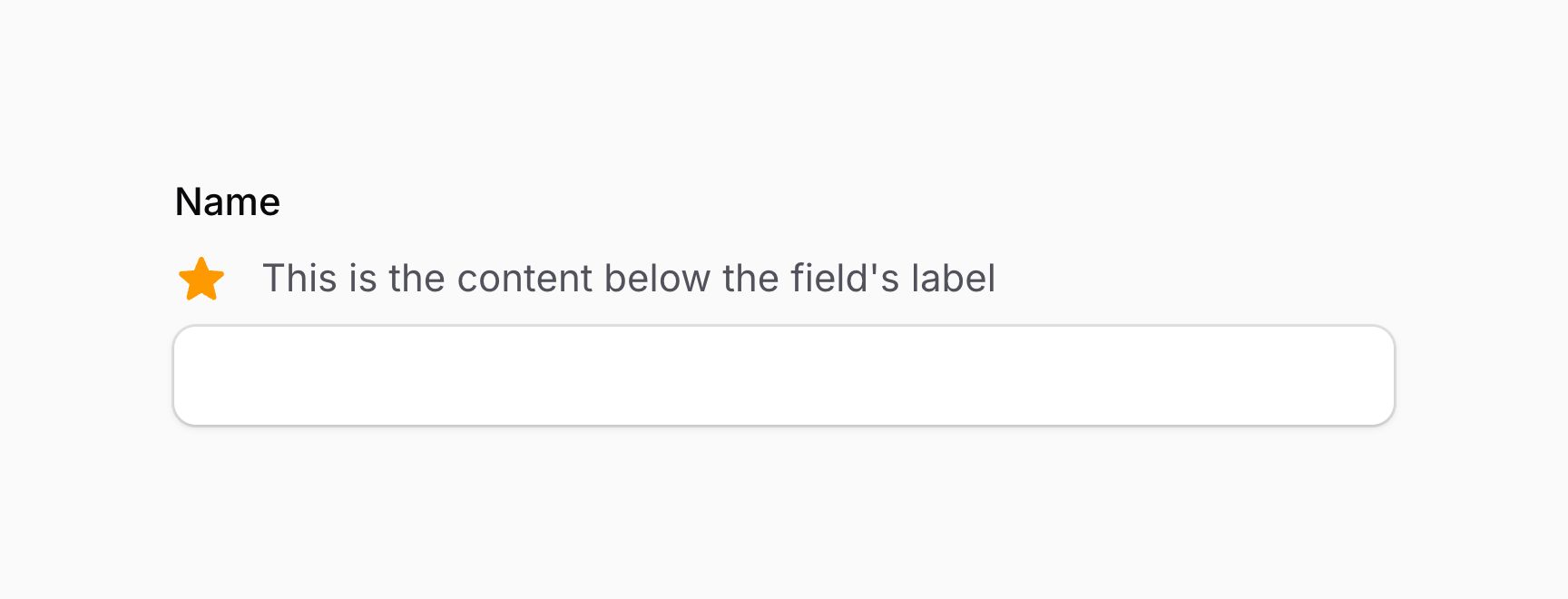
在字段标签下方添加额外内容
你可以使用 belowLabel() 方法在字段标签下方插入额外内容。可以向该方法传入任意内容,如文本、schema 组件、操作或操作组:
use Filament\Forms\Components\TextInput;
use Filament\Schemas\Components\Icon;
use Filament\Support\Icons\Heroicon;

TextInput::make('name')
    ->belowLabel([
        Icon::make(Heroicon::Star),
        'This is the content below the field\'s label'
    ])
TIP
除了允许静态值外,belowLabel() 方法也接受函数以动态计算。你可以将各种工具作为参数注入到该函数中。

INFO
这看起来可能与 aboveContent() 方法 相同。但在使用 行内标签 时,aboveContent() 会把内容放在字段上方,而不是标签下方,因为标签与字段内容分列显示。
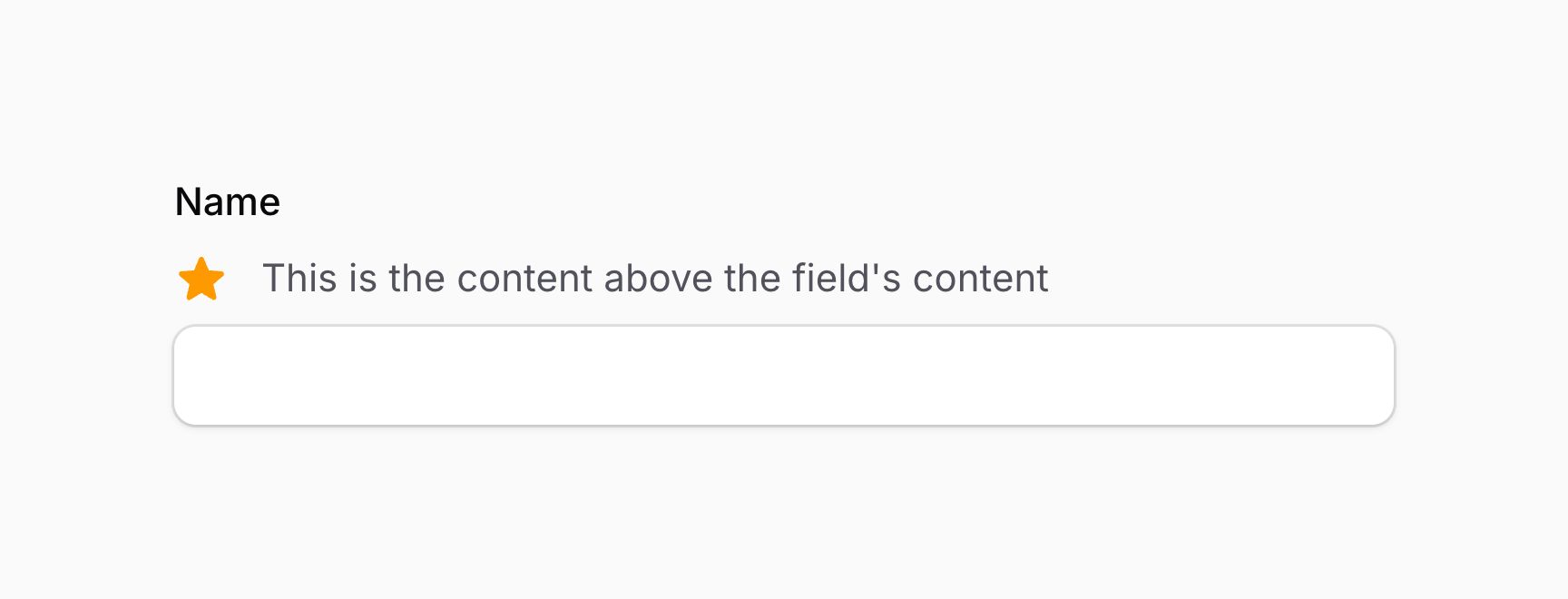
在字段内容上方添加额外内容
你可以使用 aboveContent() 方法在字段内容上方插入额外内容。可以向该方法传入任意内容,如文本、schema 组件、操作或操作组:
use Filament\Forms\Components\TextInput;
use Filament\Schemas\Components\Icon;
use Filament\Support\Icons\Heroicon;

TextInput::make('name')
    ->aboveContent([
        Icon::make(Heroicon::Star),
        'This is the content above the field\'s content'
    ])
TIP
除了允许静态值外,aboveContent() 方法也接受函数以动态计算。你可以将各种工具作为参数注入到该函数中。

INFO
这看起来可能与 belowLabel() 方法 相同。但在使用 行内标签 时,belowLabel() 会把内容放在标签下方,而不是字段内容上方,因为标签与字段内容分列显示。
在字段内容之前添加额外内容
你可以使用 beforeContent() 方法在字段内容之前插入额外内容。可以向该方法传入任意内容,如文本、schema 组件、操作或操作组:
use Filament\Forms\Components\TextInput;
use Filament\Schemas\Components\Icon;
use Filament\Support\Icons\Heroicon;

TextInput::make('name')
    ->beforeContent(Icon::make(Heroicon::Star))
TIP
除了允许静态值外,beforeContent() 方法也接受函数以动态计算。你可以将各种工具作为参数注入到该函数中。
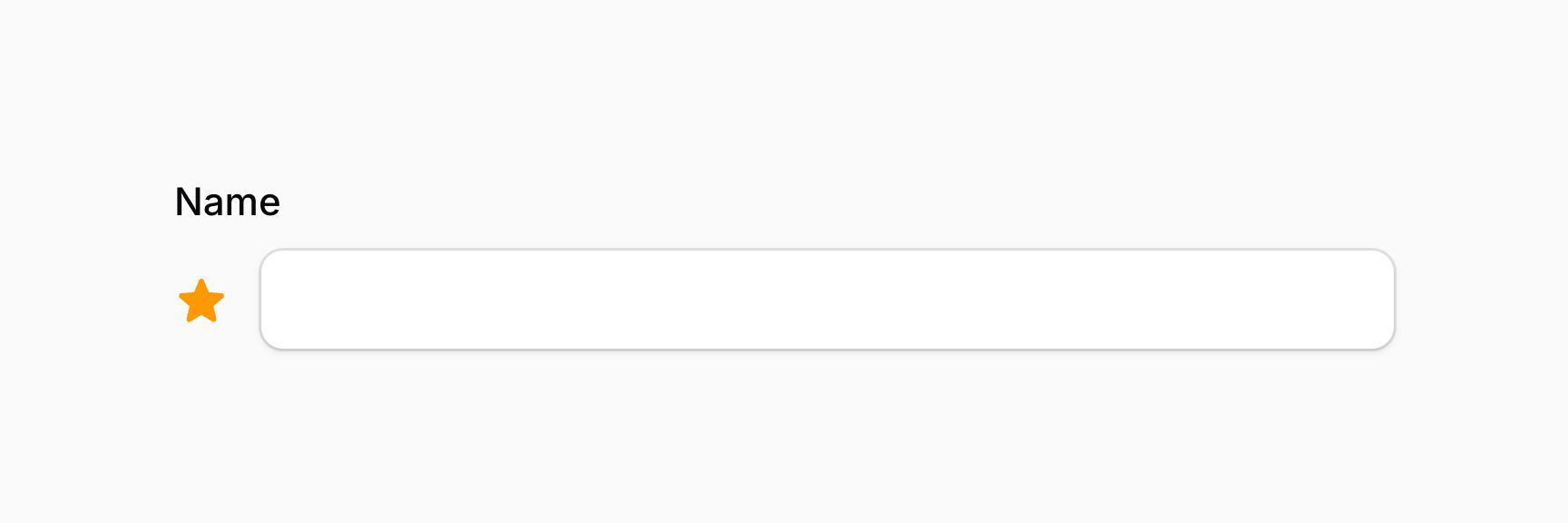
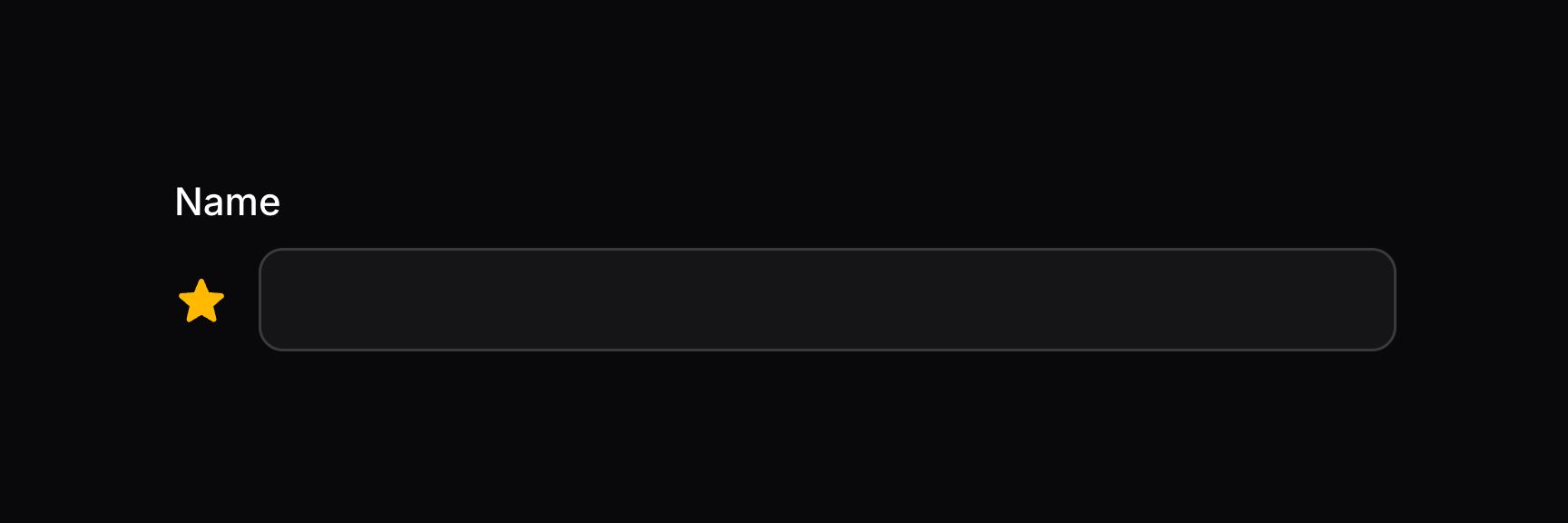
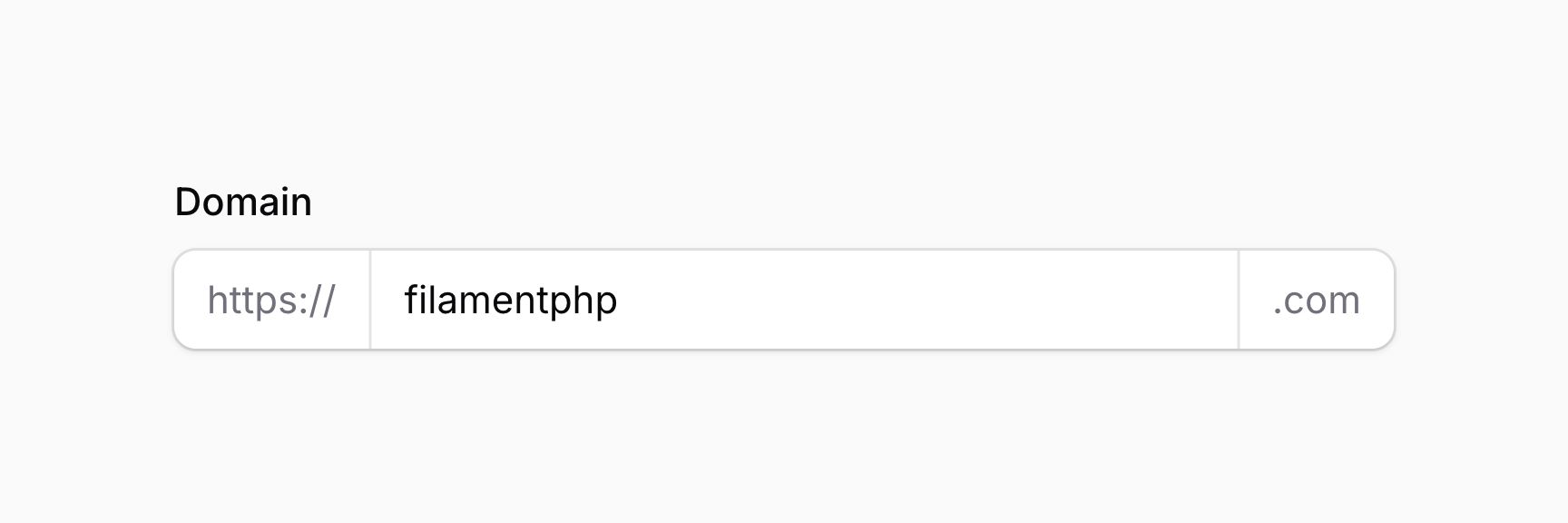
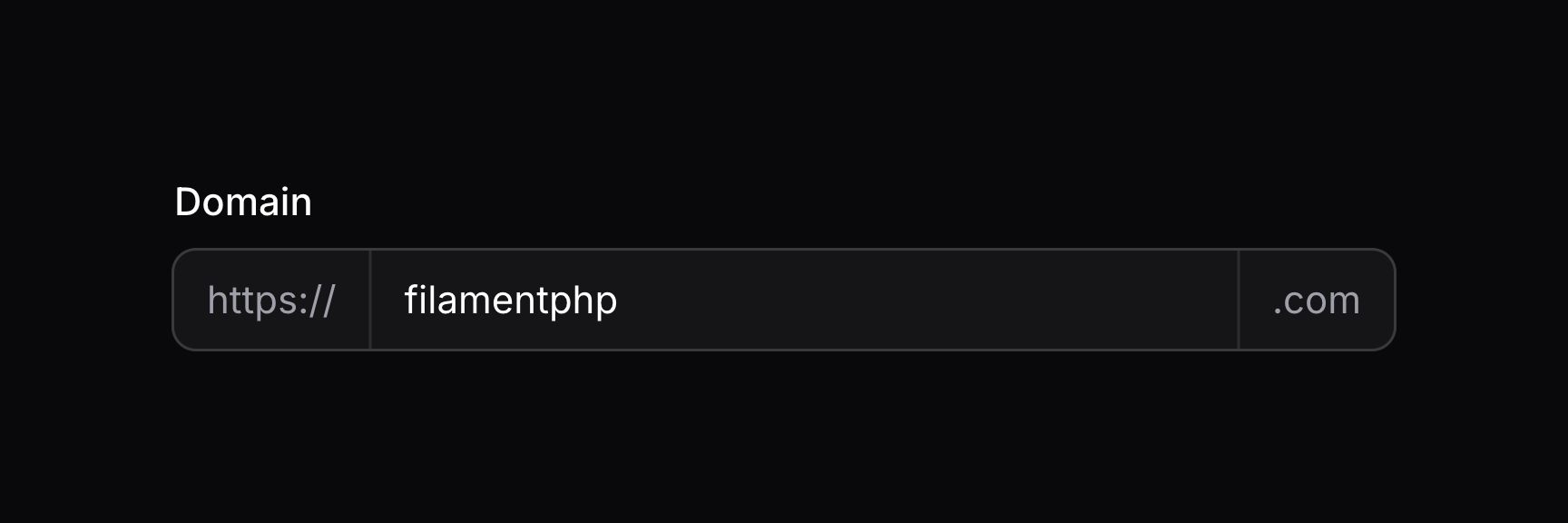
在字段内容之后添加额外内容
你可以使用 afterContent() 方法在字段内容之后插入额外内容。可以向该方法传入任意内容,如文本、schema 组件、操作或操作组:
use Filament\Forms\Components\TextInput;
use Filament\Schemas\Components\Icon;
use Filament\Support\Icons\Heroicon;

TextInput::make('name')
    ->afterContent(Icon::make(Heroicon::Star))
TIP
除了允许静态值外,afterContent() 方法也接受函数以动态计算。你可以将各种工具作为参数注入到该函数中。
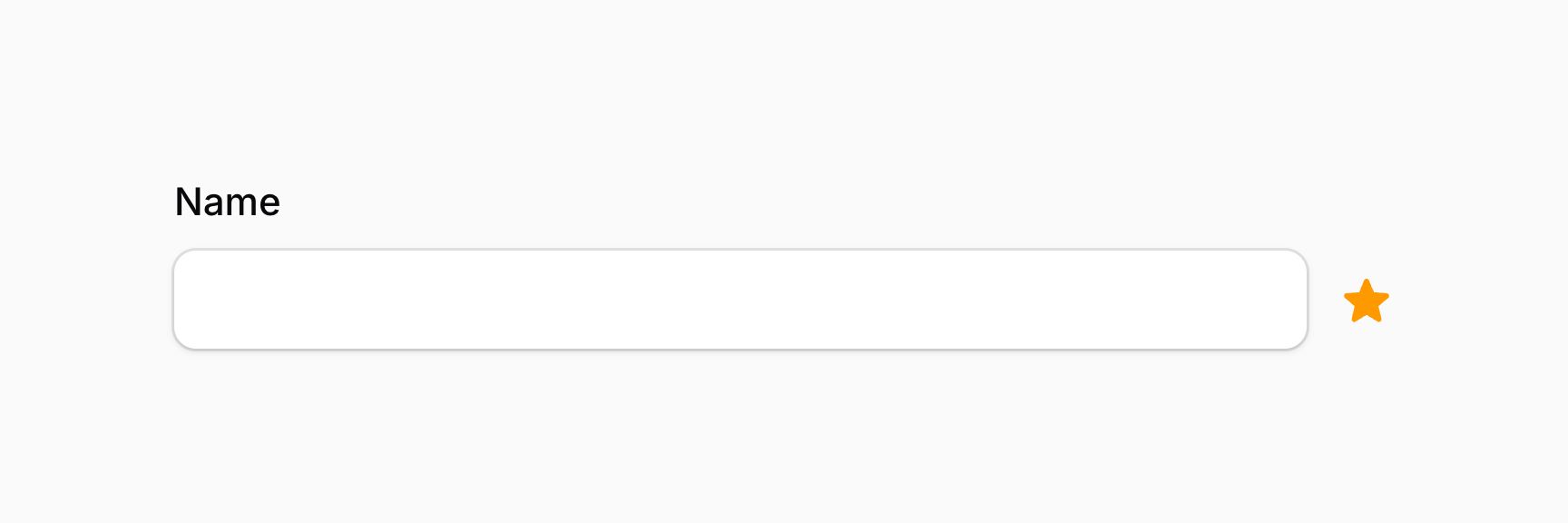
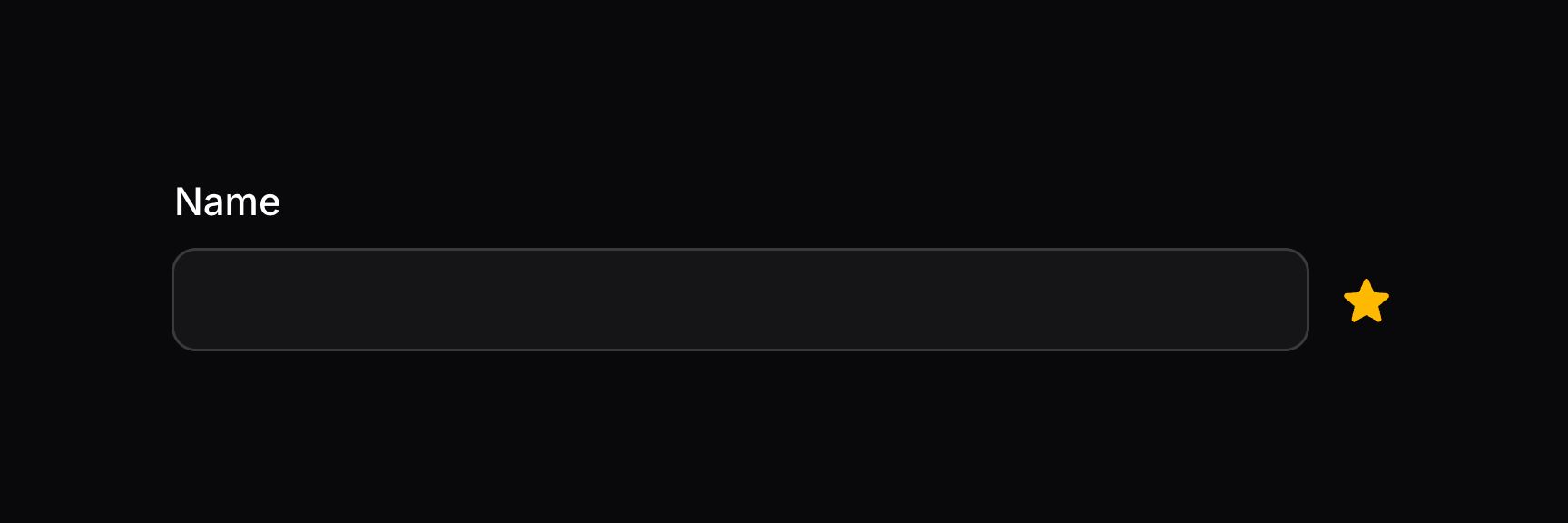
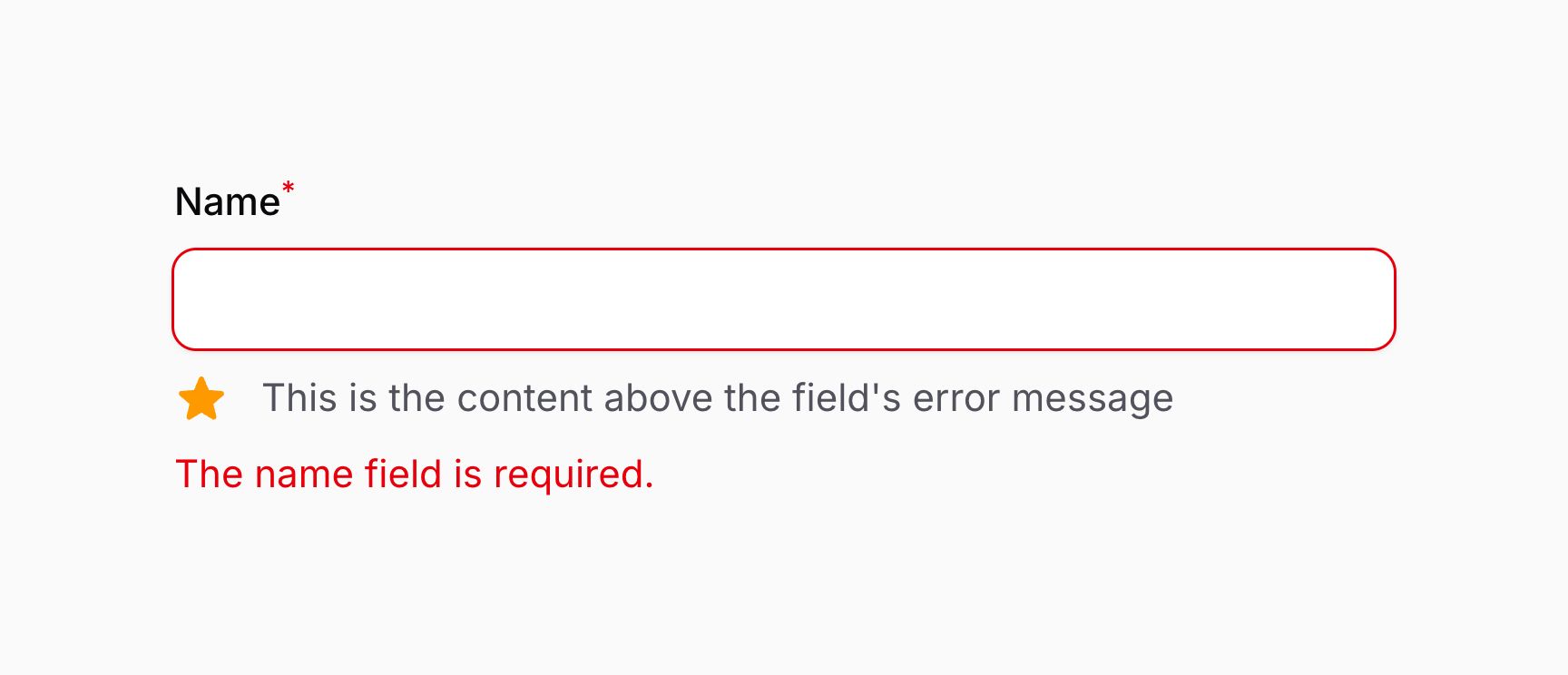
在字段错误消息上方添加额外内容
use Filament\Forms\Components\TextInput;
use Filament\Schemas\Components\Icon;
use Filament\Support\Icons\Heroicon;

TextInput::make('name')
    ->required()
    ->aboveErrorMessage([
        Icon::make(Heroicon::Star),
        'This is the content above the field\'s error message'
    ])
TIP
除了允许静态值外,aboveErrorMessage() 方法也接受函数以动态计算。你可以将各种工具作为参数注入到该函数中。
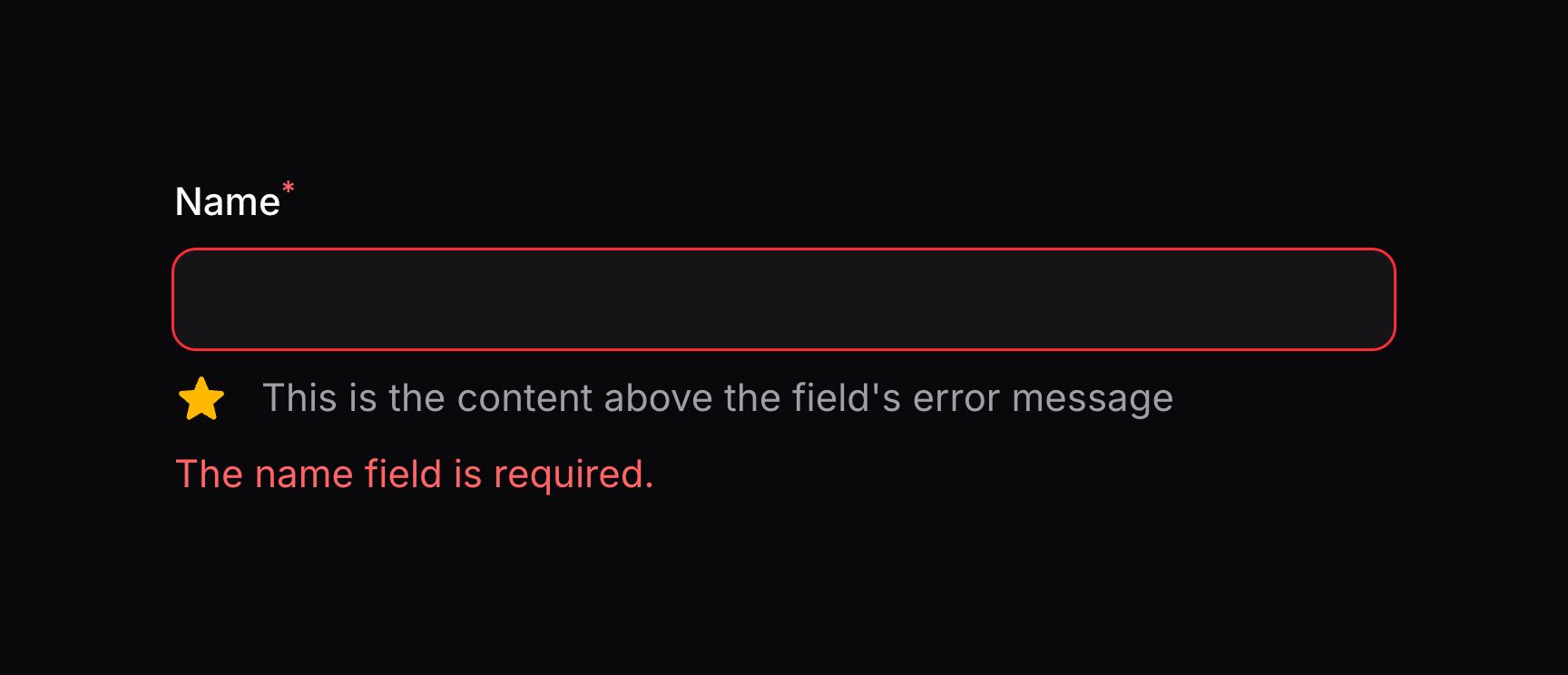
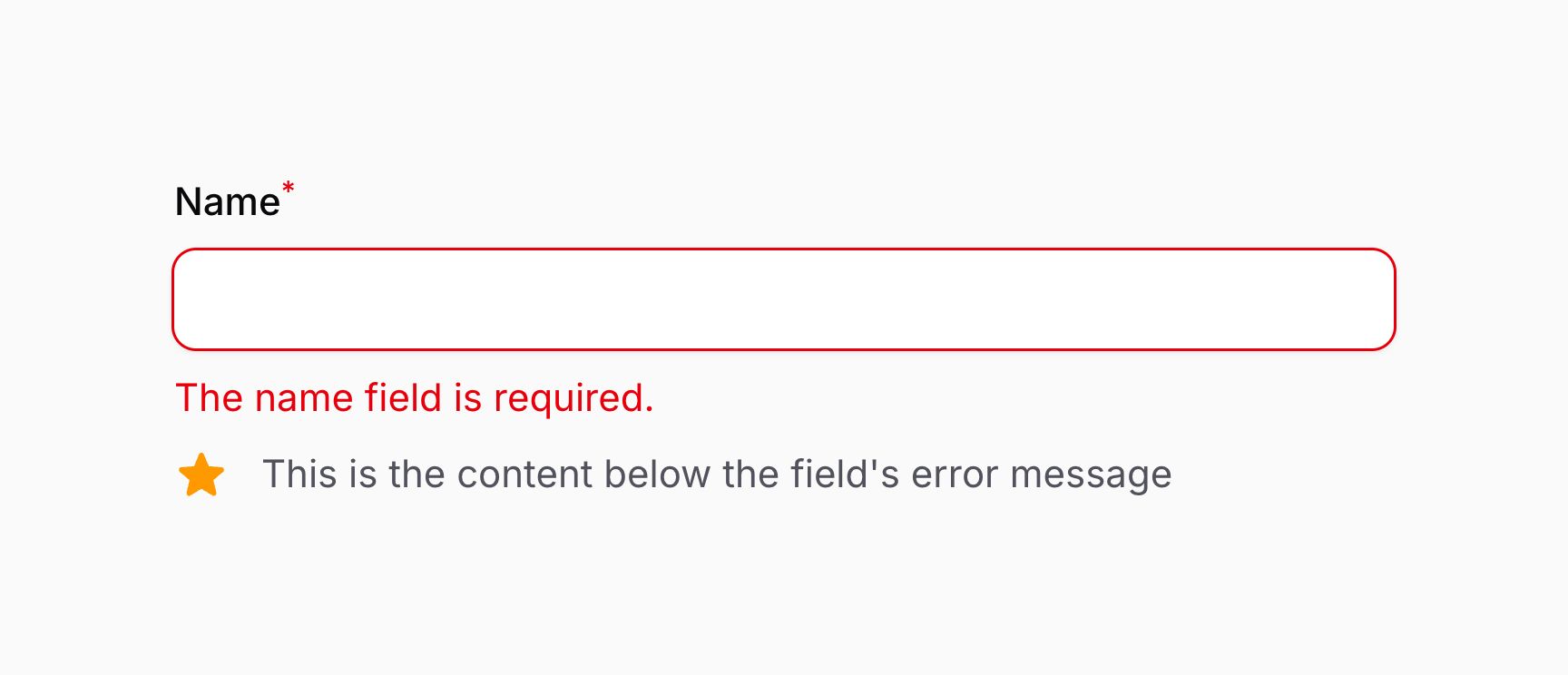
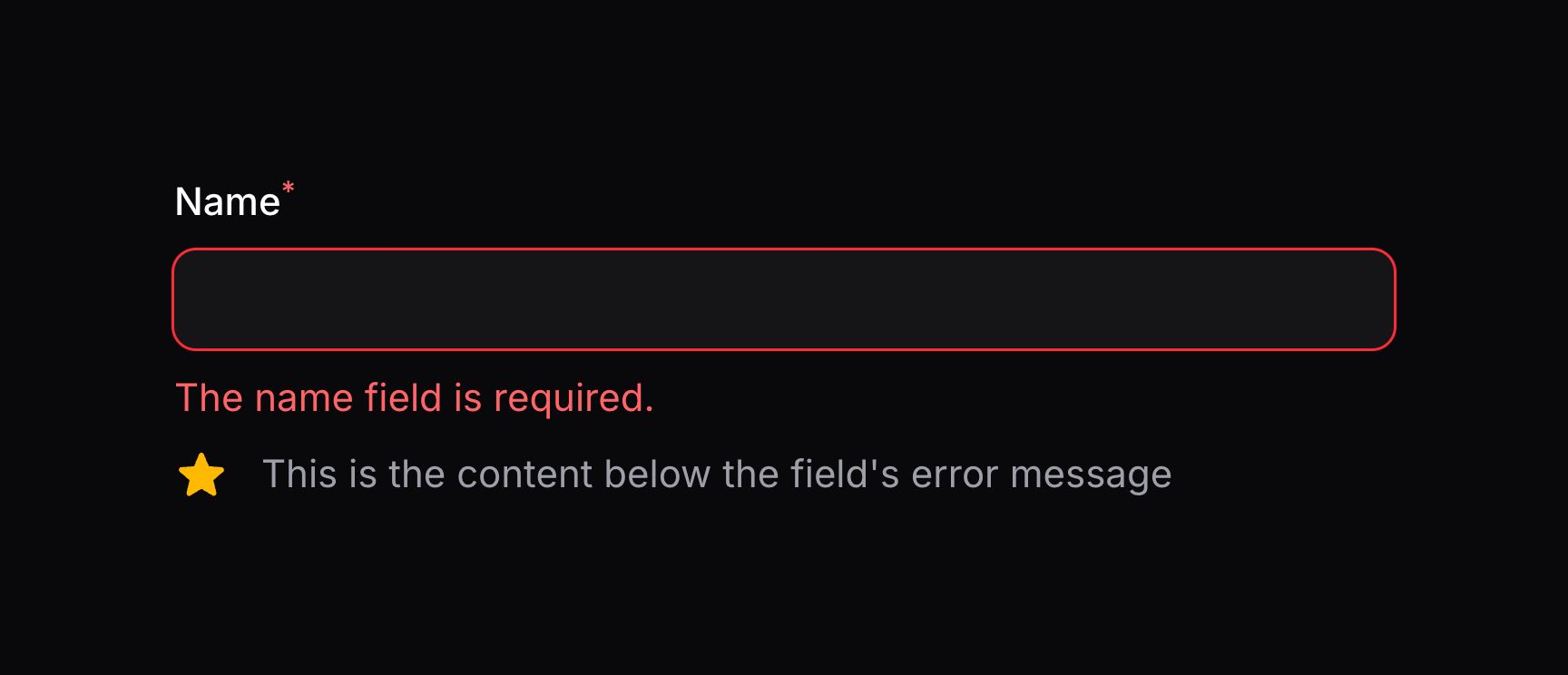
在字段错误消息下方添加额外内容
use Filament\Forms\Components\TextInput;
use Filament\Schemas\Components\Icon;
use Filament\Support\Icons\Heroicon;

TextInput::make('name')
    ->required()
    ->belowErrorMessage([
        Icon::make(Heroicon::Star),
        'This is the content below the field\'s error message'
    ])
TIP
除了允许静态值外,belowErrorMessage() 方法也接受函数以动态计算。你可以将各种工具作为参数注入到该函数中。
向字段添加额外 HTML 属性
你可以通过 extraAttributes() 方法向字段传入额外 HTML 属性,这些属性会合并到其外层 HTML 元素上。属性应以数组表示,键为属性名,值为属性值:
use Filament\Forms\Components\TextInput;

TextInput::make('name')
    ->extraAttributes(['title' => 'Text input'])
TIP
除了允许静态值外,extraAttributes() 方法也接受函数以动态计算。你可以将各种工具作为参数注入到该函数中。
TIP
默认情况下,多次调用 extraAttributes() 会覆盖先前的属性。若希望改为合并属性,可向方法传入 merge: true。
向字段的 input 元素添加额外 HTML 属性
某些字段底层使用 <input> 或 <select> DOM 元素,但该元素通常不是字段的最外层元素,因此 extraAttributes() 可能达不到预期效果。此时可使用 extraInputAttributes() 方法,它会将属性合并到字段 HTML 中的 <input> 或 <select> 元素上:
use Filament\Forms\Components\TextInput;

TextInput::make('categories')
    ->extraInputAttributes(['width' => 200])
TIP
除了允许静态值外,extraInputAttributes() 方法也接受函数以动态计算。你可以将各种工具作为参数注入到该函数中。
TIP
默认情况下,多次调用 extraInputAttributes() 会覆盖先前的属性。若希望改为合并属性,可向方法传入 merge: true。
向字段包装器添加额外 HTML 属性
你也可以向包围字段标签与内容的「字段包装器(field wrapper)」最外层元素传入额外 HTML 属性。若要通过 CSS 样式化标签或字段间距,这很有用,因为你可以把元素作为包装器的子元素来定位:
use Filament\Forms\Components\TextInput;

TextInput::make('categories')
    ->extraFieldWrapperAttributes(['class' => 'components-locked'])
TIP
除了允许静态值外,extraFieldWrapperAttributes() 方法也接受函数以动态计算。你可以将各种工具作为参数注入到该函数中。
TIP
默认情况下,多次调用 extraFieldWrapperAttributes() 会覆盖先前的属性。若希望改为合并属性,可向方法传入 merge: true。
字段工具注入
绝大多数用于配置字段的方法都接受函数作为参数,而不是硬编码值:
use App\Models\User;
use Filament\Forms\Components\DatePicker;
use Filament\Forms\Components\Select;
use Filament\Forms\Components\TextInput;

DatePicker::make('date_of_birth')
    ->displayFormat(function (): string {
        if (auth()->user()->country_id === 'us') {
            return 'm/d/Y';
        }

        return 'd/m/Y';
    })

Select::make('user_id')
    ->options(function (): array {
        return User::query()->pluck('name', 'id')->all();
    })

TextInput::make('middle_name')
    ->required(fn (): bool => auth()->user()->hasMiddleName())
仅此一点就解锁了许多自定义可能。
该包还能以参数形式向这些函数注入许多可用工具。所有接受函数作为参数的自定义方法都可以注入工具。
这些注入的工具要求使用特定的参数名。否则 Filament 不知道要注入什么。
注入字段的当前状态
若要访问字段的当前值(状态),请定义 $state 参数:
function ($state) {
    // ...
}
注入字段的原始状态
若字段会自动将其状态转换为更有用的格式,你可能希望访问原始状态。为此,请定义 $rawState 参数:
function ($rawState) {
    // ...
}
注入另一字段的状态
你也可以在回调中使用 $get 参数获取另一字段的状态(值):
use Filament\Schemas\Components\Utilities\Get;

function (Get $get) {
    $email = $get('email'); // Store the value of the `email` field in the `$email` variable.
    //...
}
TIP
除非表单字段是响应式的,否则字段值变化时 schema 不会刷新,只会在下一次会向服务器发请求的用户交互时刷新。若需要响应字段值的变化,应将其设为 live()。
类型安全地获取另一字段的状态
你可以在 Get 工具上使用「类型化」方法,以类型安全的方式获取另一字段的状态:
use Filament\Schemas\Components\Utilities\Get;

$get->string('email');
$get->integer('age');
$get->float('price');
$get->boolean('is_admin');
$get->array('tags');
$get->date('published_at');
$get->enum('status', StatusEnum::class);
$get->filled('email'); // Returns the result of the `filled()` helper for the field.
$get->blank('email'); // Returns the result of the `blank()` helper for the field.
每个方法都假定字段状态不能为 null。若要强制可空返回类型,请传入 isNullable: true 参数:
use Filament\Schemas\Components\Utilities\Get;

$get->string('email', isNullable: true);
注入当前 Eloquent 记录
你可以使用 $record 参数获取当前 schema 的 Eloquent 记录:
use Illuminate\Database\Eloquent\Model;

function (?Model $record) {
    // ...
}
注入当前操作
若正在为面板资源或关系管理器编写 schema,并希望检查 schema 是 create、edit 还是 view,请使用 $operation 参数:
function (string $operation) {
    // ...
}
INFO
你可以使用 $schema->operation() 方法手动设置 schema 的操作。
注入当前 Livewire 组件实例
若要访问当前 Livewire 组件实例,请定义 $livewire 参数:
use Livewire\Component;

function (Component $livewire) {
    // ...
}
注入当前字段实例
若要访问当前组件实例,请定义 $component 参数:
use Filament\Forms\Components\Field;

function (Field $component) {
    // ...
}
注入多个工具
参数通过反射动态注入,因此你可以按任意顺序组合多个参数:
use Filament\Schemas\Components\Utilities\Get;
use Filament\Schemas\Components\Utilities\Set;
use Livewire\Component as Livewire;

function (Livewire $livewire, Get $get, Set $set) {
    // ...
}
从 Laravel 容器注入依赖
你可以像往常一样从 Laravel 容器注入任意内容,并与工具一起使用:
use Filament\Schemas\Components\Utilities\Set;
use Illuminate\Http\Request;

function (Request $request, Set $set) {
    // ...
}
使用 JavaScript 决定文本内容
允许渲染 HTML 的方法,例如 label() 以及传给 belowContent() 的 Text::make(),也可以改用 JavaScript 计算其内容。做法是向方法传入实现了 Htmlable 的 JsContent 对象:
use Filament\Forms\Components\TextInput;
use Filament\Schemas\JsContent;

TextInput::make('greetingResponse')
    ->label(JsContent::make(<<<'JS'
        ($get('name') === 'John Doe') ? 'Hello, John!' : 'Hello, stranger!'
        JS
))DANGER
传给 JsContent 的字符串会在浏览器中求值,因此切勿将用户输入拼进其中——否则会导致 XSS。通过 $state 或 $get() 在运行时读取的值可作为表达式中的字符串值安全使用,但绝不应被当作 JavaScript 代码本身求值。
响应式基础
Livewire 是一款可让 Blade 渲染的 HTML 动态重新渲染、而无需整页刷新的工具。Filament schema 构建于 Livewire 之上,因此能够动态重新渲染,使内容在初次渲染后仍可适应变化。
默认情况下,用户操作字段时 schema 不会重新渲染。因为渲染需要与服务器往返,这是一种性能优化。但若希望在用户与字段交互后重新渲染 schema,可使用 live() 方法:
use Filament\Forms\Components\Select;

Select::make('status')
    ->options([
        'draft' => 'Draft',
        'reviewing' => 'Reviewing',
        'published' => 'Published',
    ])
    ->live()
本例中,当用户更改 status 字段的值时,schema 会重新渲染。这样你就可以根据 status 的新值调整 schema 中的其他字段。你也可以挂接到字段的生命周期,在字段更新时执行自定义逻辑。
失焦时响应的字段
默认情况下,字段设为 live() 后,每次与字段交互时 schema 都会重新渲染。但对某些字段(如文本输入)这可能不合适,因为用户仍在输入时就发网络请求会导致性能不佳。你可能希望仅在用户用完字段、字段失焦后再重新渲染 schema。可使用 live(onBlur: true) 方法实现:
use Filament\Forms\Components\TextInput;

TextInput::make('username')
    ->live(onBlur: true)
响应式字段的防抖
你可能希望在 live() 与 live(onBlur: true) 之间取折中,即使用「防抖(debouncing)」。防抖会在用户停止输入一段时间后才发送网络请求。可使用 live(debounce: 500) 方法实现:
use Filament\Forms\Components\TextInput;

TextInput::make('username')
->live(debounce: 500) // Wait 500ms before re-rendering the schema.本例中,500 是发送网络请求前等待的毫秒数。你可以自定义该数值,甚至使用如 '1s' 这样的字符串。
字段生命周期
schema 中的每个字段都有生命周期,即 schema 加载时、用户交互时以及提交时所经历的过程。你可以使用在各阶段运行的函数,自定义生命周期每一阶段发生的事。
字段注水(hydration)
注水(Hydration)是用数据填充字段的过程,在调用 schema 的 fill() 方法时运行。你可以使用 afterStateHydrated() 方法自定义字段注水后发生的事。
本例中,name 字段注水时总是会带上正确大小写的姓名:
use Closure;
use Filament\Forms\Components\TextInput;

TextInput::make('name')
    ->required()
    ->afterStateHydrated(function (TextInput $component, string $state) {
        $component->state(ucwords($state));
    })
作为在注水时这样格式化字段状态的快捷方式,你可以使用 formatStateUsing() 方法:
use Closure;
use Filament\Forms\Components\TextInput;

TextInput::make('name')
    ->formatStateUsing(fn (string $state): string => ucwords($state))
字段更新
你可以使用 afterStateUpdated() 方法自定义用户更新字段后发生的事:
use Filament\Forms\Components\TextInput;

TextInput::make('name')
    ->afterStateUpdated(function (?string $state, ?string $old) {
        // ...
    })
TIP
afterStateUpdated() 方法会将各种工具作为参数注入到该函数中。
TIP
在响应式字段上使用 afterStateUpdated() 时,由于会发起网络请求,交互不会感觉即时。有几种方式可以优化并避免渲染,使交互感觉更快。
设置另一字段的状态
与 $get 类似,你也可以在 afterStateUpdated() 中使用 $set 参数设置另一字段的值:
use Filament\Schemas\Components\Utilities\Set;

function (Set $set) {
    $set('title', 'Blog Post'); // Set the `title` field to `Blog Post`.
    //...
}运行该函数时,title 字段的状态会更新,schema 会以新标题重新渲染。
默认情况下,使用 $set() 时,被设置字段的 afterStateUpdated() 方法不会被调用。若希望调用它,可传入 shouldCallUpdatedHooks: true 参数:
use Filament\Schemas\Components\Utilities\Set;

function (Set $set) {
    $set('title', 'Blog Post', shouldCallUpdatedHooks: true);
    //...
}
字段脱水(dehydration)
脱水(Dehydration)是从 schema 中的字段获取数据、可选地转换并返回的过程。在调用 schema 的 getState() 方法时运行,通常在表单提交时调用。
你可以使用 dehydrateStateUsing() 函数自定义脱水时状态的转换方式。本例中,name 字段脱水时总是会带上正确大小写的姓名:
use Filament\Forms\Components\TextInput;

TextInput::make('name')
    ->required()
    ->dehydrateStateUsing(fn (string $state): string => ucwords($state))
阻止字段被保存
你可以使用 saved(false) 完全阻止字段被保存。本例中,该字段不会出现在 getState() 返回的数组中,与该字段关联的任何关系也不会被保存:
use Filament\Forms\Components\TextInput;

TextInput::make('password_confirmation')
    ->password()
    ->saved(false)
若你的 schema 会自动将数据保存到数据库(例如在 资源 中),这很有用:可阻止仅用于展示目的的字段被写入数据库。
INFO
即使字段未被保存,仍会进行校验。要了解更多,请参阅 校验 部分。
字段渲染
每次更新响应式字段时,该 schema 所属的整个 Livewire 组件的 HTML 都会重新生成,并通过网络请求发送到前端。在某些情况下这可能过头了,尤其是 schema 很大且只有部分组件发生变化时。
字段部分渲染
本例中,「name」输入的值用于「email」输入的标签。「name」输入是 live() 的,因此用户在「name」中输入时,整个 schema 都会重新渲染。这并不理想,因为其实只需重新渲染「email」输入:
use Filament\Forms\Components\TextInput;
use Filament\Schemas\Components\Utilities\Get;

TextInput::make('name')
    ->live()

TextInput::make('email')
    ->label(fn (Get $get): string => filled($get('name')) ? "Email address for {$get('name')}" : 'Email address')
此时,简单调用 partiallyRenderComponentsAfterStateUpdated() 并传入要重新渲染的其他字段名,即可让 schema 仅在状态更新后重新渲染指定字段:
use Filament\Forms\Components\TextInput;

TextInput::make('name')
    ->live()
    ->partiallyRenderComponentsAfterStateUpdated(['email'])
或者,你可以使用 partiallyRenderAfterStateUpdated() 指示 Filament 仅重新渲染当前组件。若只有该响应式组件依赖其当前状态,这很有用:
use Filament\Forms\Components\TextInput;

TextInput::make('name')
    ->live()
    ->partiallyRenderAfterStateUpdated()
    ->belowContent(fn (Get $get): ?string => filled($get('name')) ? "Hi, {$get('name')}!" : null)
阻止字段更新后渲染 Livewire 组件
若希望在字段更新时阻止 Livewire 组件重新渲染,可使用 skipRenderAfterStateUpdated() 方法。若要在字段更新时执行某些操作但不希望 Livewire 组件重新渲染,这很有用:
use Filament\Forms\Components\TextInput;

TextInput::make('name')
    ->live()
    ->skipRenderAfterStateUpdated()
    ->afterStateUpdated(function (string $state) {
        // Do something with the state, but don't re-render the Livewire component.
    })
由于在 afterStateUpdated() 函数中用 $set() 设置另一字段的状态实际上只会变更前端字段状态,一开始甚至不需要网络请求。afterStateUpdatedJs() 方法接受一个 JavaScript 表达式,每次字段值变化时都会运行。JavaScript 上下文中可使用 $state、$get() 和 $set() 工具,因此你可以用它们设置其他字段的状态:
use Filament\Forms\Components\TextInput;
use Filament\Schemas\Components\Utilities\Set;

// Old name input that is `live()`, so it makes a network request and render each time it is updated.
TextInput::make('name')
    ->live()
    ->afterStateUpdated(fn (Set $set, ?string $state) => $set('email', ((string) str($state)->replace(' ', '.')->lower()) . '@example.com'))

// New name input that uses `afterStateUpdatedJs()` to set the state of the email field and doesn't make a network request.
TextInput::make('name')
    ->afterStateUpdatedJs(<<<'JS'
        $set('email', ($state ?? '').replaceAll(' ', '.').toLowerCase() + '@example.com')
        JS)

TextInput::make('email')
    ->label('Email address')
DANGER
传给 afterStateUpdatedJs() 的任何 JavaScript 字符串都会在浏览器中执行,因此切勿将用户输入直接拼进该字符串,否则可能导致跨站脚本(XSS)漏洞。来自 $state 或 $get() 的用户输入绝不应被当作 JavaScript 代码求值,但可作为字符串值安全使用,如上例所示。
响应式表单手册
本节汇集了构建高级表单时可能需要完成的常见任务配方。
有条件地隐藏字段
要有条件地隐藏或显示字段,可向 hidden() 方法传入函数,并根据是否要隐藏字段返回 true 或 false。该函数可以注入工具作为参数,因此你可以检查另一字段的值等:
use Filament\Schemas\Components\Utilities\Get;
use Filament\Forms\Components\Checkbox;
use Filament\Forms\Components\TextInput;

Checkbox::make('is_company')
    ->live()

TextInput::make('company_name')
->hidden(fn (Get $get): bool => ! $get('is_company'))本例中,is_company 复选框是 live() 的。这允许在 is_company 字段值变化时重新渲染 schema。你可以在 hidden() 函数中使用 $get() 工具 访问该字段的值。用 ! 取反,使得当 is_company 为 false 时隐藏 company_name 字段。
或者,你可以使用 visible() 方法有条件地显示字段。它与 hidden() 正好相反;若你更喜欢这种写法的清晰度,可以使用它:
use Filament\Schemas\Components\Utilities\Get;
use Filament\Forms\Components\Checkbox;
use Filament\Forms\Components\TextInput;

Checkbox::make('is_company')
    ->live()

TextInput::make('company_name')
    ->visible(fn (Get $get): bool => $get('is_company'))
TIP
使用 live() 意味着每次字段变化时 schema 都会重新加载,从而触发网络请求。 或者,你可以使用 JavaScript 根据另一字段的值隐藏字段。
有条件地设字段为必填
要有条件地设字段为必填,可向 required() 方法传入函数,并根据是否要设为必填返回 true 或 false。该函数可以注入工具作为参数,因此你可以检查另一字段的值等:
use Filament\Schemas\Components\Utilities\Get;
use Filament\Forms\Components\TextInput;

TextInput::make('company_name')
    ->live(onBlur: true)

TextInput::make('vat_number')
->required(fn (Get $get): bool => filled($get('company_name')))本例中,company_name 字段是 live(onBlur: true) 的。这允许在 company_name 值变化且用户点击离开后重新渲染 schema。你可以在 required() 函数中使用 $get() 工具 访问该字段的值。用 filled() 检查该值,使得当 company_name 不是 null 或空字符串时,vat_number 为必填。结果是:仅当填写了 company_name 时,vat_number 才必填。
使用函数也可以用类似方式让其他任意 校验规则 变为动态。
从标题生成 slug
要在用户输入时从标题生成 slug,可在标题字段上使用 afterStateUpdated() 方法,通过 $set() 设置 slug 字段的值:
use Filament\Schemas\Components\Utilities\Set;
use Filament\Forms\Components\TextInput;
use Illuminate\Support\Str;

TextInput::make('title')
    ->live(onBlur: true)
    ->afterStateUpdated(fn (Set $set, ?string $state) => $set('slug', Str::slug($state)))

TextInput::make('slug')本例中,title 字段是 live(onBlur: true) 的。这允许在 title 值变化且用户点击离开时重新渲染 schema。使用 afterStateUpdated() 在 title 状态更新后运行函数。该函数注入 $set() 工具 以及 title 的新状态。Str::slug() 是 Laravel 的工具方法,用于从字符串生成 slug。然后用 $set() 更新 slug 字段。
需要注意的是,用户可能手动自定义 slug;若标题变化,我们不希望覆盖他们的修改。为防止这种情况,可以用旧版标题判断用户是否自行修改过。要访问旧版标题,可注入 $old;要在变更前获取 slug 的当前值,可使用 $get() 工具:
use Filament\Schemas\Components\Utilities\Get;
use Filament\Schemas\Components\Utilities\Set;
use Filament\Forms\Components\TextInput;
use Illuminate\Support\Str;

TextInput::make('title')
    ->live(onBlur: true)
    ->afterStateUpdated(function (Get $get, Set $set, ?string $old, ?string $state) {
        if (($get('slug') ?? '') !== Str::slug($old)) {
            return;
        }

        $set('slug', Str::slug($state));
    })

TextInput::make('slug')
依赖的选择选项
use Filament\Schemas\Components\Utilities\Get;
use Filament\Forms\Components\Select;

Select::make('category')
    ->options([
        'web' => 'Web development',
        'mobile' => 'Mobile development',
        'design' => 'Design',
    ])
    ->live()

Select::make('sub_category')
    ->options(fn (Get $get): array => match ($get('category')) {
        'web' => [
            'frontend_web' => 'Frontend development',
            'backend_web' => 'Backend development',
        ],
        'mobile' => [
            'ios_mobile' => 'iOS development',
            'android_mobile' => 'Android development',
        ],
        'design' => [
            'app_design' => 'Panel design',
            'marketing_website_design' => 'Marketing website design',
        ],
        default => [],
})本例中,category 字段是 live() 的。这允许在 category 值变化时重新渲染 schema。你可以在 options() 函数中使用 $get() 工具 访问该字段的值,并据此决定 sub_category 应有哪些选项。PHP 的 match () 语句根据 category 的值返回选项数组。结果是:sub_category 只会显示与所选 category 相关的选项。
你也可以改造本例,在函数内查询,从 Eloquent 模型或其他数据源加载选项:
use Filament\Schemas\Components\Utilities\Get;
use Filament\Forms\Components\Select;
use Illuminate\Support\Collection;

Select::make('category')
    ->options(Category::query()->pluck('name', 'id'))
    ->live()

Select::make('sub_category')
    ->options(fn (Get $get): Collection => SubCategory::query()
        ->where('category', $get('category'))
        ->pluck('name', 'id'))
基于选择选项的动态字段
你可能希望根据字段(如选择框)的值渲染不同的字段集合。为此,可向任意 布局组件 的 schema() 方法传入函数,检查该字段的值并根据该值返回不同的 schema。此外,还需要在动态 schema 中的新字段首次加载时初始化它们。
use Filament\Forms\Components\FileUpload;
use Filament\Forms\Components\Select;
use Filament\Forms\Components\TextInput;
use Filament\Schemas\Components\Grid;
use Filament\Schemas\Components\Utilities\Get;

Select::make('type')
    ->options([
        'employee' => 'Employee',
        'freelancer' => 'Freelancer',
    ])
    ->live()
    ->afterStateUpdated(fn (Select $component) => $component
        ->getContainer()
        ->getComponent('dynamicTypeFields')
        ->getChildSchema()
        ->fill())

Grid::make(2)
    ->schema(fn (Get $get): array => match ($get('type')) {
        'employee' => [
            TextInput::make('employee_number')
                ->required(),
            FileUpload::make('badge')
                ->image()
                ->required(),
        ],
        'freelancer' => [
            TextInput::make('hourly_rate')
                ->numeric()
                ->required()
                ->prefix('€'),
            FileUpload::make('contract')
                ->required(),
        ],
        default => [],
    })
->key('dynamicTypeFields')本例中,type 字段是 live() 的。这允许在 type 值变化时重新渲染 schema。使用 afterStateUpdated() 在 type 状态更新后运行函数。此处我们注入当前选择字段实例,再用它获取同时容纳选择框与网格组件的 schema「容器」实例。有了该容器,可用我们赋给网格组件的唯一键(dynamicTypeFields)定位它。拿到该网格组件实例后,可像普通表单一样调用 fill() 进行初始化。网格组件的 schema() 方法再根据 type 的值返回不同的 schema:通过 $get() 工具 动态返回不同的 schema 数组。
自动哈希密码字段
你有一个密码字段:
use Filament\Forms\Components\TextInput;

TextInput::make('password')
    ->password()
你可以使用 脱水函数 在表单提交时对密码进行哈希:
use Filament\Forms\Components\TextInput;
use Illuminate\Support\Facades\Hash;

TextInput::make('password')
    ->password()
    ->dehydrateStateUsing(fn (string $state): string => Hash::make($state))
但若 schema 用于更改已有密码,字段为空时不应覆盖现有密码。若字段为 null 或空字符串,可使用 filled() 辅助函数阻止该字段被保存:
use Filament\Forms\Components\TextInput;
use Illuminate\Support\Facades\Hash;

TextInput::make('password')
    ->password()
    ->dehydrateStateUsing(fn (string $state): string => Hash::make($state))
->saved(fn (?string $state): bool => filled($state))不过,在创建用户时应要求填写密码:可通过注入 $operation 工具,然后有条件地设字段为必填:
use Filament\Forms\Components\TextInput;
use Illuminate\Support\Facades\Hash;

TextInput::make('password')
    ->password()
    ->dehydrateStateUsing(fn (string $state): string => Hash::make($state))
    ->saved(fn (?string $state): bool => filled($state))
    ->required(fn (string $operation): bool => $operation === 'create')
INFO
本例中,Hash::make($state) 演示了如何使用 脱水函数。但若你的模型在 casts 中使用 'password' => 'hashed' —— Laravel 会自动处理哈希,则不必这样做。
将数据保存到关系
除了能为字段提供结构外,布局组件 还能将其嵌套字段「传送」到关系中。Filament 会处理从 HasOne、BelongsTo 或 MorphOne Eloquent 关系加载数据,再将数据保存回同一关系。要启用此行为,可在任意布局组件上使用 relationship() 方法:
use Filament\Forms\Components\FileUpload;
use Filament\Forms\Components\Textarea;
use Filament\Forms\Components\TextInput;
use Filament\Schemas\Components\Fieldset;

Fieldset::make('Metadata')
    ->relationship('metadata')
    ->schema([
        TextInput::make('title'),
        Textarea::make('description'),
        FileUpload::make('image'),
])本例中,title、description 和 image 会自动从 metadata 关系加载,并在表单提交时再次保存。若 metadata 记录不存在,会自动创建。
此功能不仅限于 fieldset——可用于任意布局组件。例如,你可以使用没有关联样式的 Group 组件:
use Filament\Forms\Components\TextInput;
use Filament\Schemas\Components\Group;

Group::make()
    ->relationship('customer')
    ->schema([
        TextInput::make('name')
            ->label('Customer')
            ->required(),
        TextInput::make('email')
            ->label('Email address')
            ->email()
            ->required(),
    ])
将数据保存到 BelongsTo 或 MorphTo 关系
请注意:若将数据保存到 BelongsTo 或 MorphTo 关系,数据库中的外键列必须为 nullable()。因为 Filament 会先保存 schema,再保存关系。由于 schema 先保存,外键 ID 尚不存在,因此必须可空。schema 保存后,Filament 会立即保存关系,填入外键 ID 并再次保存。
值得注意的是:若 schema 模型上有观察者,可能需要调整它,确保创建时不依赖关系已存在。例如,若有观察者在 schema 创建时向关联记录发邮件,可能需要改用在关系关联之后运行的钩子,如 updated()。
为 MorphTo 关系指定关联模型
若使用 MorphTo 关系,并希望 Filament 能创建 MorphTo 记录(而不仅仅是更新),需通过 relationship() 方法的 relatedModel 参数指定关联模型:
use App\Models\Organization;
use Filament\Forms\Components\TextInput;
use Filament\Schemas\Components\Group;

Group::make()
    ->relationship('customer', relatedModel: Organization::class)
    ->schema([
        // ...
])本例中,customer 是 MorphTo 关系,可能是 Individual 或 Organization。通过指定 relatedModel 参数,Filament 能在表单提交时创建 Organization 记录。若不指定该参数,Filament 只能更新已有记录。
TIP
relatedModel 参数也接受返回关联模型类名的函数。若要根据表单当前状态动态确定关联模型,这很有用。你可以将各种工具注入到该函数中。
有条件地将数据保存到关系
有时,保存关联记录可以是可选的。若用户填写了客户字段,则创建/更新客户;否则不创建客户,若已存在则删除。为此,可向 relationship() 传入 condition 函数参数,它可使用关联表单的 $state 判断是否应保存该关系:
use Filament\Forms\Components\TextInput;
use Filament\Schemas\Components\Group;

Group::make()
    ->relationship(
        'customer',
        condition: fn (?array $state): bool => filled($state['name']),
    )
    ->schema([
        TextInput::make('name')
            ->label('Customer'),
        TextInput::make('email')
            ->label('Email address')
            ->email()
            ->requiredWith('name'),
    ])
本例中,客户姓名不是 required(),邮箱仅在填写了 name 时必填。condition 函数用于检查 name 是否已填写;若已填写则创建/更新客户,否则不创建,若已存在则删除。
组件隐藏时仍保存关系数据
默认情况下,若使用 relationship() 的布局组件在表单提交时处于隐藏状态,Filament 会完全跳过它——不会创建或更新关联记录,已有记录保持不变。这通常正是你想要的,因为隐藏组件没有可保存的状态。
若需要在组件隐藏时仍让 Filament 保存关系——例如字段值由 默认值 填充——请调用 saveRelationshipsWhenHidden():
use Filament\Forms\Components\TextInput;
use Filament\Schemas\Components\Group;

Group::make()
    ->relationship('metadata')
    ->saveRelationshipsWhenHidden()
    ->hidden()
    ->schema([
        TextInput::make('source')
            ->default('admin'),
    ])
WARNING
将 saveRelationshipsWhenHidden() 与在组件隐藏时返回 false 的 condition 组合使用,会在表单提交时删除任何已有关联记录。若只想在组件隐藏时跳过保存,请省略 saveRelationshipsWhenHidden(),改用默认行为。
全局设置
若希望全局更改字段的默认行为,可在服务提供者的 boot() 方法或中间件中调用静态方法 configureUsing(),并传入能修改组件的闭包。例如,若希望所有 复选框使用 inline(false),可以这样做:
use Filament\Forms\Components\Checkbox;

Checkbox::configureUsing(function (Checkbox $checkbox): void {
    $checkbox->inline(false);
});
当然,你仍可以在每个字段上单独覆盖此行为:
use Filament\Forms\Components\Checkbox;

Checkbox::make('is_admin')
    ->inline()