Section Blade 组件
简介
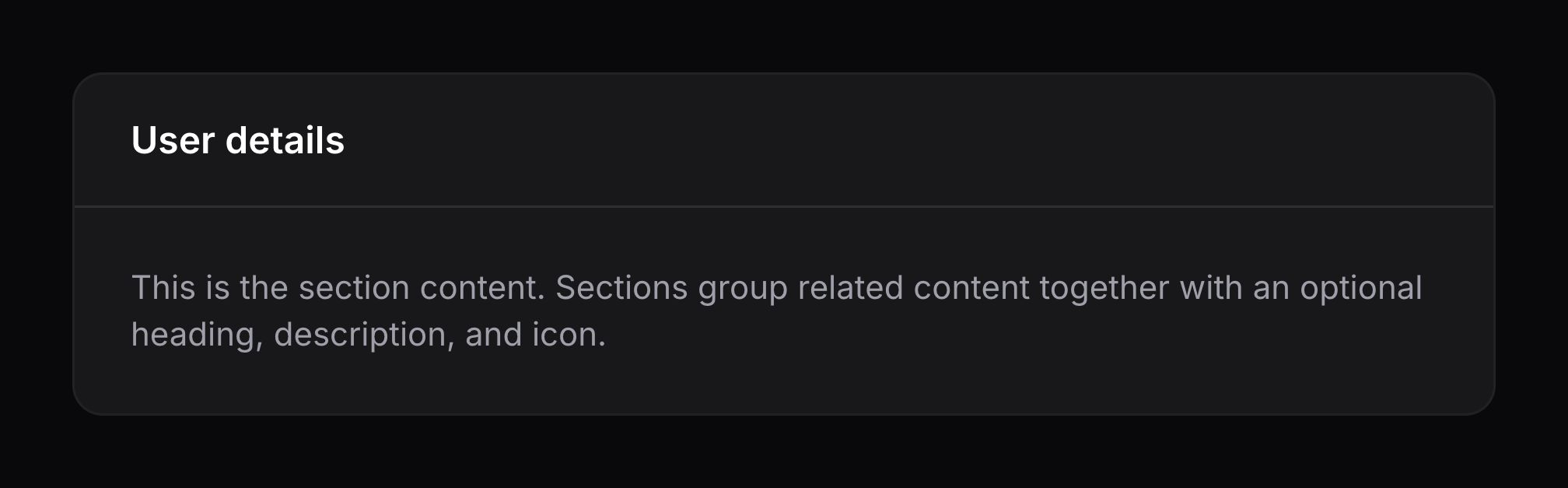
section 可用于将内容组合在一起,并可选择附带标题:
blade
<x-filament::section>
    <x-slot name="heading">
        User details
    </x-slot>

    {{-- Content --}}
</x-filament::section>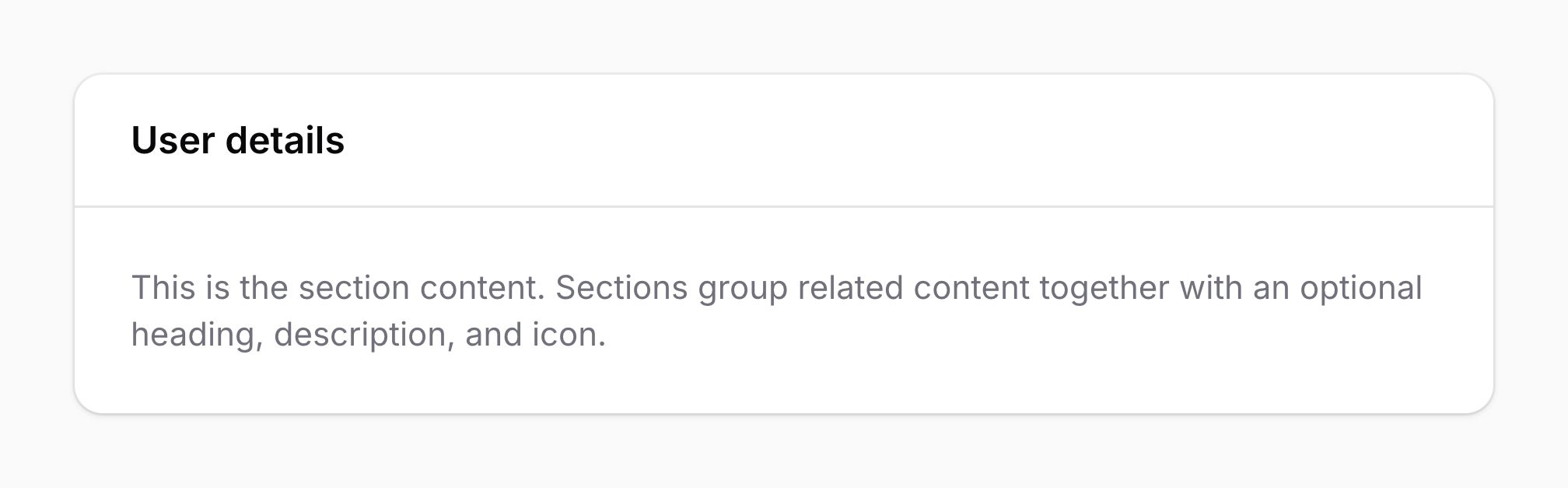
为分区添加描述
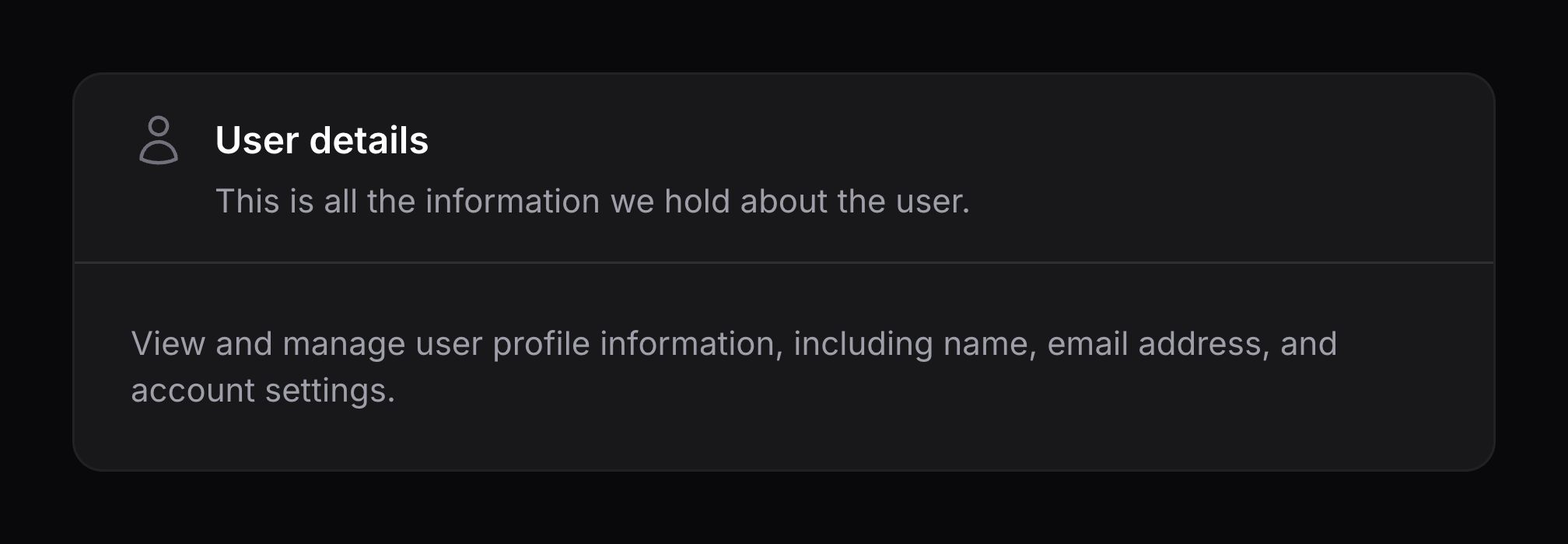
可使用 description 插槽在标题下方为分区添加描述:
blade
<x-filament::section>
    <x-slot name="heading">
        User details
    </x-slot>

    <x-slot name="description">
        This is all the information we hold about the user.
    </x-slot>

    {{-- Content --}}
</x-filament::section>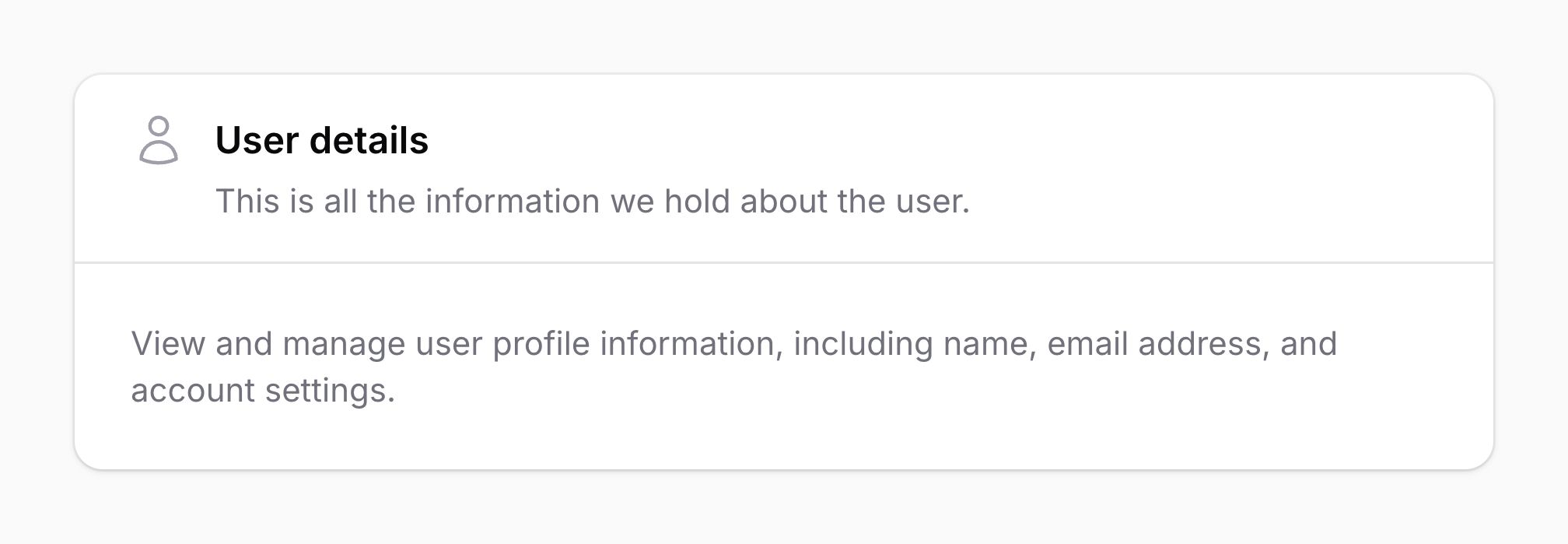
为分区标题添加图标
可使用 icon 属性为分区添加图标:
blade
<x-filament::section icon="heroicon-o-user">
    <x-slot name="heading">
        User details
    </x-slot>

    {{-- Content --}}
</x-filament::section>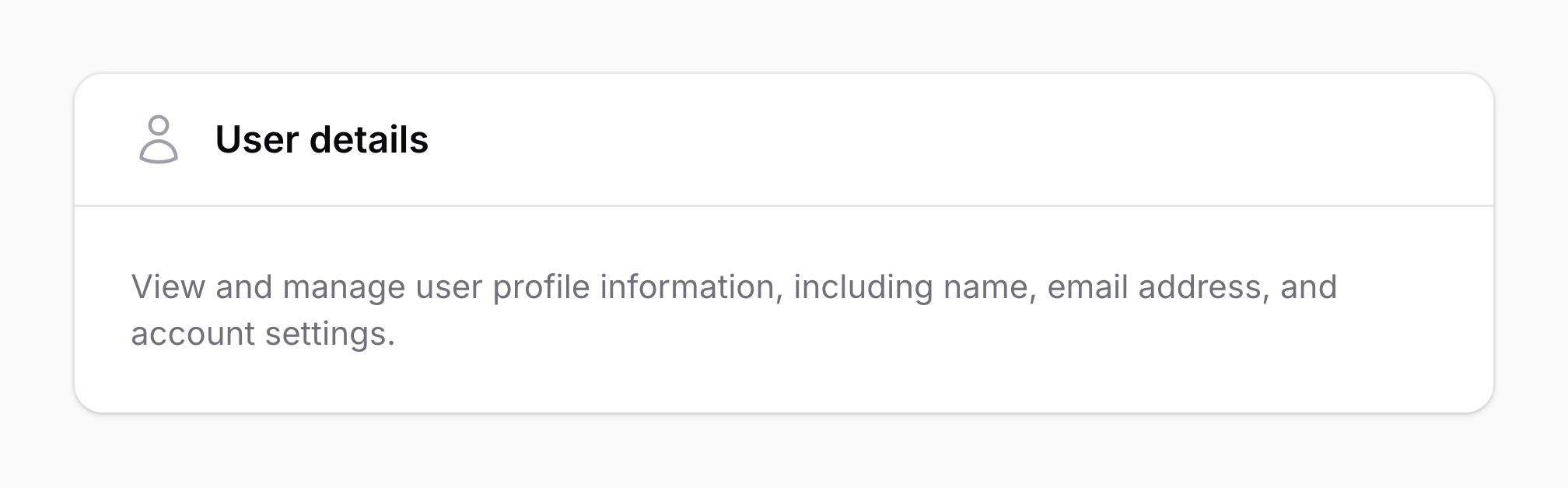

更改分区图标颜色
默认情况下,分区图标的颜色为「gray」。可使用 icon-color 属性将其改为 danger、info、primary、success 或 warning:
blade
<x-filament::section
    icon="heroicon-o-user"
    icon-color="info"
>
    <x-slot name="heading">
        User details
    </x-slot>

    {{-- Content --}}
</x-filament::section>

更改分区图标尺寸
默认情况下,分区图标的尺寸为「大」。可使用 icon-size 属性将其改为「小」或「中」:
blade
<x-filament::section
    icon="heroicon-m-user"
    icon-size="sm"
>
    <x-slot name="heading">
        User details
    </x-slot>

    {{-- Content --}}
</x-filament::section>

<x-filament::section
    icon="heroicon-m-user"
    icon-size="md"
>
    <x-slot name="heading">
        User details
    </x-slot>

    {{-- Content --}}
</x-filament::section>

在标题末尾添加内容
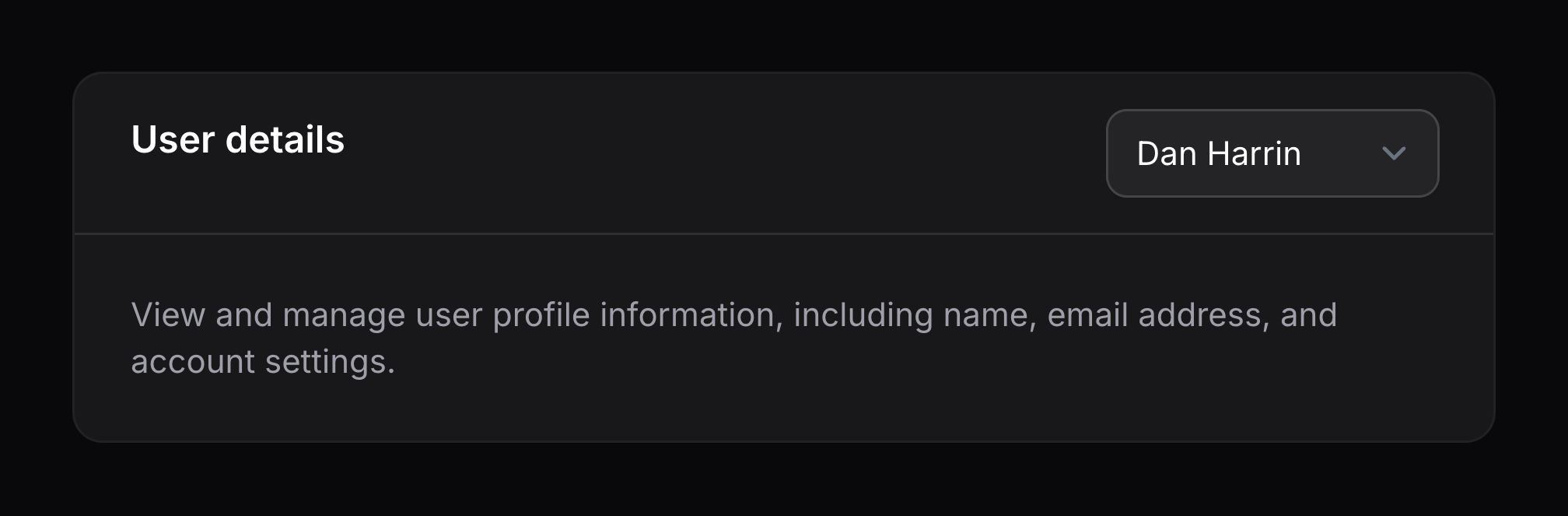
可使用 afterHeader 插槽在标题末尾、标题与描述旁边渲染额外内容:
blade
<x-filament::section>
    <x-slot name="heading">
        User details
    </x-slot>

    <x-slot name="afterHeader">
        {{-- Input to select the user's ID --}}
    </x-slot>

    {{-- Content --}}
</x-filament::section>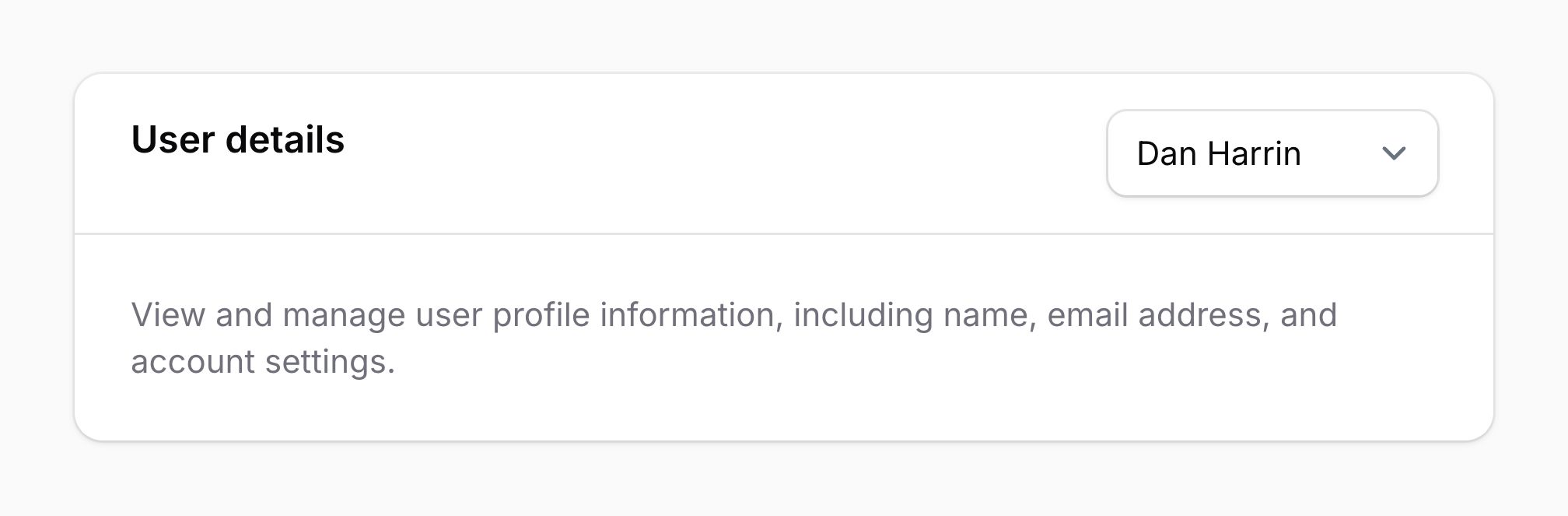
使分区可折叠
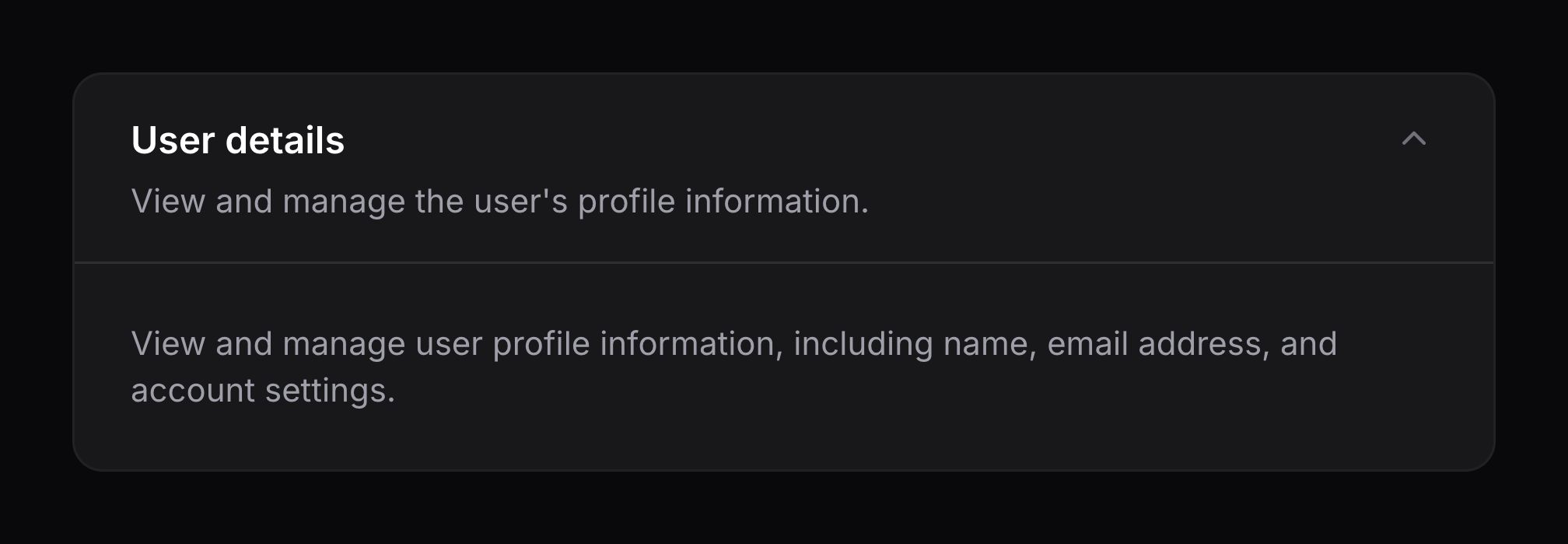
可使用 collapsible 属性使分区内容可折叠:
blade
<x-filament::section collapsible>
    <x-slot name="heading">
        User details
    </x-slot>

    {{-- Content --}}
</x-filament::section>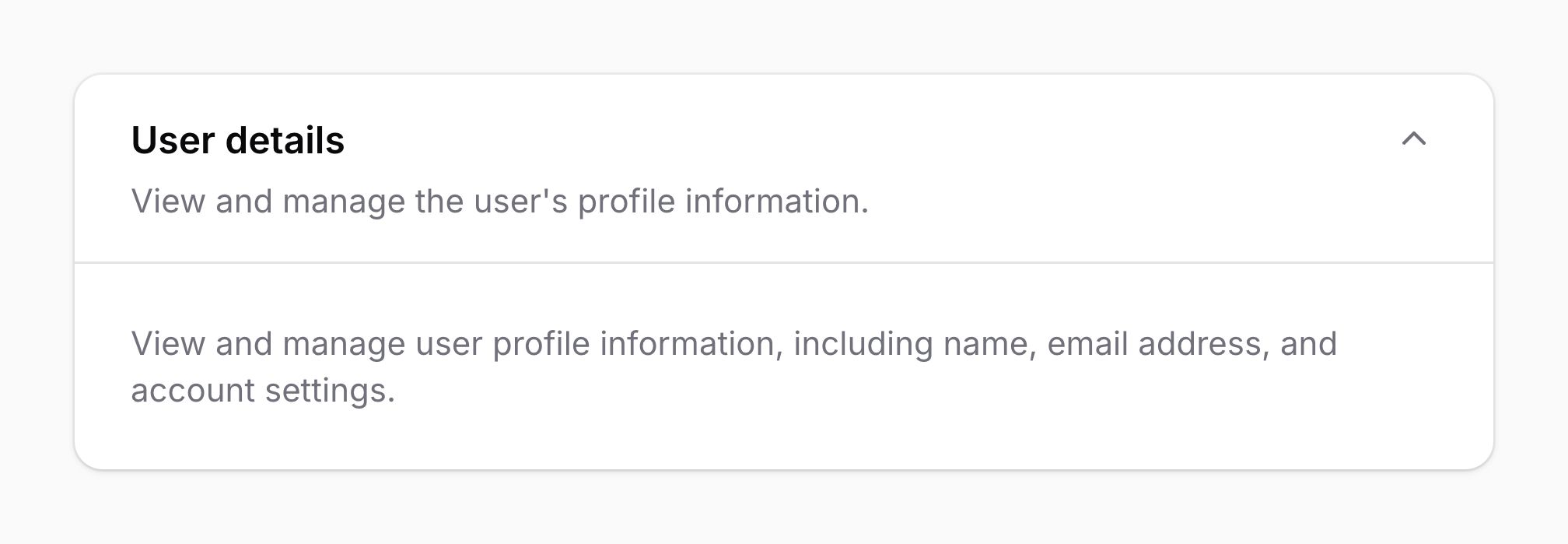
默认折叠分区
可使用 collapsed 属性使分区默认折叠:
blade
<x-filament::section
    collapsible
    collapsed
>
    <x-slot name="heading">
        User details
    </x-slot>

    {{-- Content --}}
</x-filament::section>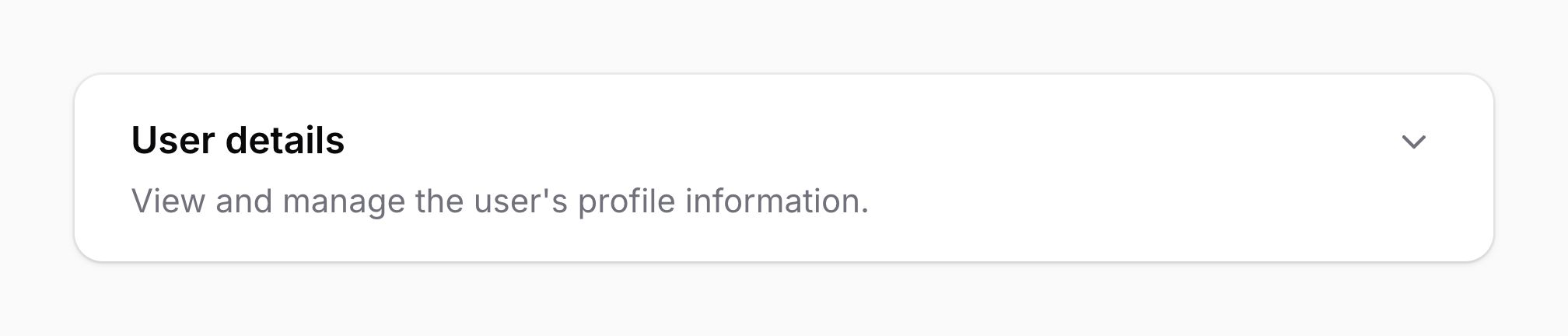

持久化折叠状态
可使用 persist-collapsed 属性将分区是否折叠持久化到 local storage,这样用户刷新页面后仍会保持折叠。还需要唯一的 id 属性以区分其他分区,使每个分区能持久化各自的折叠状态:
blade
<x-filament::section
    collapsible
    collapsed
    persist-collapsed
    id="user-details"
>
    <x-slot name="heading">
        User details
    </x-slot>

    {{-- Content --}}
</x-filament::section>
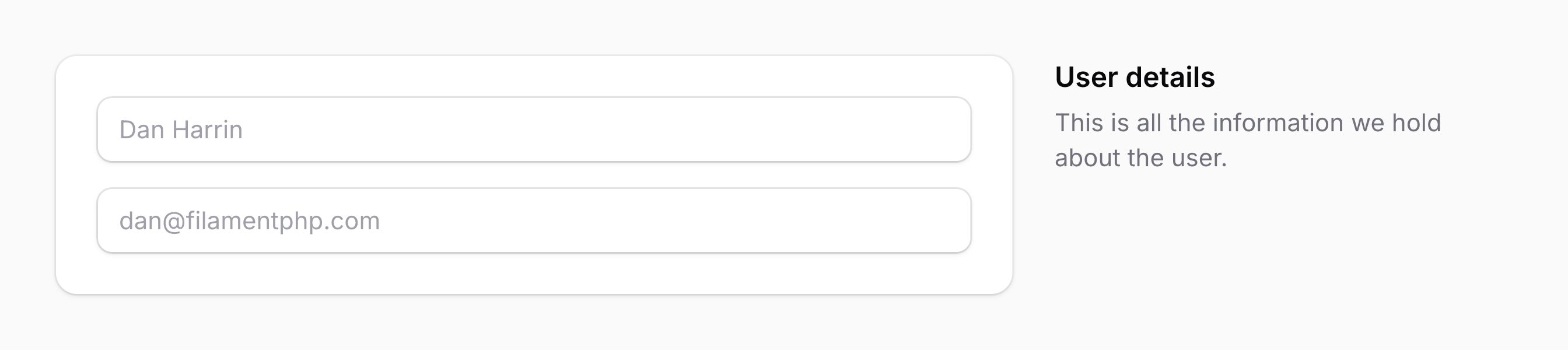
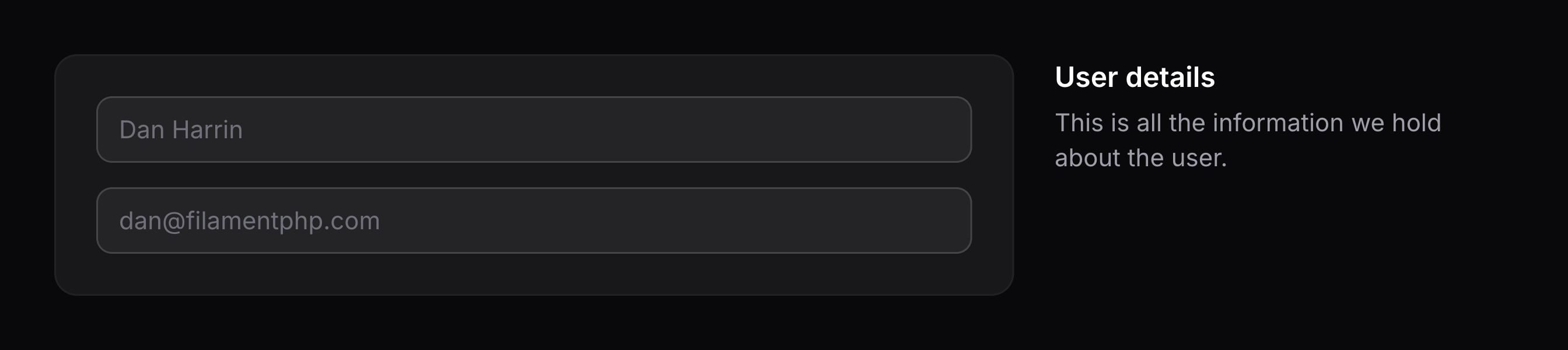
将分区标题放在内容旁而非上方
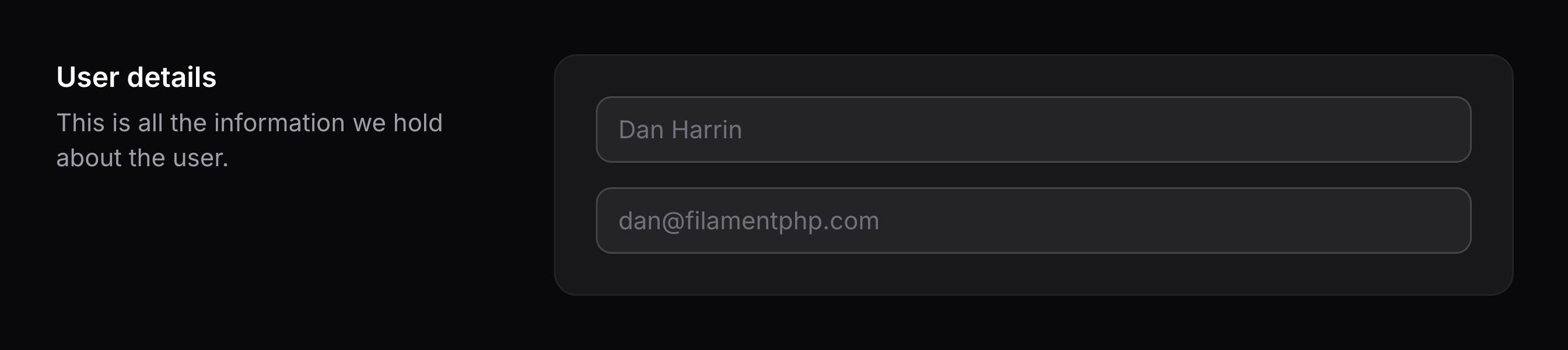
可使用 aside 属性将分区标题位置改为内容旁,而不是上方:
blade
<x-filament::section aside>
    <x-slot name="heading">
        User details
    </x-slot>

    {{-- Content --}}
</x-filament::section>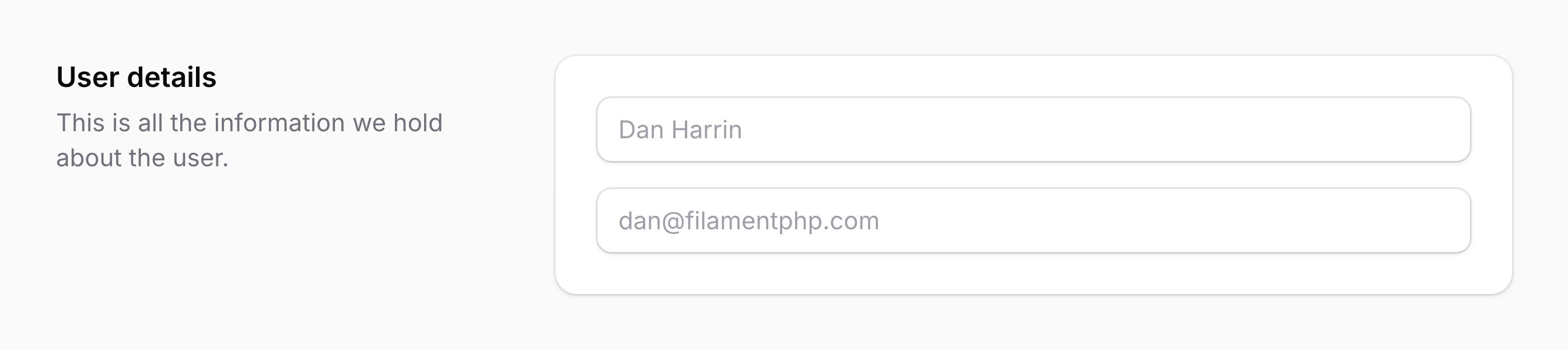
将内容放在标题之前
可使用 content-before 属性将内容位置改为标题之前,而不是之后:
blade
<x-filament::section
    aside
    content-before
>
    <x-slot name="heading">
        User details
    </x-slot>

    {{-- Content --}}
</x-filament::section>